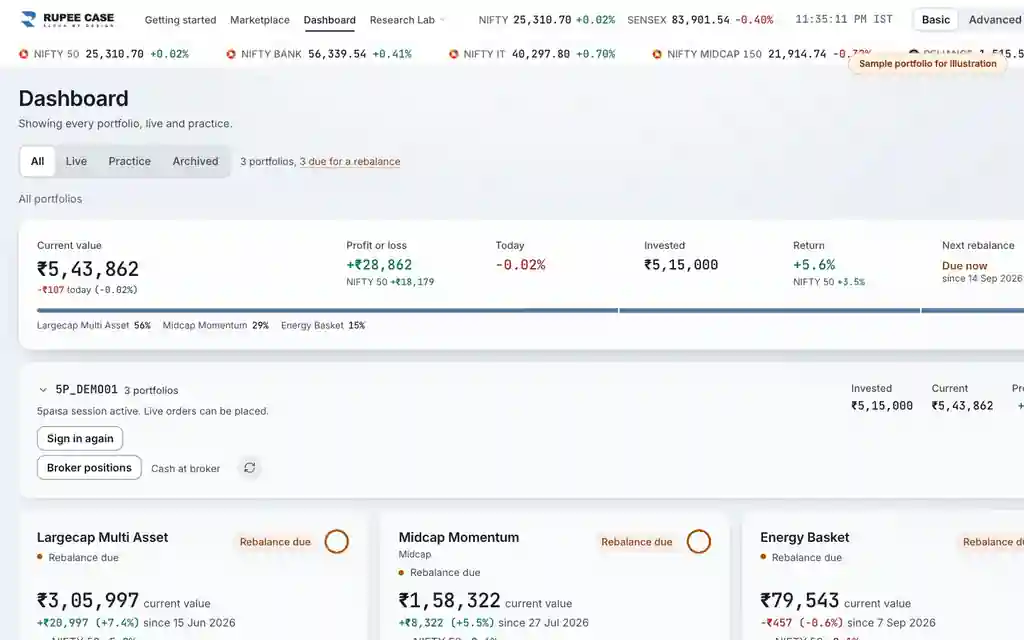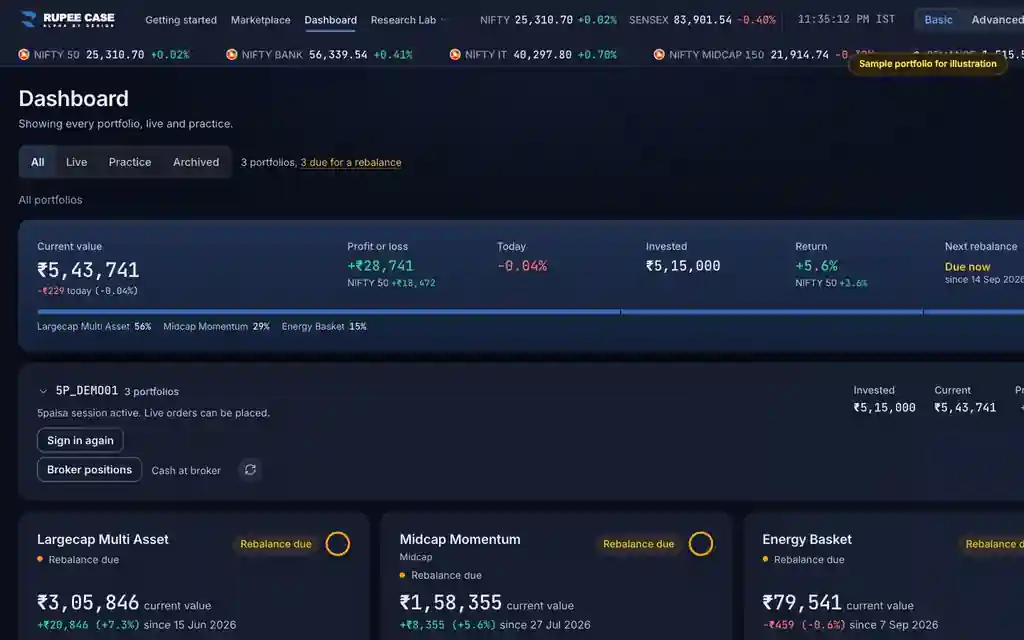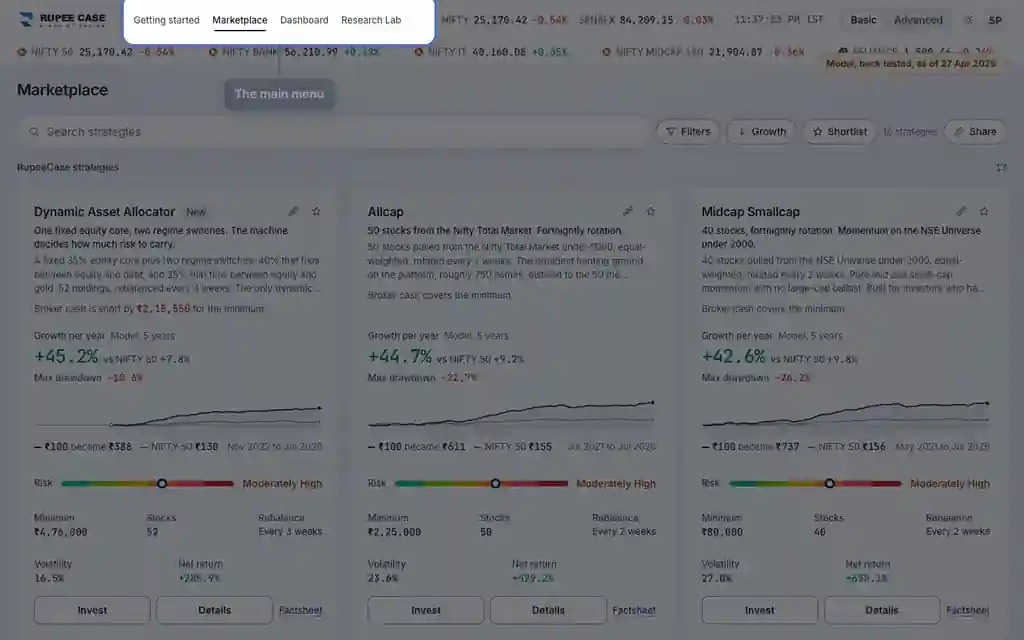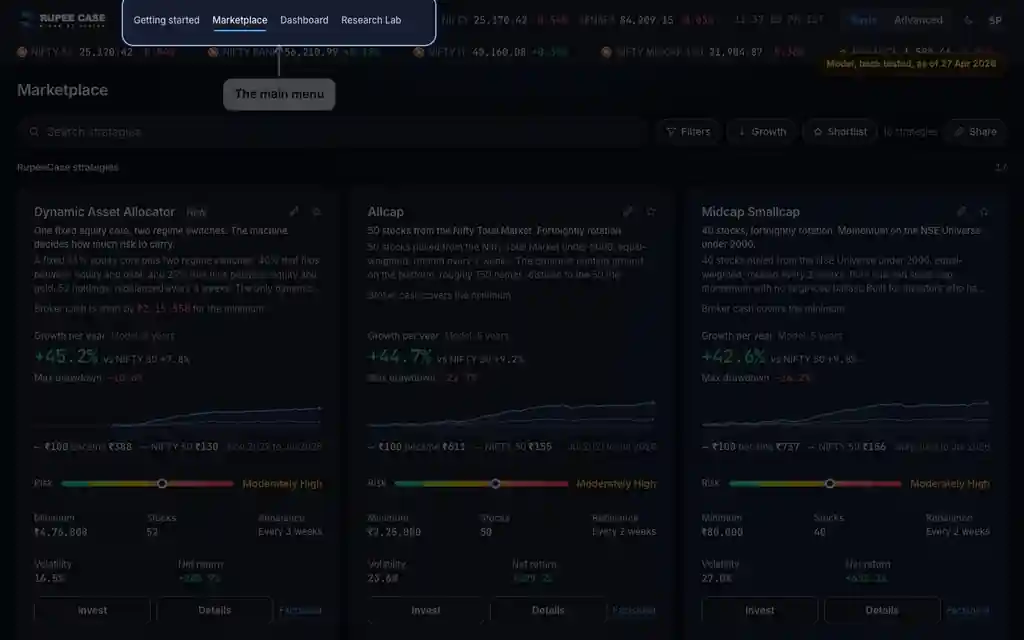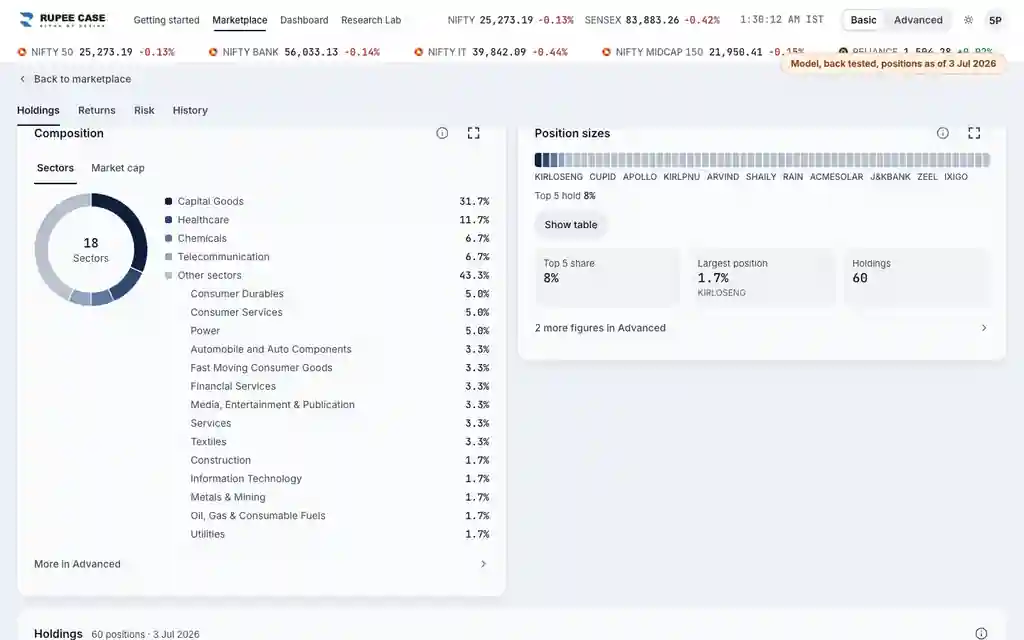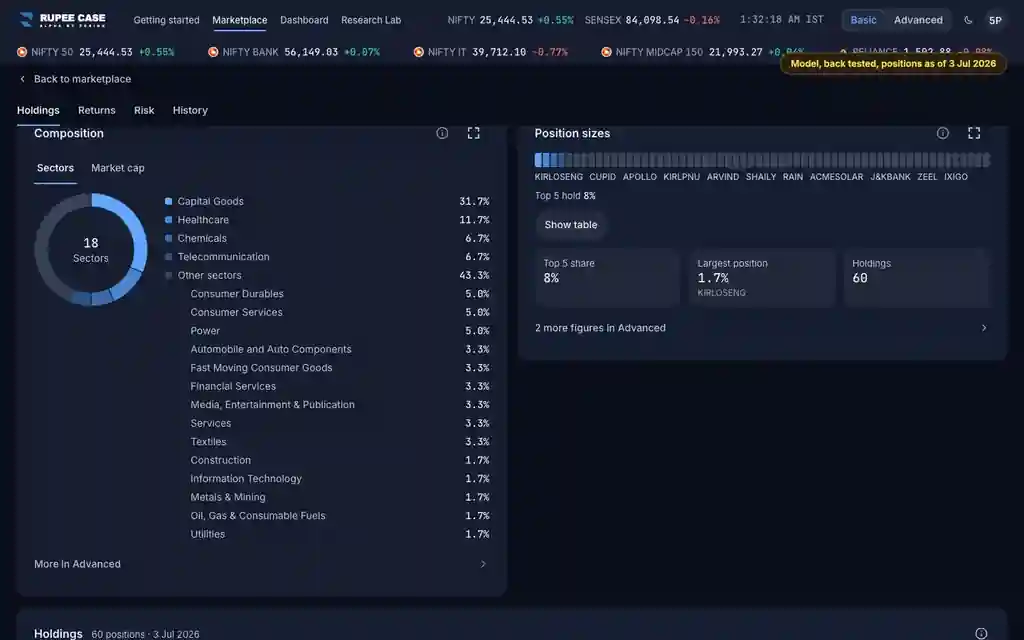

Where it is
ScreenApp bar, every pageBasic
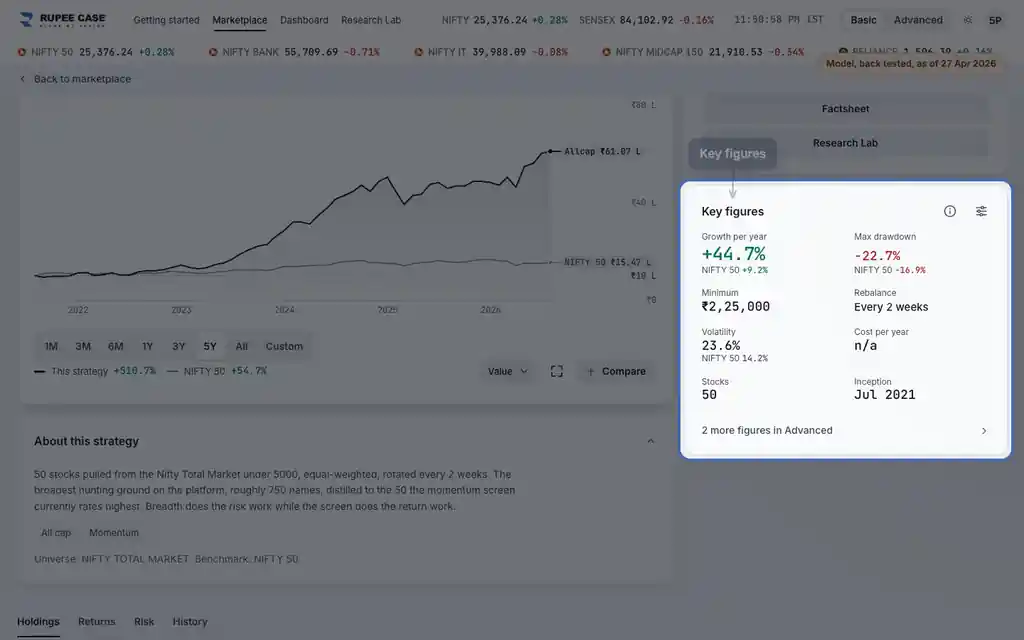
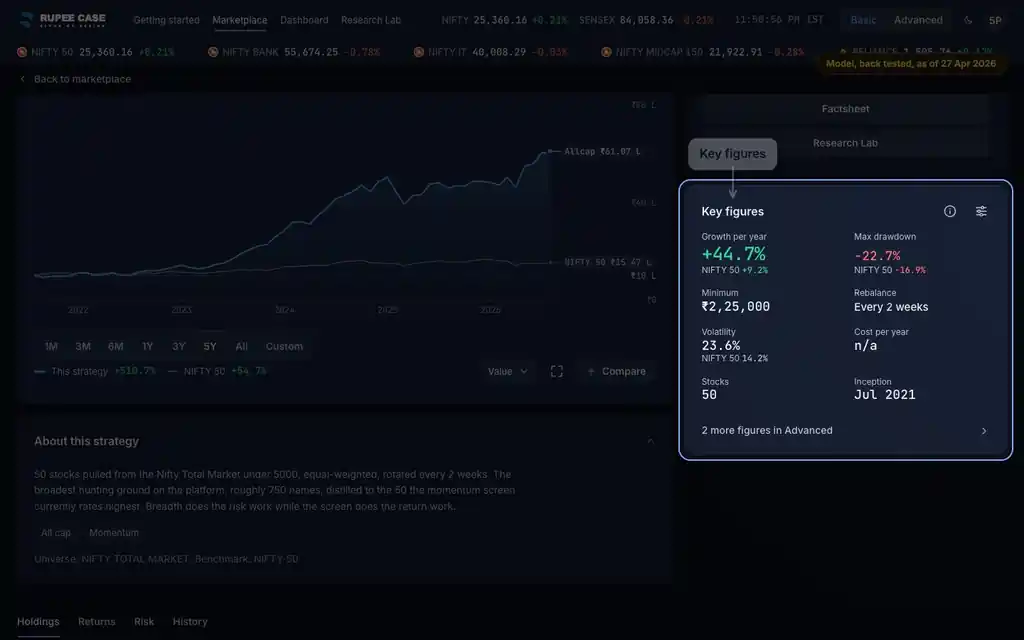
The Basic | Advanced switch is in the app bar on every page. Reach rows ("N more figures in Advanced") and info buttons sit inside the cards. Basic is the default.
What it means
Basic shows a shorter set of figures and cards; Advanced shows every one. Nothing is removed in Basic: rows such as "2 more figures in Advanced" count what Advanced adds there. Info buttons explain each figure, and a pin keeps an Advanced figure in Basic for that page.
The formula
The switch is saved on this device for your user. Advanced items carry a marker and Basic hides them; pins override that per page. A few disclosure figures always stay in Basic.
Basic or Advanced is saved on this device (Basic by default)
Pins decide which Advanced figures also show in Basic, page by page
Always in Basic: max drawdown, volatility, cost, charges and net return
Worked example
Example only
- Basic key figures on a strategy: 8 figures
- Advanced adds Sharpe and Alpha: 10 figures
- Pin Sharpe: Basic now shows 9, Alpha stays in Advanced
How to read it
- "N more figures in Advanced" tells you what is hidden on that card.
- "In Advanced" next to a glossary word means the figure is shown in Advanced only.
- Your choice and your pins stay on this device only.
Watch out
- Switching modes changes what is shown, not what is computed.
- Pins and the mode are not synced: another phone or browser starts in Basic.
- Some figures cannot be unpinned in Basic, because they are disclosures.
Transcript
The video has no sound. These are its on screen captions, chapter by chapter.
- 0:00Where it is. Basic shows fewer figures. Advanced shows every one.
- 0:08What it means. Rows like this count what Advanced adds to this card.
- 0:45Worked example. Worked example, example only: Basic key figures on a strategy: 8 figures. Advanced adds Sharpe and Alpha: 10 figures. Pin Sharpe: Basic now shows 9, Alpha stays in Advanced.
- 0:51How to read it. "In Advanced" marks a word shown in Advanced only.
- 1:06Watch out. Watch out: Switching modes changes what is shown, not what is computed. Pins and the mode are not synced: another phone or browser starts in Basic. Some figures cannot be unpinned in Basic, because they are disclosures.
Terms in this tutorial
- Sharpe ratioRisk-adjusted return.
- alphaReturn above what a benchmark would deliver.