


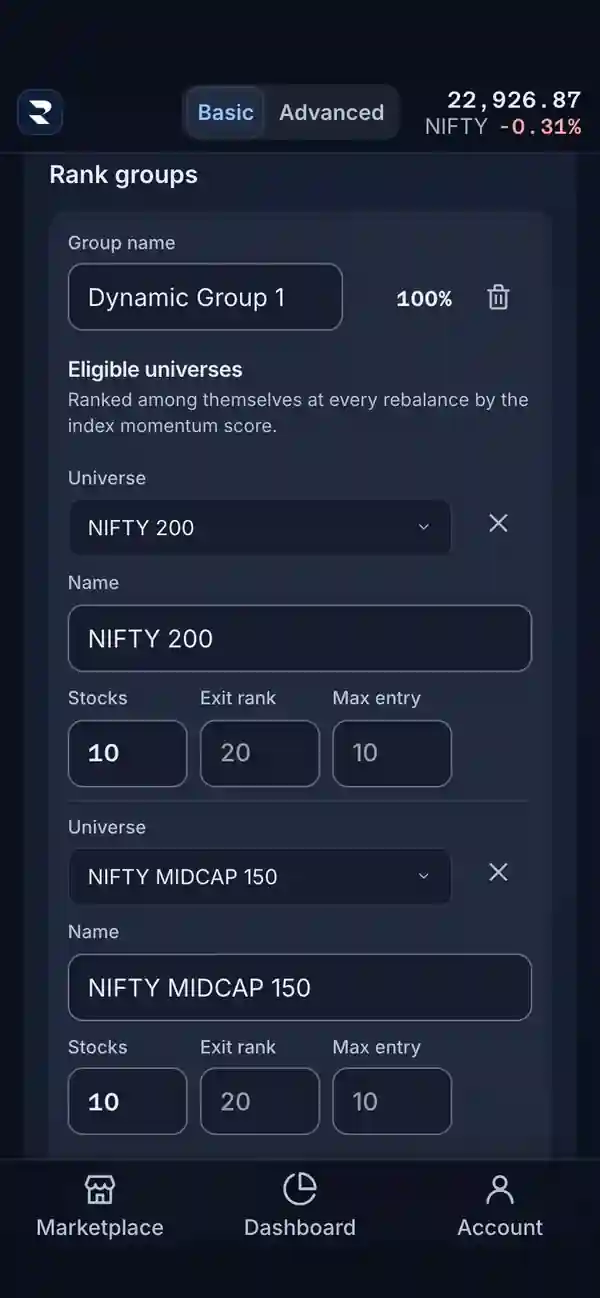
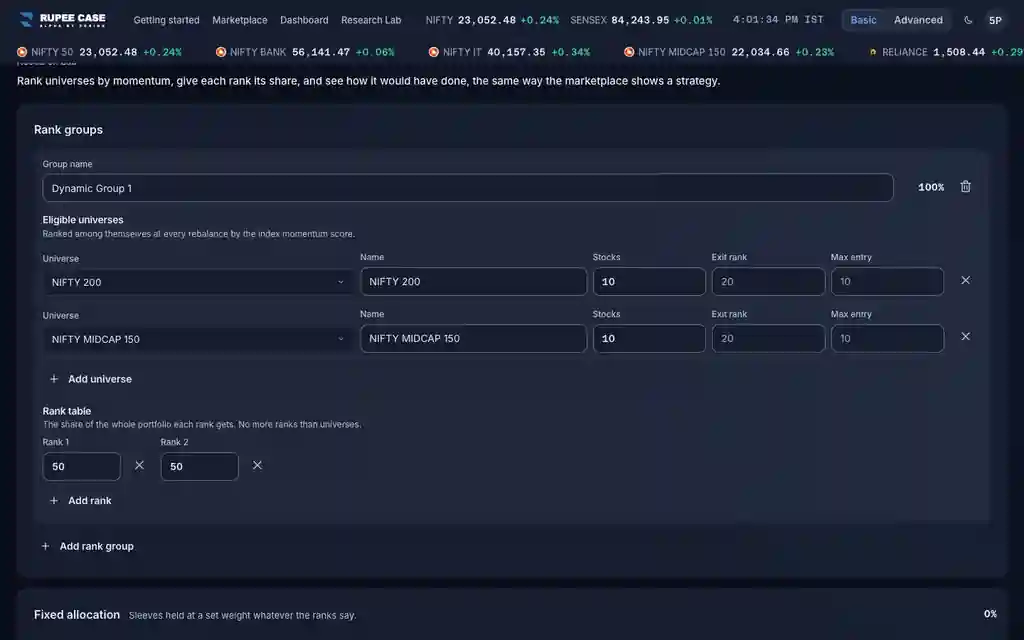
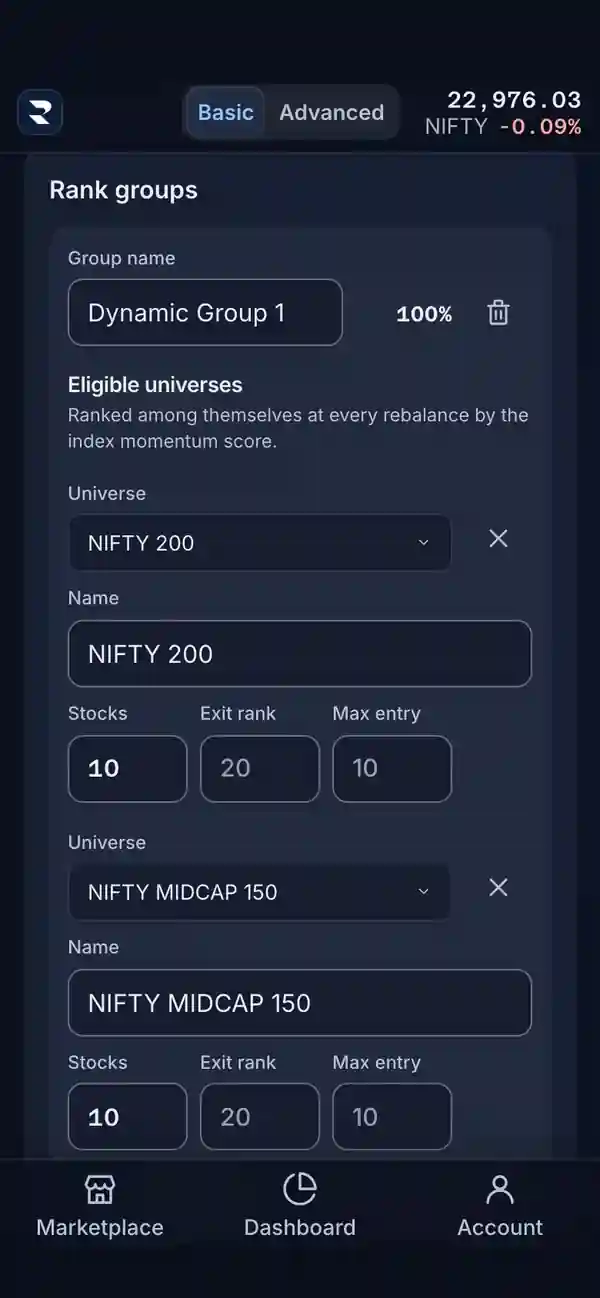
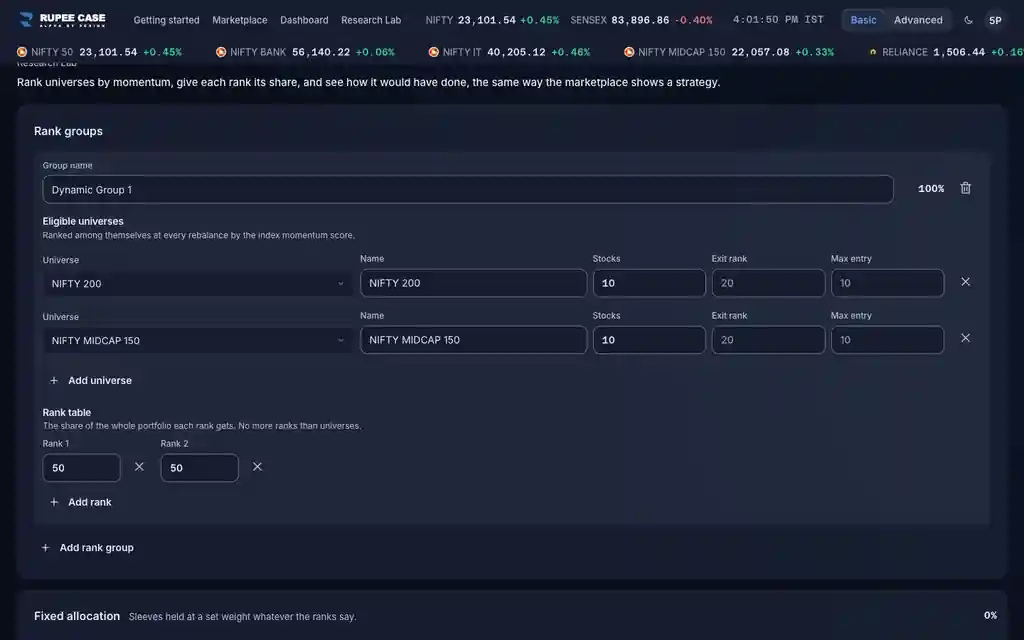
Where it is
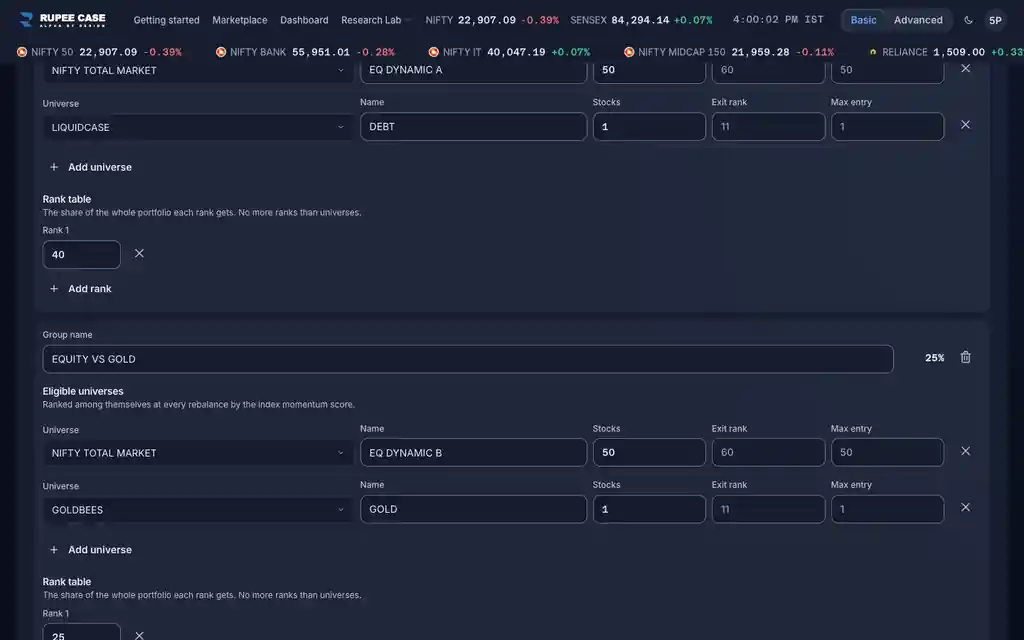
ScreenResearch Lab, sleeves and SettingsAdvanced
Research Lab, Dynamic allocation: Exit rank and Max entry on every sleeve row; Settings: Max stock price and the Technical filters (Strength quality, Strength exit, Cash parking). Customise, Tables lists Rank for the Holdings table.
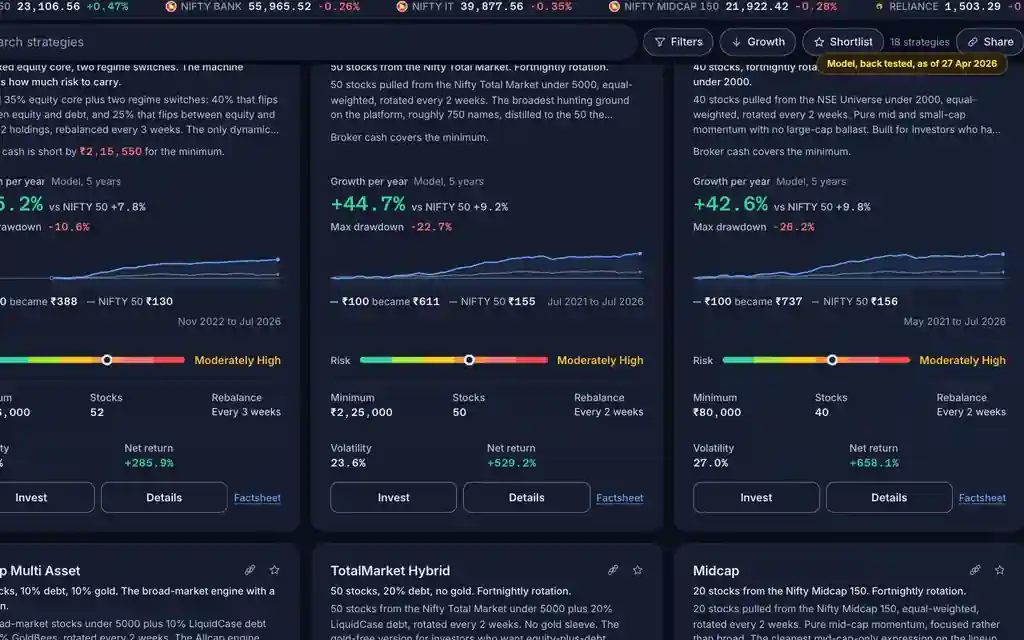
Index in this video: Allcap (strategy page).
What it means
Stocks are ranked by momentum inside each universe; a lower rank is stronger. Without filters a sleeve holds its top ranks, as many as Stocks, at each rebalance. Strength exit keeps a stock already held until its rank falls below the Exit rank (Stocks + 10 when blank), which cuts trading on small rank moves. Strength quality buys only stocks whose 50 day average is above their 200 day average; Max entry says how deep new buys may reach when top names fail it, and what cannot be placed goes to the Cash parking instrument. Max stock price skips new entries priced above it. In the Holdings table, Rank is a stock's place this week; Out means it has no rank there.
The formula
Exit rank adds a buffer before a sale; Strength quality and Max entry decide what can be bought; Cash parking holds what cannot be placed.
No filters: hold the top Stocks ranks
Strength exit: keep a held stock while rank <= Exit rank (blank: Stocks + 10; Stocks < Exit rank <= 70)
Strength quality: buy only when the 50 day EMA is above the 200 day EMA on the ranking day
Max entry: deepest rank a new buy may take (blank: Stocks; Stocks <= Max entry <= 70)
Unplaced share: the Cash parking instrument (default LIQUIDCASE)
Max stock price: skip new entries above it (default Rs 5,000)
Worked example
Example only
- Stocks 10, Exit rank left blank: 20
- A holding slips from rank 8 to rank 17: kept
- It slips to rank 23: sold at the next rebalance
How to read it
- A wider gap between Stocks and Exit rank means fewer sales on small moves.
- Exit rank, Max entry and Cash parking matter only while a technical filter is on.
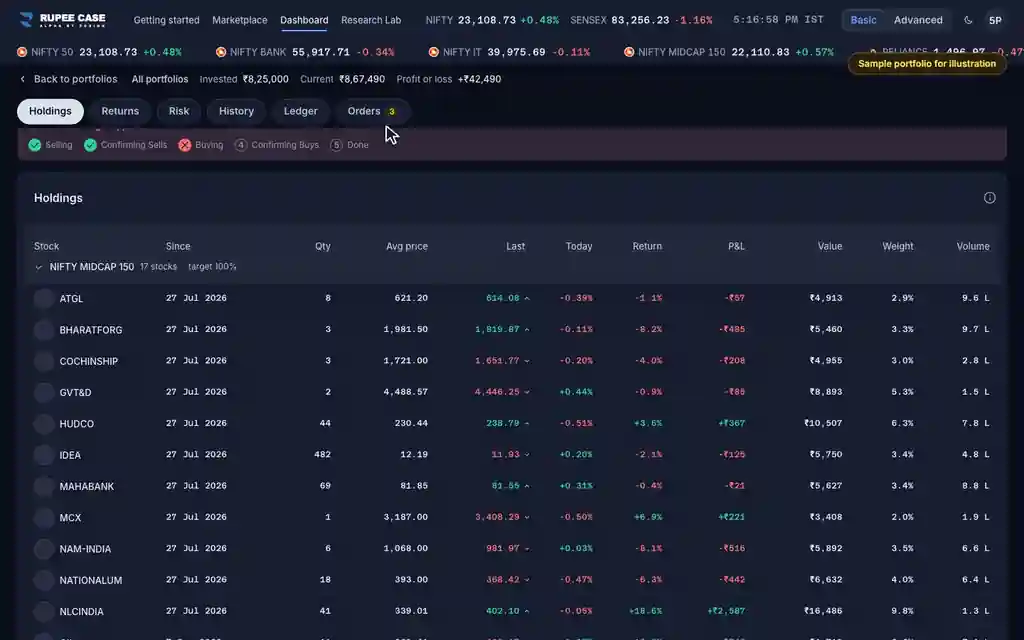
- Rank Out: no rank for the stock in the ranking the page reads (its universe's top 100).
Watch out
- The Lab shows no tips on these fields; this video and the glossary explain them.
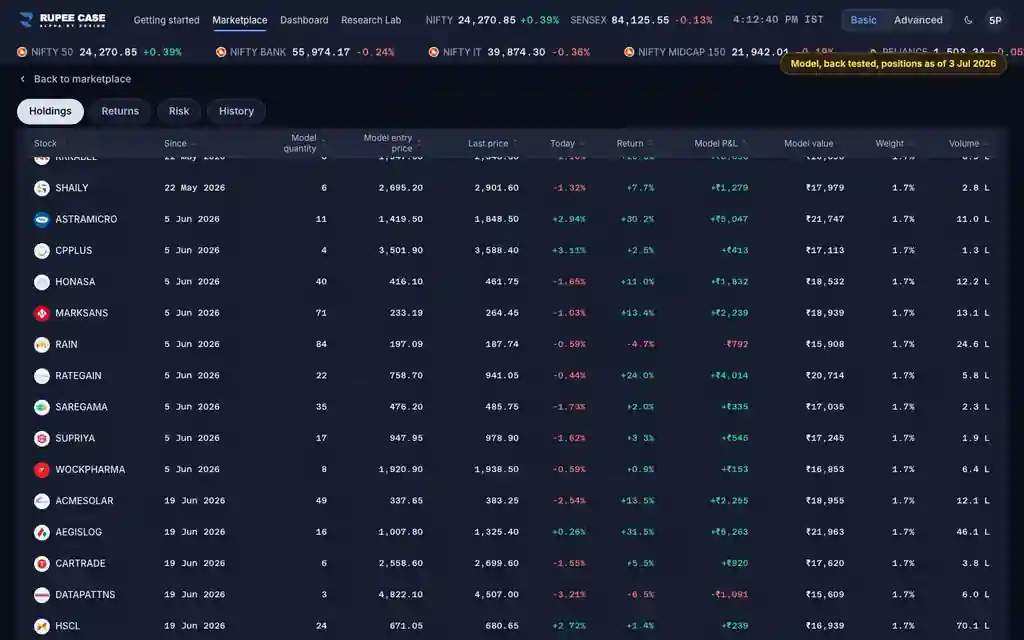
- This recording hides the Holdings Rank column: the live rank has no published source.
- Fewer sales can also mean holding a weakening stock for longer.
Transcript
Tap Sound on for voice and music. These are the captions of the video, chapter by chapter.
- 0:00Where it is. Each sleeve row has Stocks, Exit rank and Max entry.
- 0:08What it means. Exit rank: a held stock stays until its rank falls below this.
- 0:44Worked example. Worked example, example only: Stocks 10, Exit rank left blank: 20. A holding slips from rank 8 to rank 17: kept. It slips to rank 23: sold at the next rebalance.
- 0:50How to read it. Customise, Tables lists Rank, a stock's place in its universe this week.
- 1:08Watch out. Watch out: The Lab shows no tips on these fields; this video and the glossary explain them. This recording hides the Holdings Rank column: the live rank has no published source. Fewer sales can also mean holding a weakening stock for longer.
Terms in this tutorial
- Exit rankA rank a held stock may slip to before it is sold.
- Strength qualityA filter that lets the rules buy only stocks in a long uptrend, where the 50 day average closing price is above the 200 day average.
- Cash parkingWhere money goes when the filters cannot find enough stocks to buy: one holding of a single cash like instrument, kept until the next rebalance finds stocks again.
- momentum factorTendency of stocks that have performed well recently to continue performing well in the near future.
- Research LabA part of the app for testing ideas on past data, such as ranking indices against each other and moving money between them by a rule.