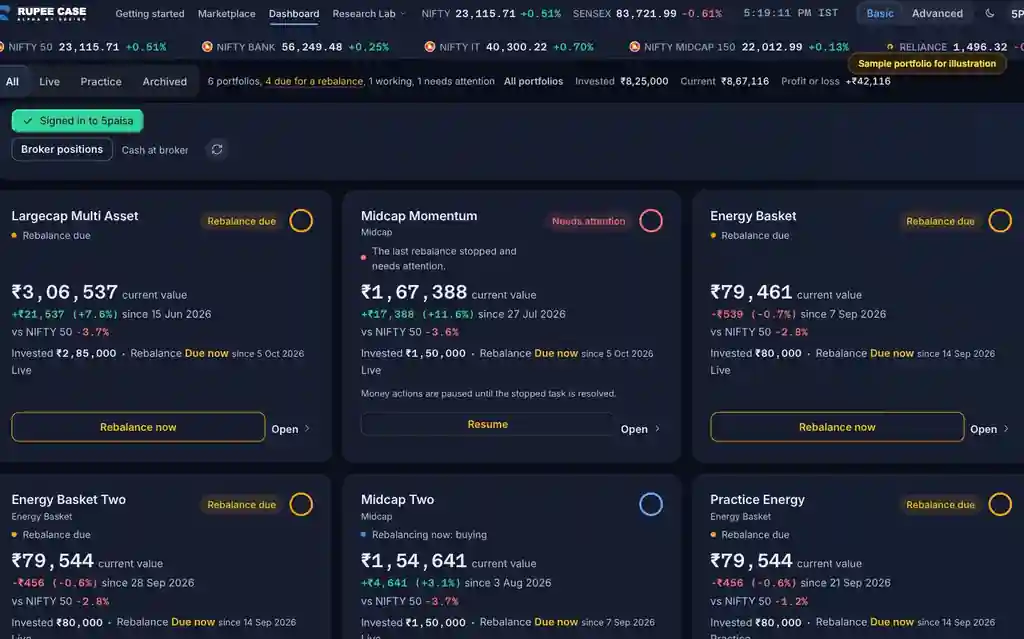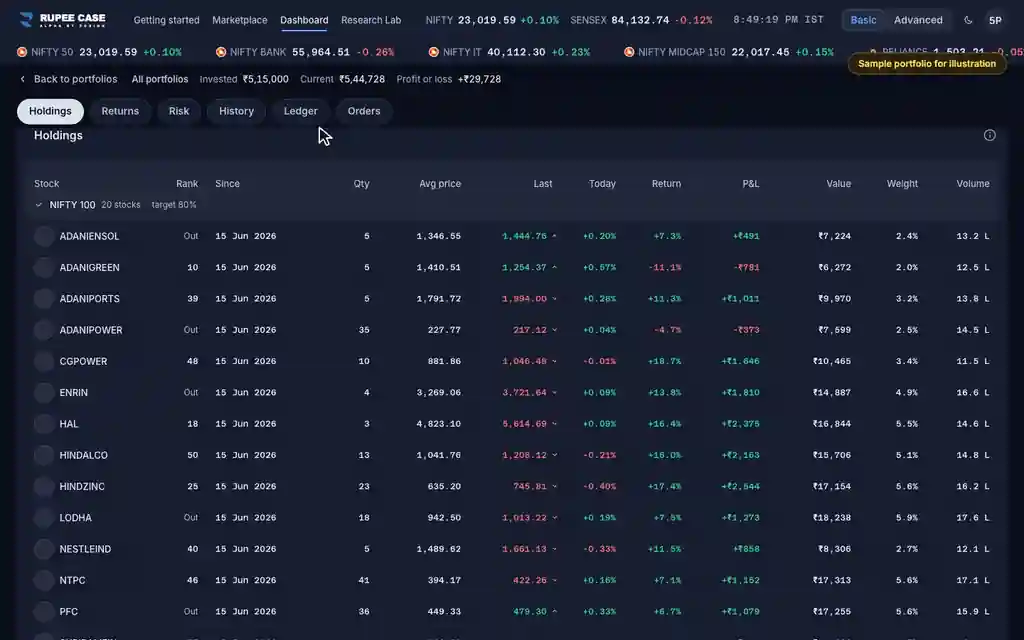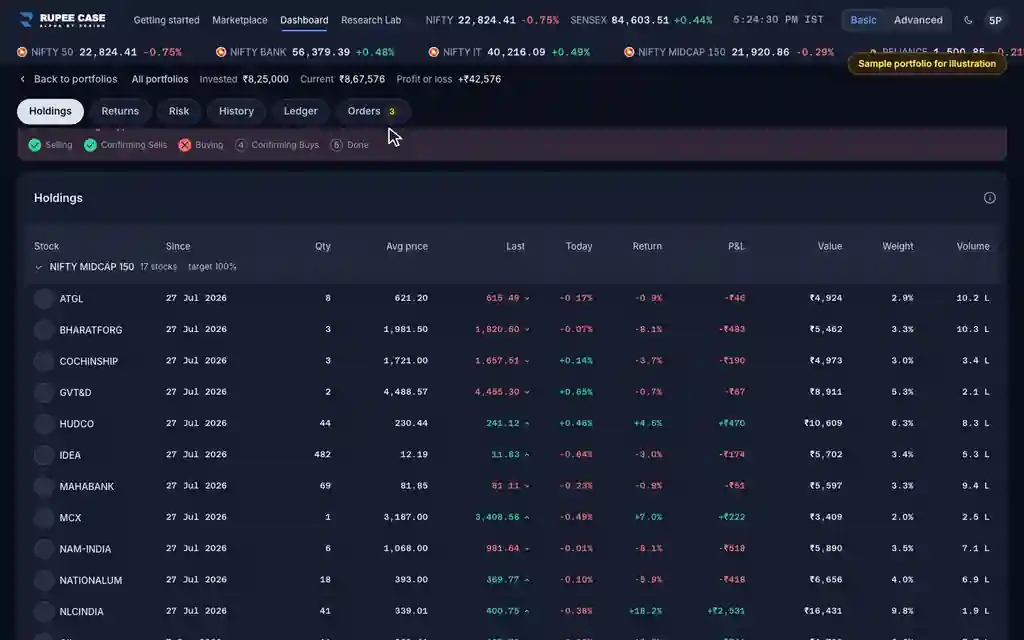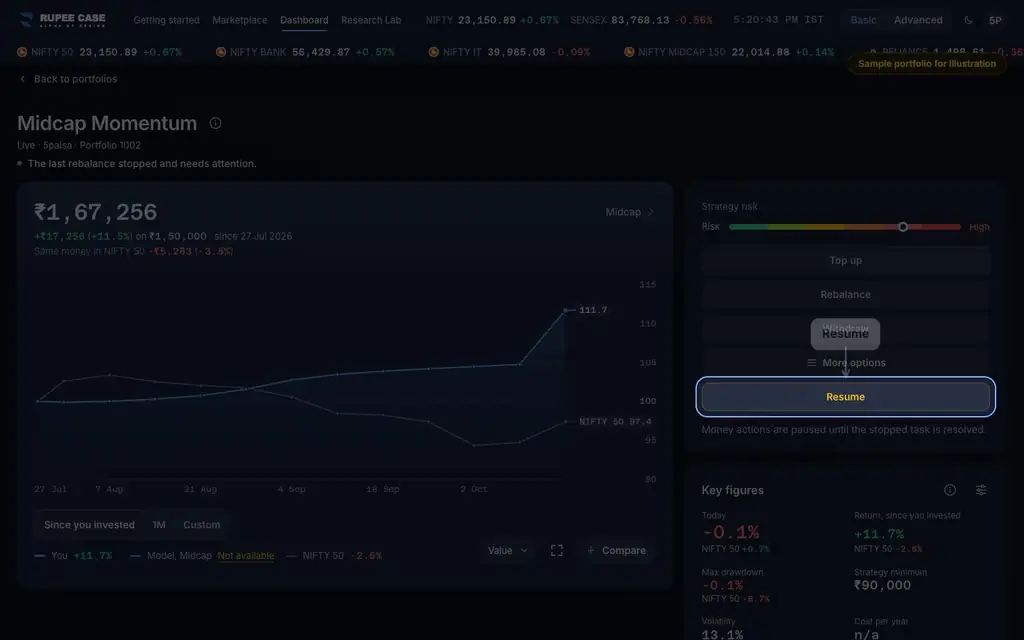



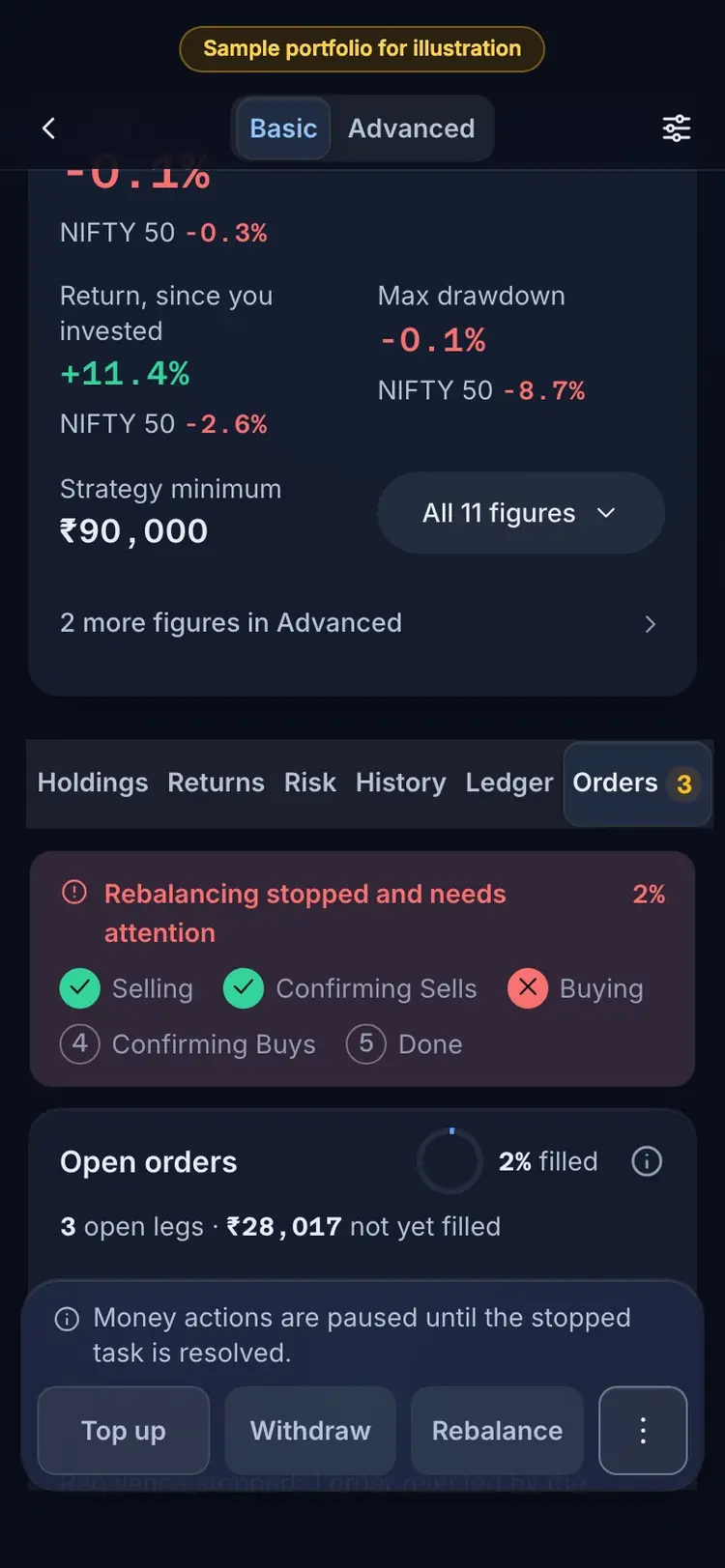
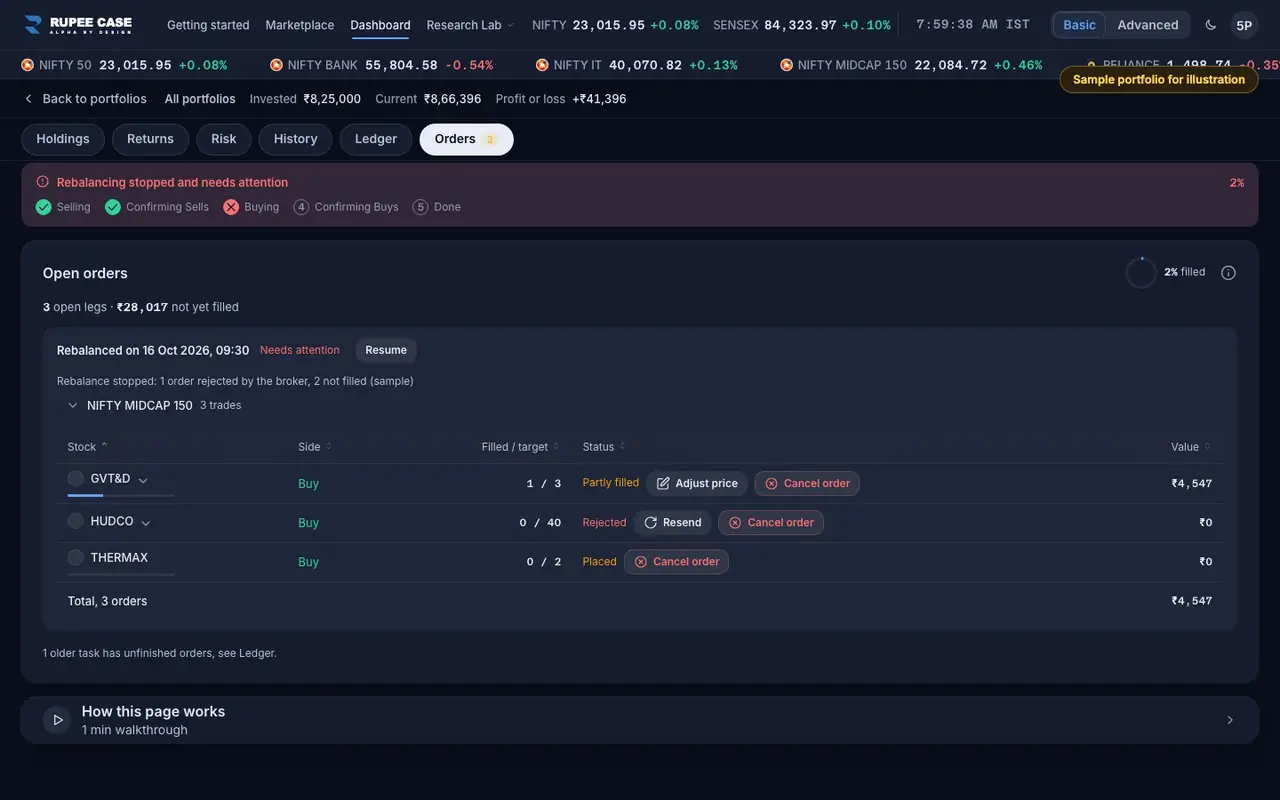
Where it is
ScreenPortfolio, Orders and Ledger tabsBasic
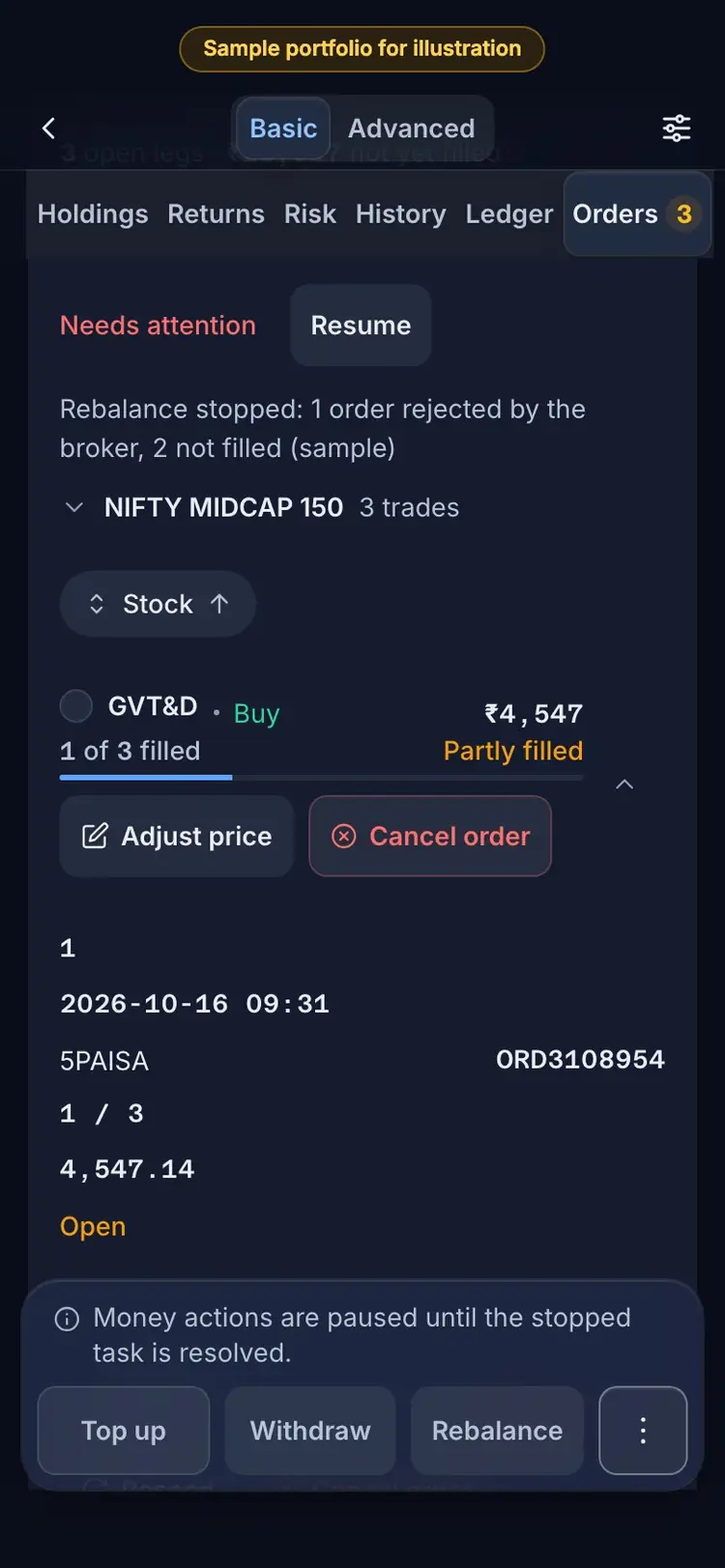
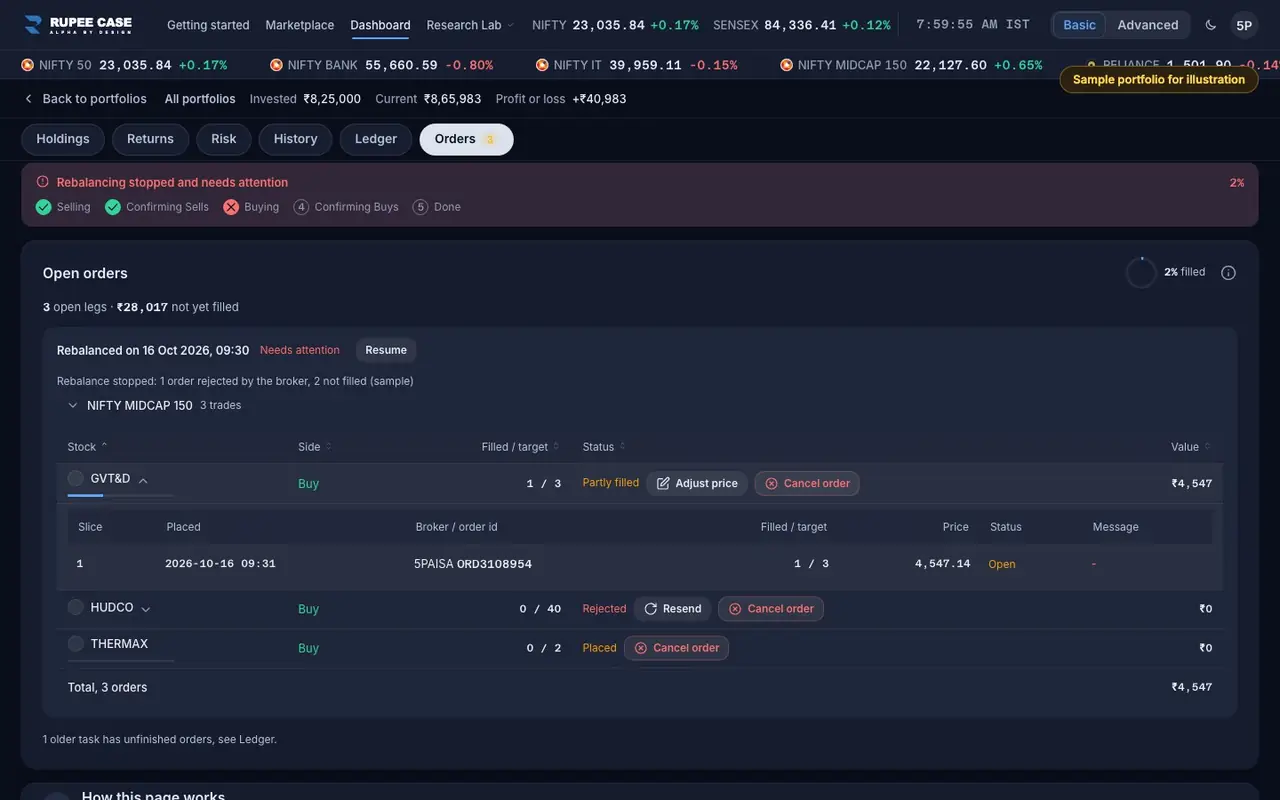
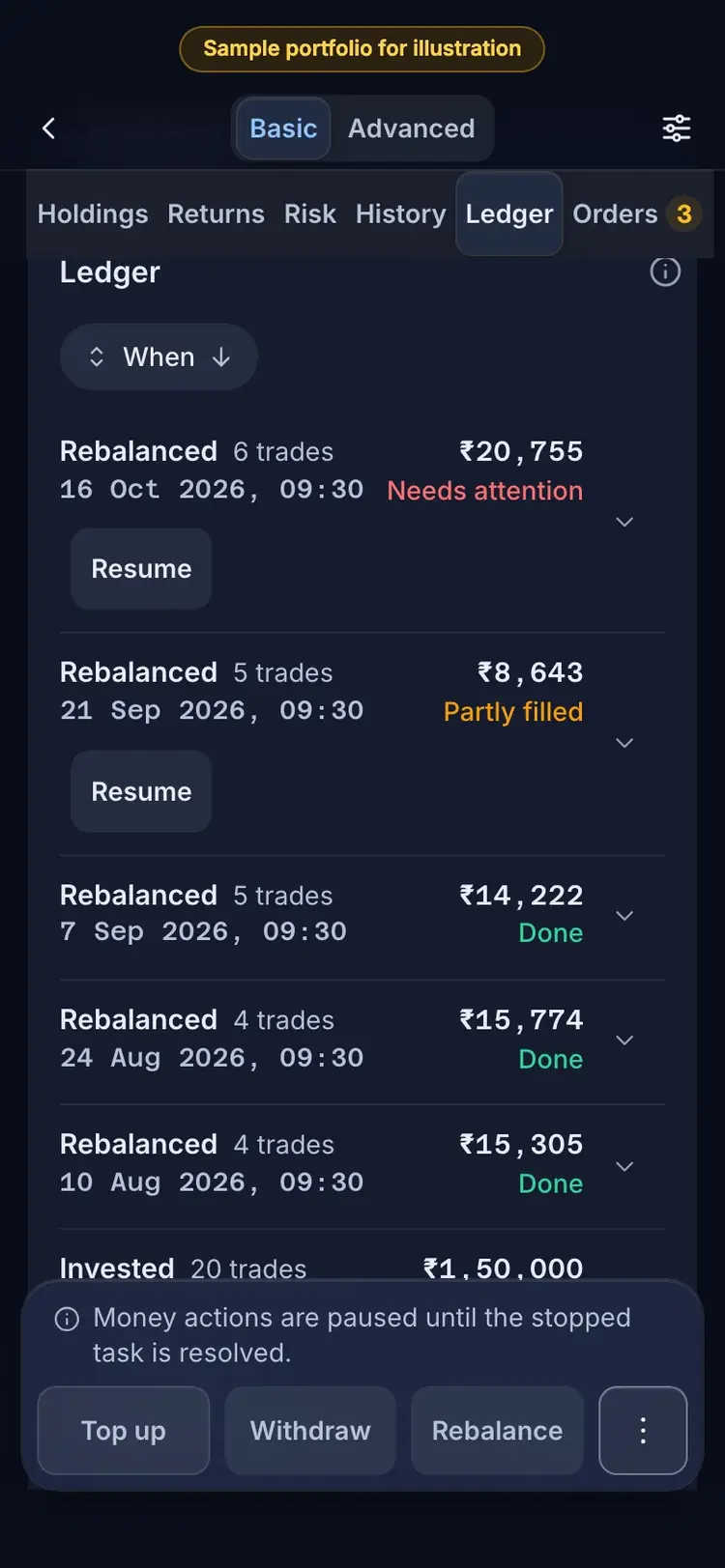
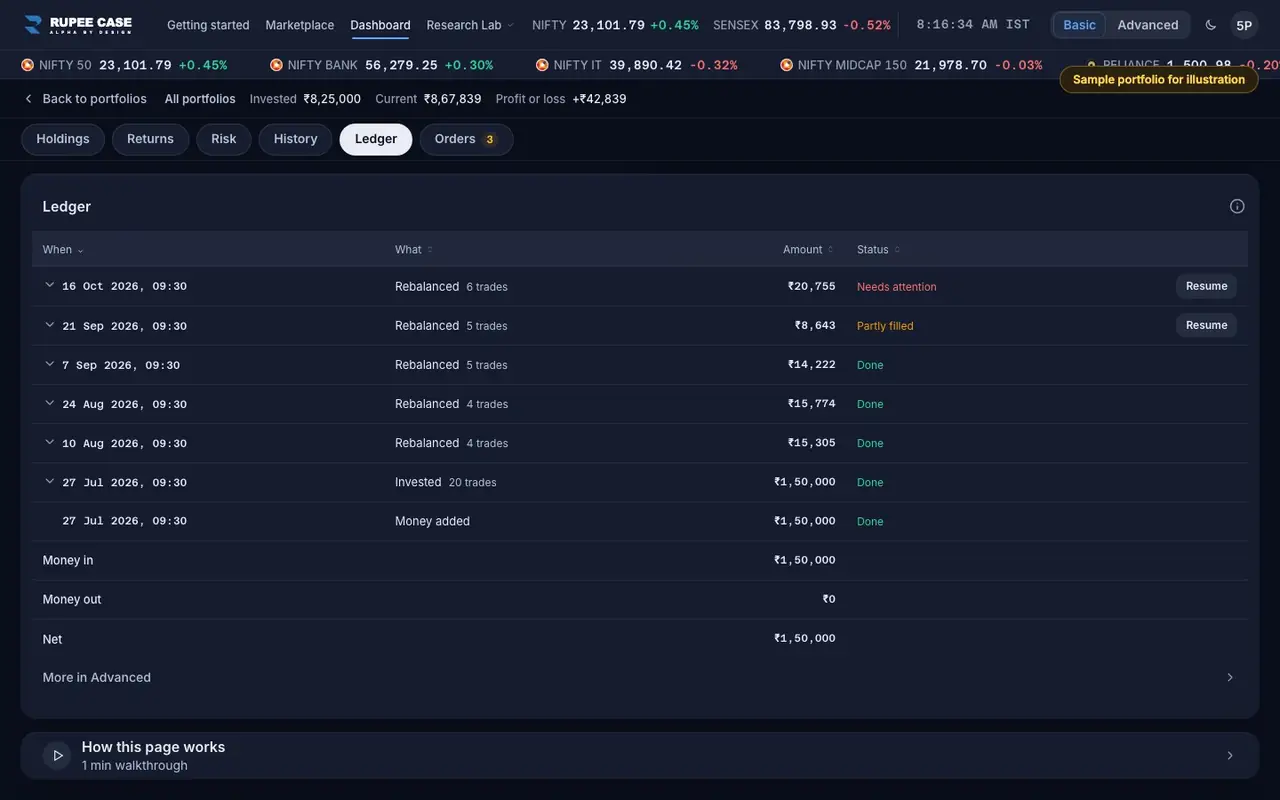
A portfolio's Orders tab (the open orders of the latest action) and its Ledger tab (every action; tap a row to see its orders). Each order row has a Status, and a row with slices opens to show each broker order.
Index in this video: Midcap (strategy page).
What it means
An order row is one stock in one action. Placed means RupeeCase has the order but the broker has not filled it. Partly filled means some shares filled and the rest are still working or stopped. Filled means every share filled. Rejected means the broker refused it. Cancelled means it was cancelled before it filled. An order can be sent as more than one broker order (slices); each slice shows when it was placed, the broker order id, filled over target, the price and the broker's message. The Ledger row for the whole action reads Done, In progress, Partly filled or Needs attention.
The formula
Filled over target counts shares. An order is Filled only when every share filled; one share short reads Partly filled.
Order: Placed, Partly filled, Filled, Rejected, Cancelled (a broker slice can also read Open)
Action in the Ledger: In progress, Partly filled, Done, Needs attention
Orders tab = the latest action's orders that are not yet filled or cancelled
Worked example
Example only
- Buy 40 shares: 0 of 40 filled, status Placed
- 25 of 40 filled, status Partly filled
- Broker refuses the order: 0 of 40, status Rejected, with the broker's message
How to read it
- The Orders tab heading counts the open legs and the rupees not yet filled.
- Open a row to see its slices and the broker's message.
- "No open orders" means every order from the last action has settled.
Watch out
- The Orders tab shows only the latest action; an older action with unfinished orders is in the Ledger.
- Rejected and Cancelled shares are not bought or sold; the portfolio holds what actually filled.
- Price is in Advanced; Basic shows Filled over target, Status and Value.
Transcript
Tap Sound on for voice and music. These are the captions of the video, chapter by chapter.
- 0:00Where it is. The Orders tab lists the latest action's open orders.
- 0:09What it means. Partly filled, Rejected and Placed: where each order stands at the broker.
- 0:36Worked example. Worked example, example only: Buy 40 shares: 0 of 40 filled, status Placed. 25 of 40 filled, status Partly filled. Broker refuses the order: 0 of 40, status Rejected, with the broker's message.
- 0:42How to read it. The Ledger shows each action's status: here, Needs attention.
- 0:58Watch out. Watch out: The Orders tab shows only the latest action; an older action with unfinished orders is in the Ledger. Rejected and Cancelled shares are not bought or sold; the portfolio holds what actually filled. Price is in Advanced; Basic shows Filled over target, Status and Value.
Terms in this tutorial
- OrdersThe buy and sell instructions sent to your broker while a top up, withdrawal or rebalance runs.
- LedgerThe list of every event on a portfolio with its date, amount, status and notes: money added, money taken out, invested, rebalanced, withdrawn, a corporate action or portfolios combined.
- Needs attentionA flag that the last action on a portfolio, an investment, rebalance or withdrawal, stopped before it finished, for example because an order did not go through.