


Where it is
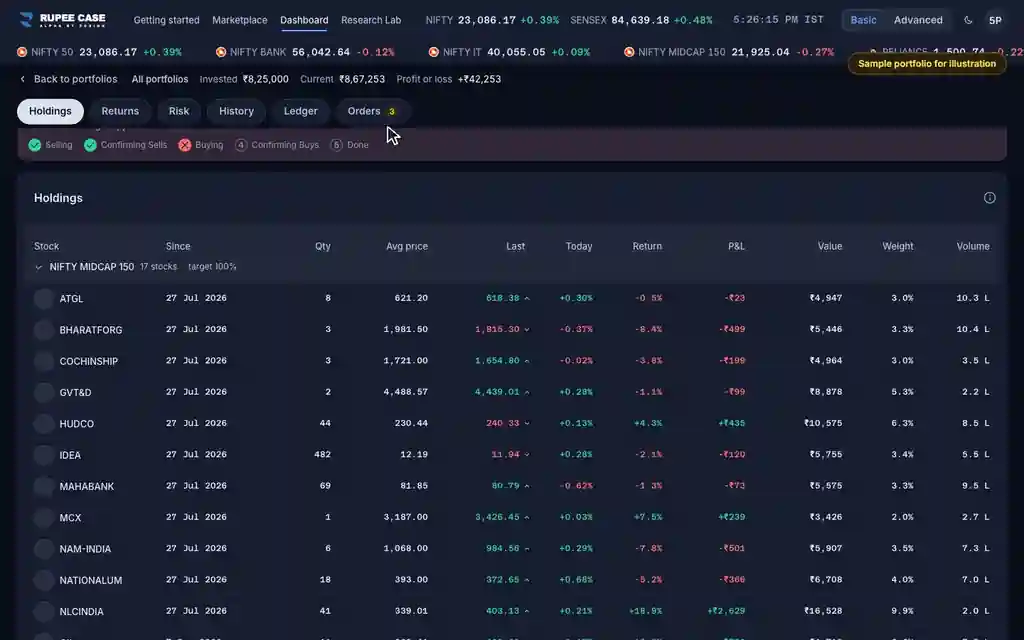
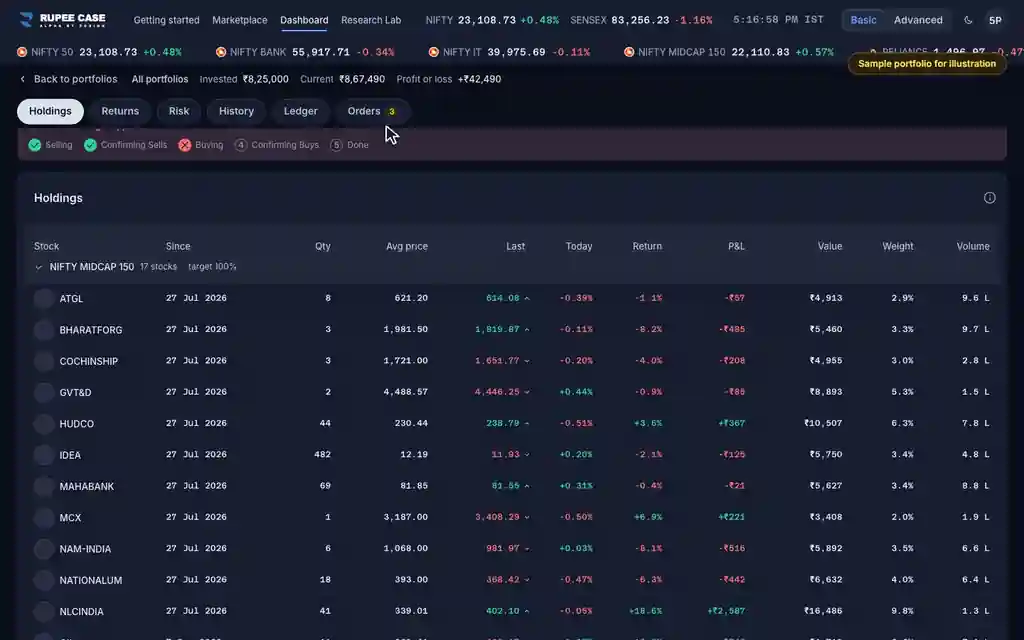
ScreenPortfolio, Orders tabBasic
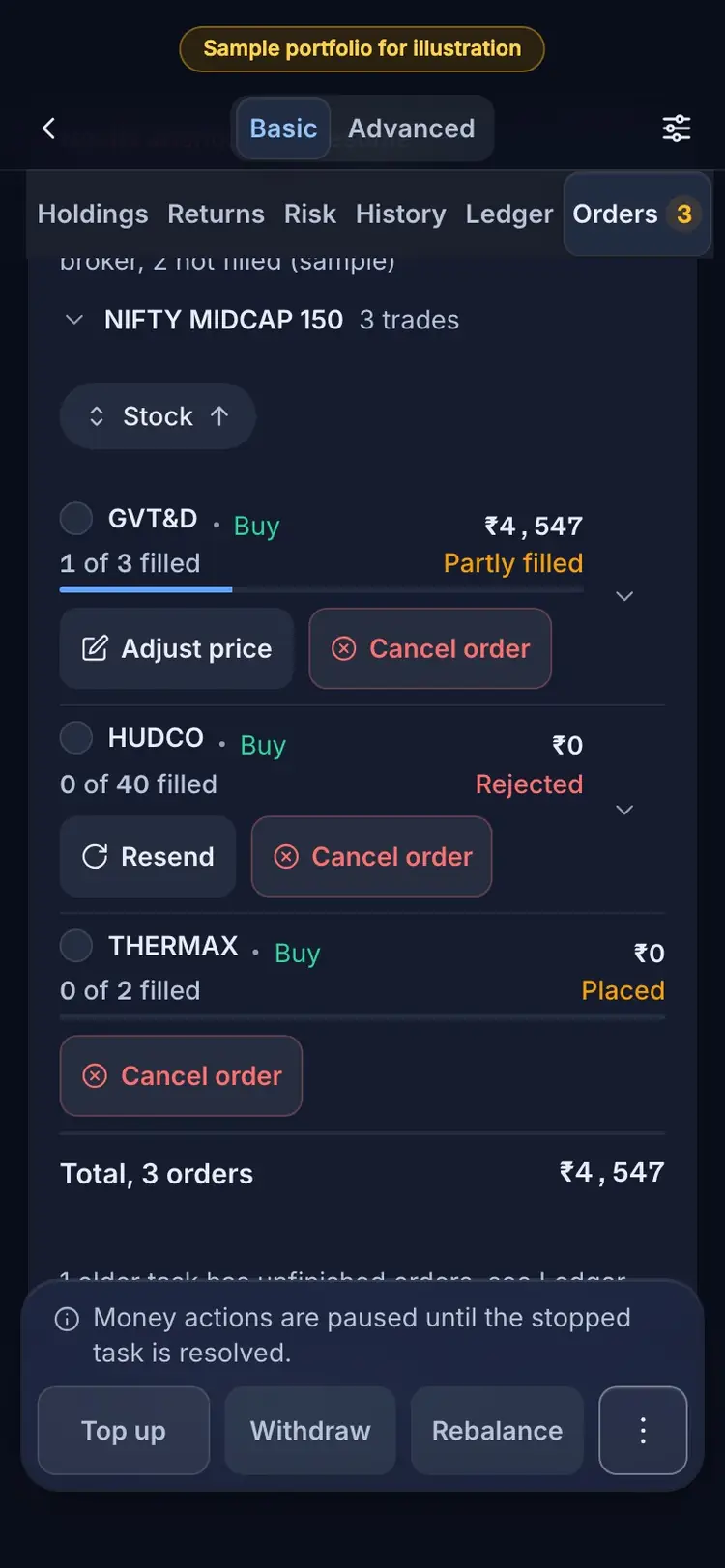
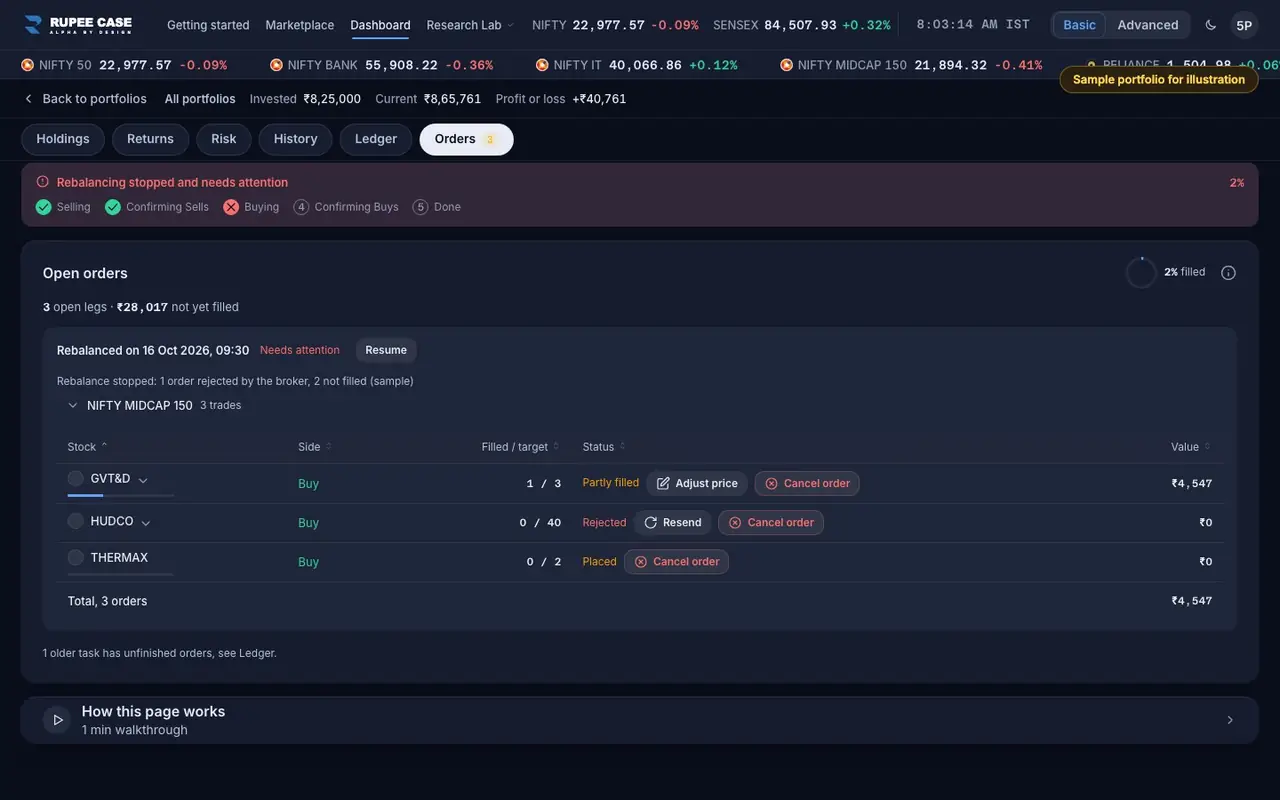
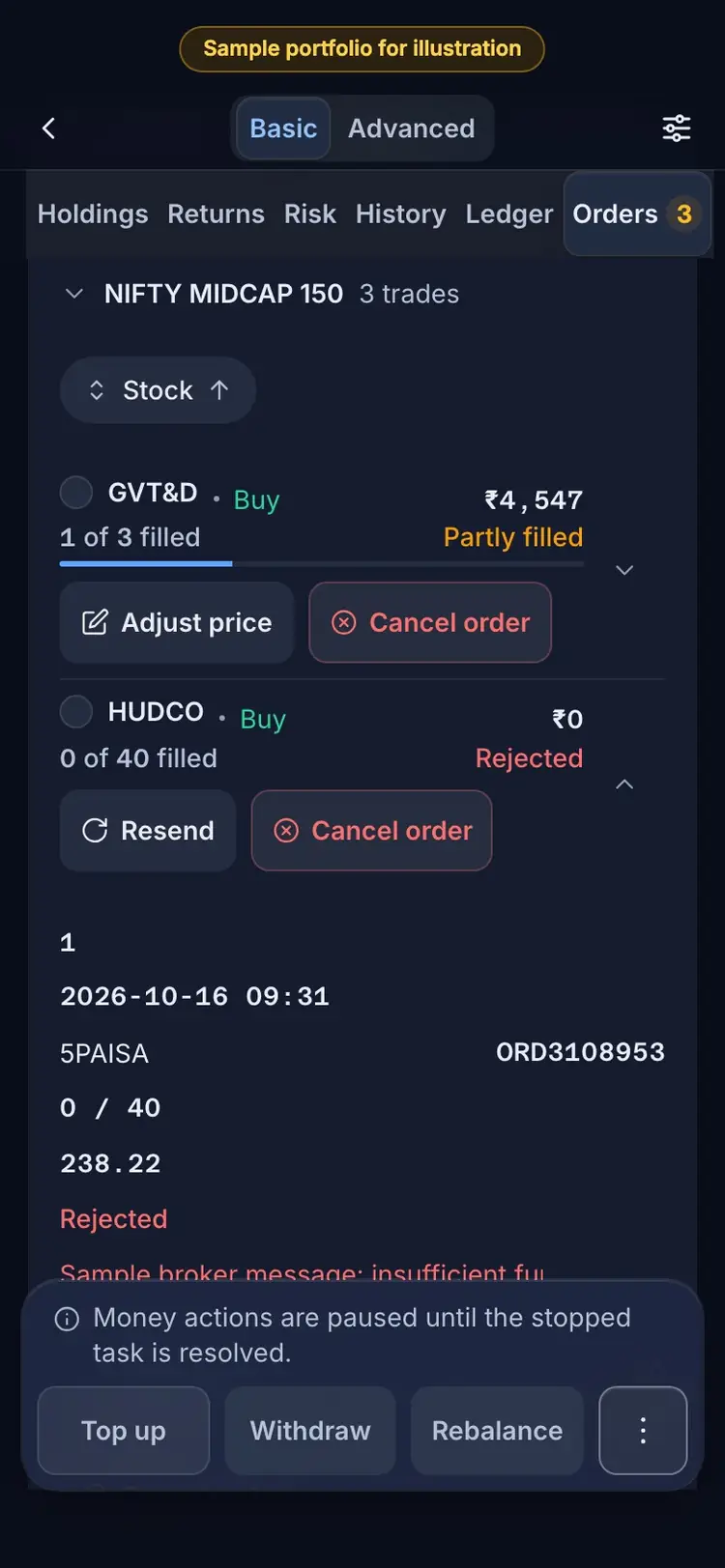
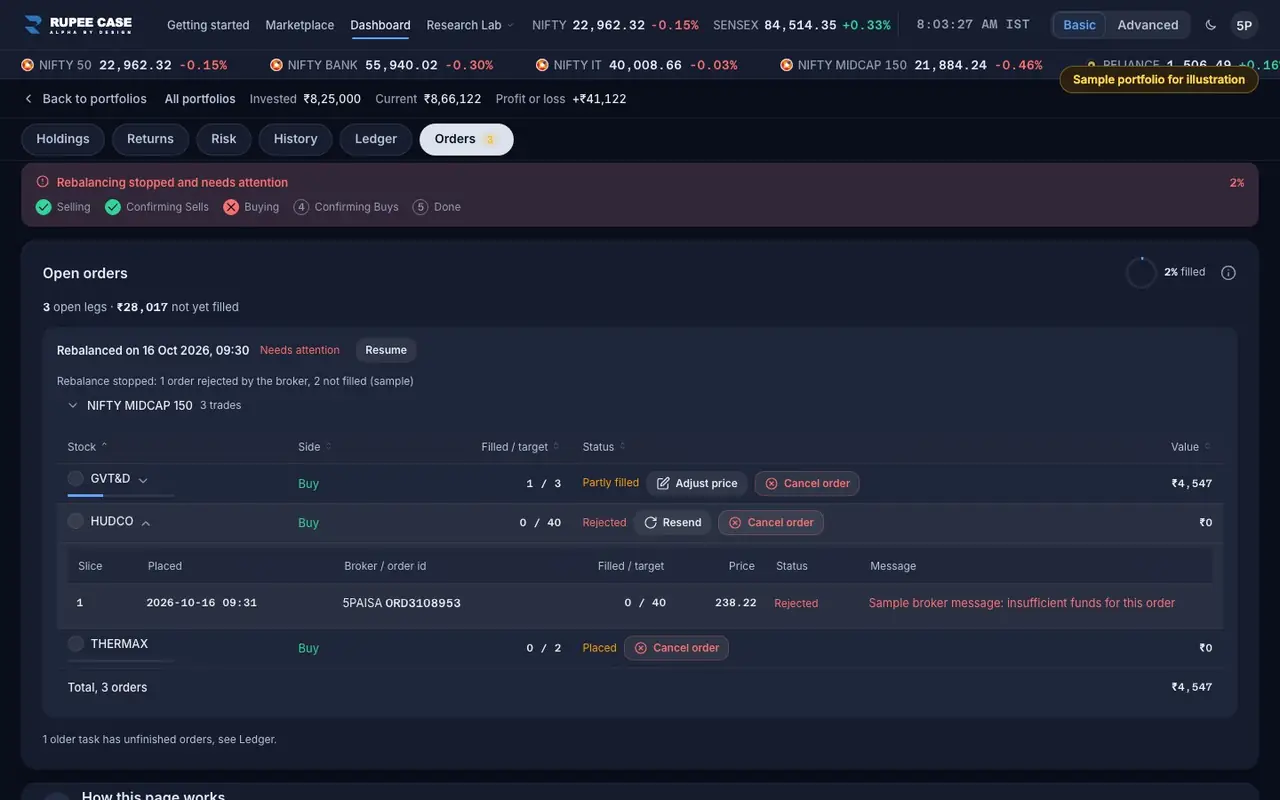
A Rejected status in the Orders tab or in a Ledger action's orders. Open the row: the Message column has the broker's reason. The Resend sheet repeats it under "Broker rejection".
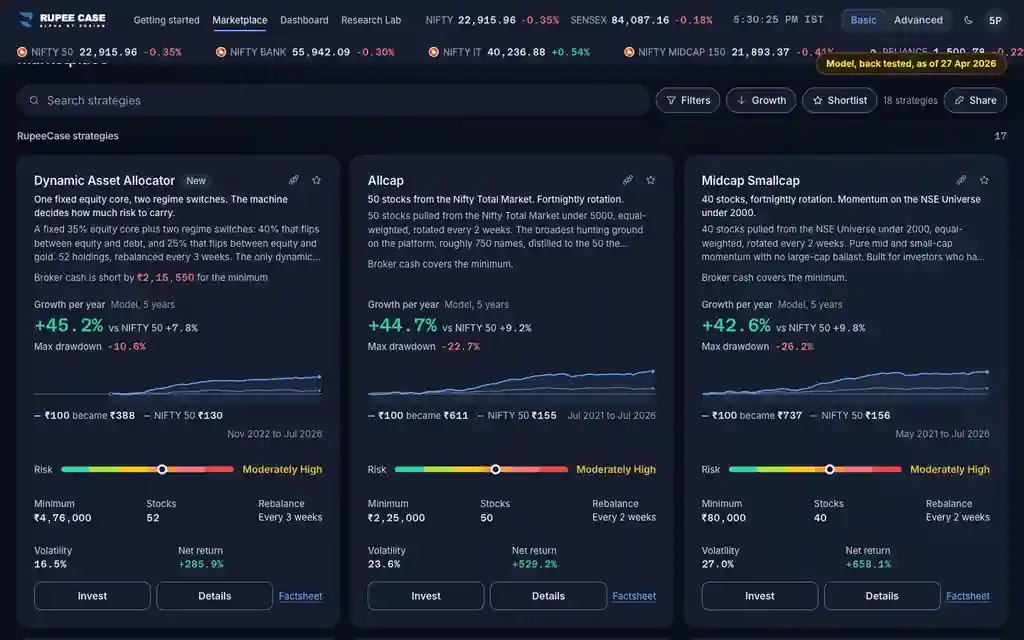
Index in this video: Midcap (strategy page).
What it means
Your broker decides whether to accept an order. Common reasons are not enough cash or margin, an expired broker session, or a stock the broker cannot trade at that moment. For a buy the app tries again by itself, up to 3 times a few seconds apart at the live price; a buy still refused after that waits for you. A rejected leg means the task stops and the portfolio reads Needs attention.
The formula
A rejected order fills nothing, so nothing is bought or sold for it. Fix the cause at your broker, then Resend or Resume, or Cancel the leg.
Rejected = refused by the broker; filled 0
Buys: retried up to 3 times, about 5 seconds apart, at the live price (Live only)
Then: Resend (that order), Resume (the whole task) or Cancel order (skip it)
Worked example
Example only
- Buy 40 at Rs 238: Rs 9,520 needed, Rs 6,000 cash at the broker
- Broker refuses for funds; retried 3 times, still refused
- Add cash at the broker, then Resend: 40 at the live price
How to read it
- The message is the broker's own words; check it at your broker if it is unclear.
- Filled 0 of 40 with Rejected means none of it bought.
- A rejected sell can mean the shares are not in your demat; see Broker positions.
Watch out
- Resending without fixing the cause can be rejected again.
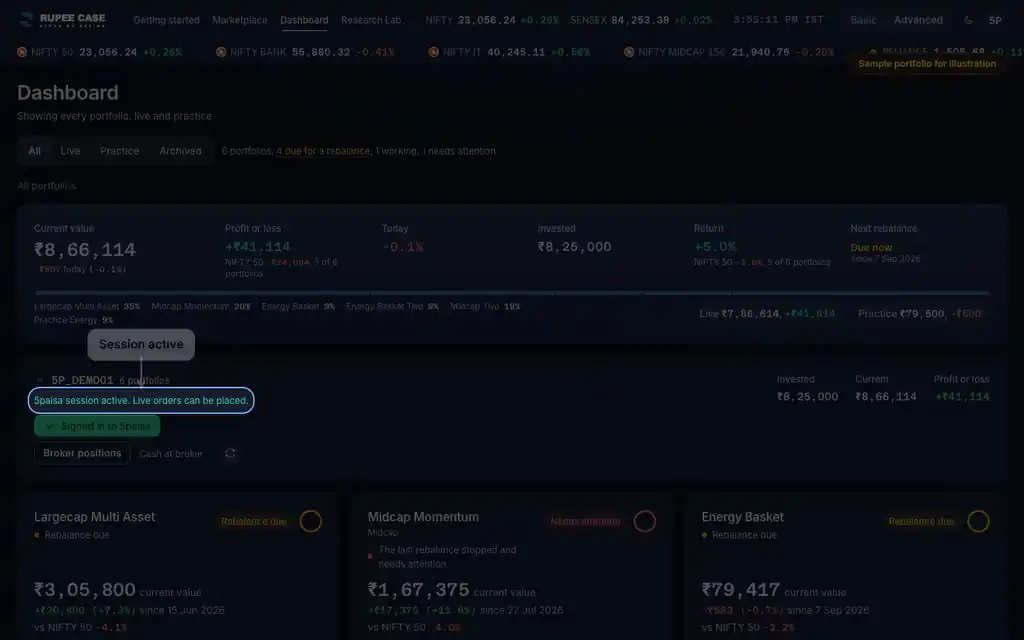
- A rejection for an expired session needs a fresh broker sign in first.
- In Practice there is no broker; an order is rejected only when the app has no data for the stock.
Transcript
Tap Sound on for voice and music. These are the captions of the video, chapter by chapter.
- 0:00Where it is. Rejected: the broker refused this order.
- 0:07What it means. The Message column has the broker's own reason.
- 0:25Worked example. Worked example, example only: Buy 40 at Rs 238: Rs 9,520 needed, Rs 6,000 cash at the broker. Broker refuses for funds; retried 3 times, still refused. Add cash at the broker, then Resend: 40 at the live price.
- 0:31How to read it. How to read it: The message is the broker's own words; check it at your broker if it is unclear. Filled 0 of 40 with Rejected means none of it bought. A rejected sell can mean the shares are not in your demat; see Broker positions.
- 0:37Watch out. Watch out: Resending without fixing the cause can be rejected again. A rejection for an expired session needs a fresh broker sign in first. In Practice there is no broker; an order is rejected only when the app has no data for the stock.
Terms in this tutorial
- OrdersThe buy and sell instructions sent to your broker while a top up, withdrawal or rebalance runs.
- Broker cashThe cash you can spend in your own broker account right now.
- Broker sessionThe live link between the app and your broker account after you sign in to the broker.