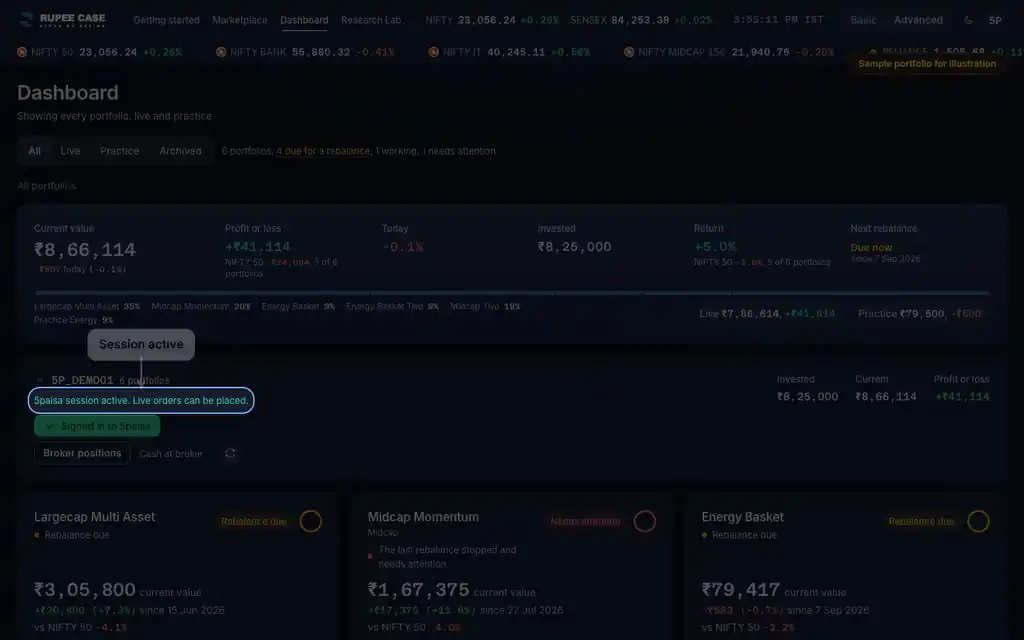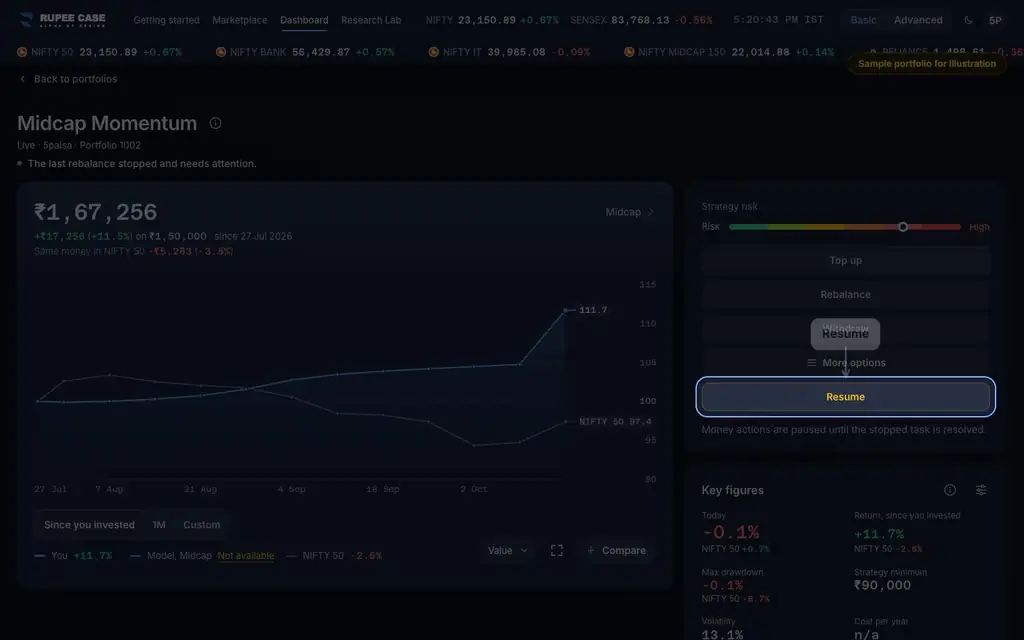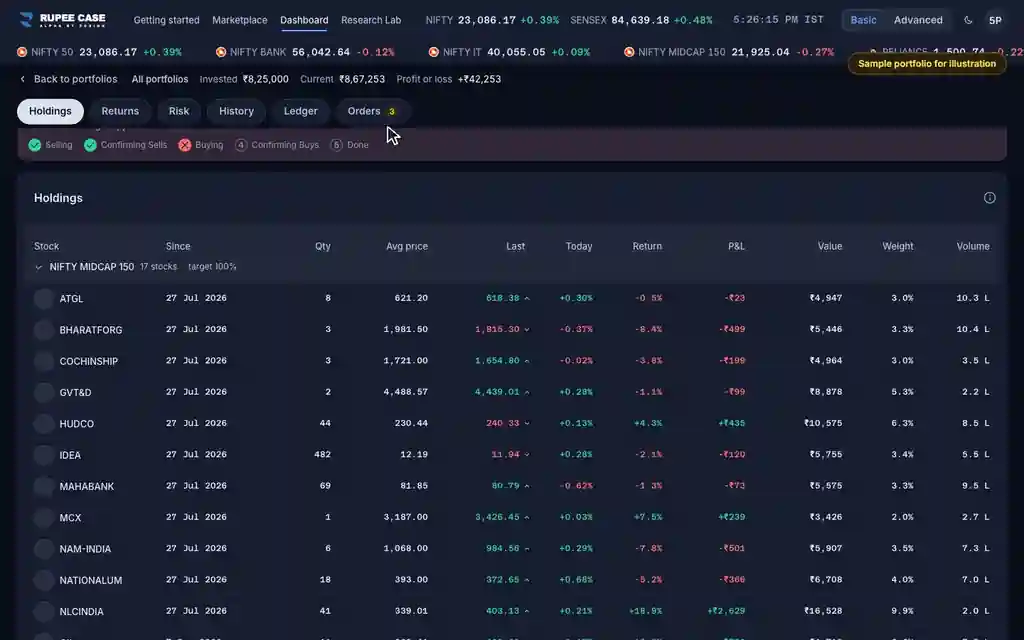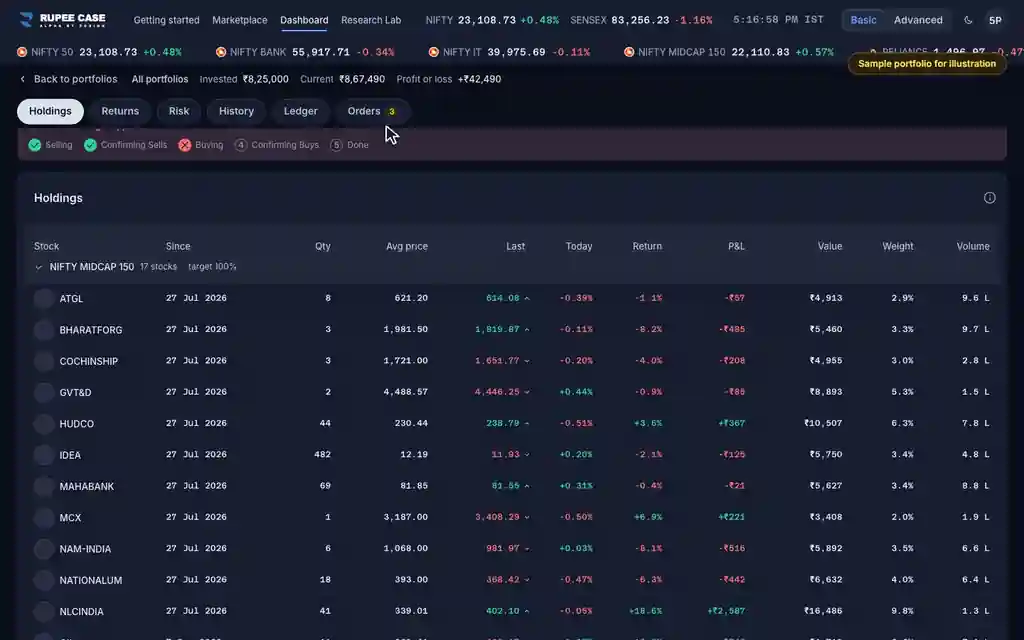



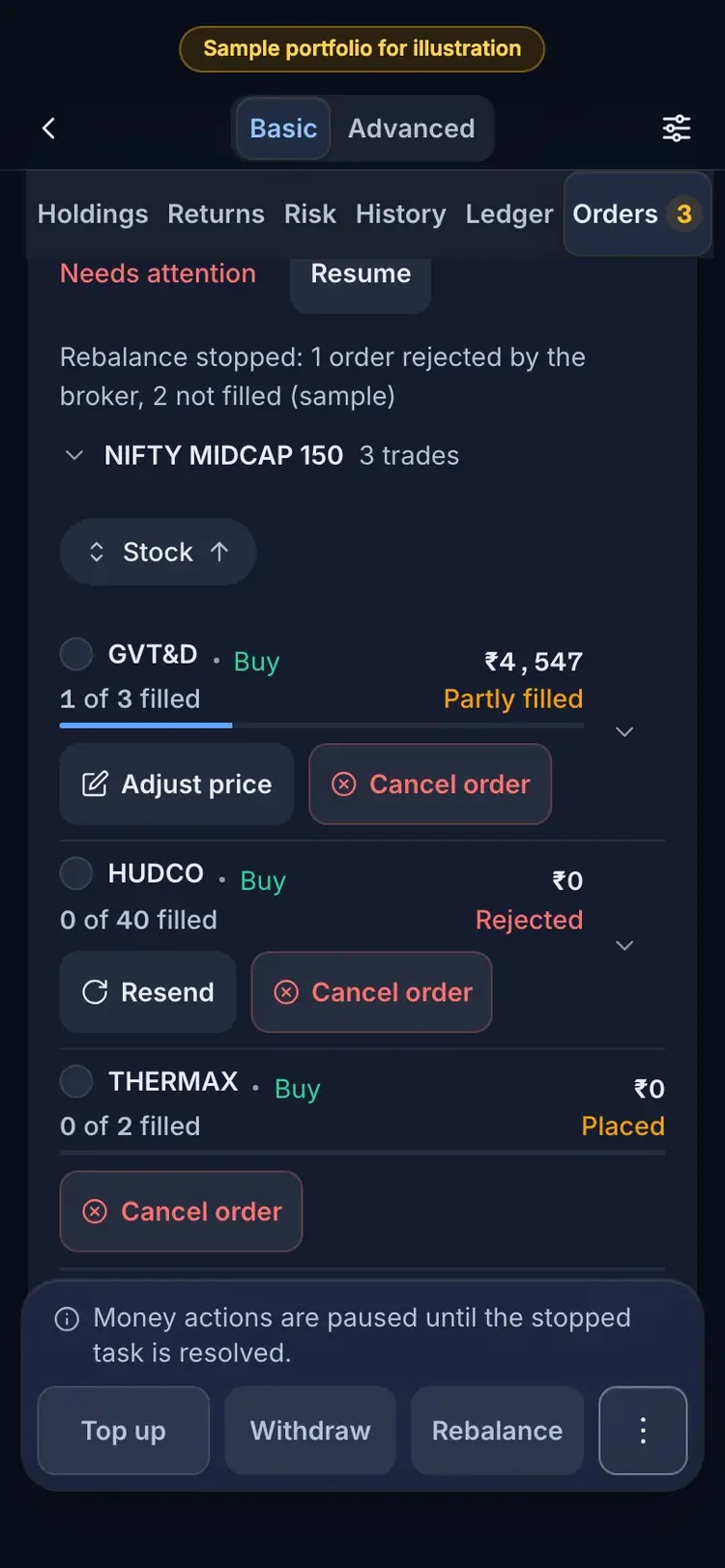
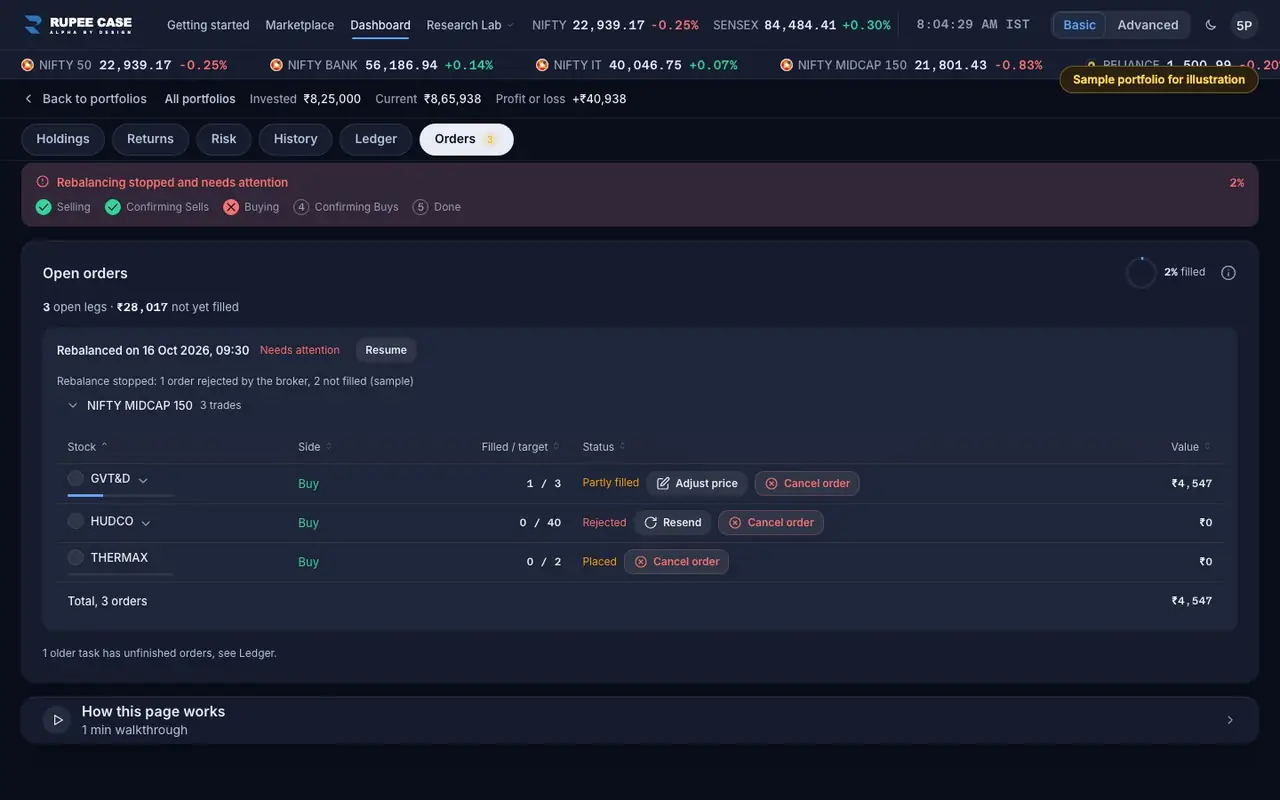
Where it is
ScreenPortfolio, Orders tabBasic
The red Cancel order button beside an order in the Orders tab, on a portfolio whose task stopped: for an order that was rejected, is still open at the broker, or was never sent.
Index in this video: Midcap (strategy page).
What it means
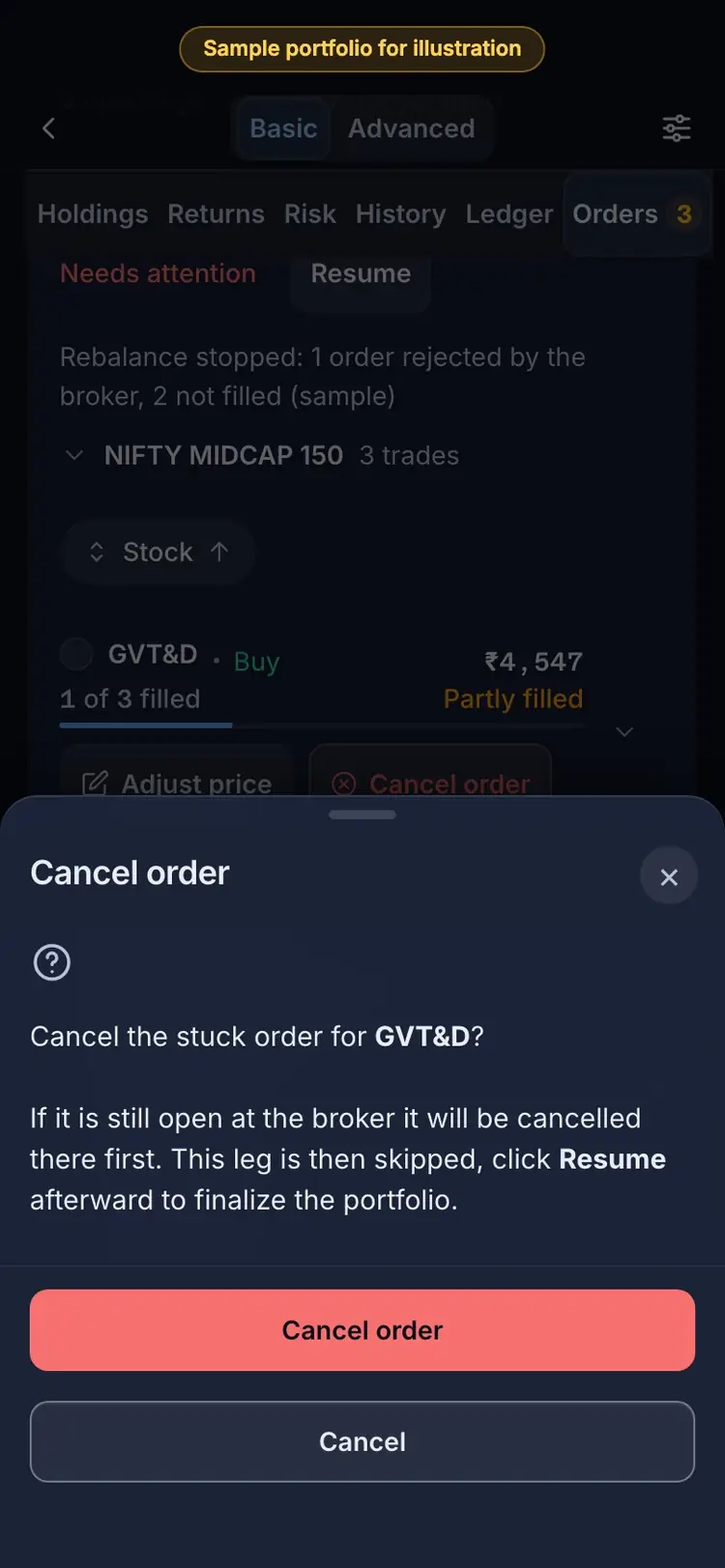
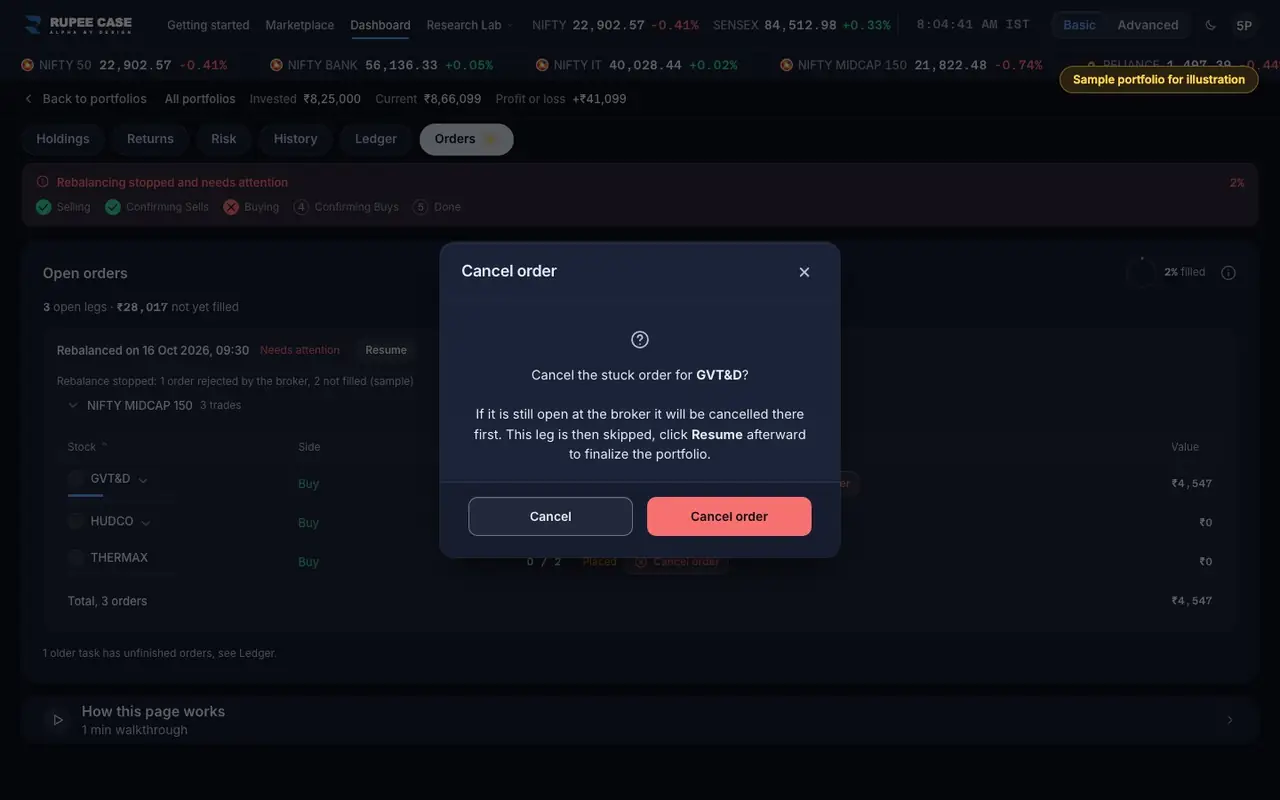
Cancel order opens a sheet: "Cancel the stuck order for <stock>? If it is still open at the broker it will be cancelled there first. This leg is then skipped, click Resume afterward to finalize the portfolio." On Cancel order, the server asks your broker to cancel any open part, then books what really filled: the order becomes Cancelled, or Partly filled if some shares filled first. If the broker has not confirmed yet, the app says it is cancelling and keeps checking for about a minute.
The formula
Cancel keeps what filled and drops the rest. The shares not bought or sold wait for the next rebalance.
Cancel = cancel any open broker order for this leg, then target = shares filled
Status after: Cancelled (nothing filled) or Partly filled
Then Resume closes the task
Worked example
Example only
- Buy 3, 1 filled, 2 open at the broker
- Cancel order: the 2 open shares are cancelled at the broker
- The leg reads 1 of 1; Resume closes the rebalance
How to read it
- "Cancelling ... at the broker" means the broker has not confirmed yet; the row updates by itself.
- If the server finds the order already filled at the broker, it books it and asks you to refresh.
- Adjust price is the other choice for an order still open.
Watch out
- A cancel cannot be undone; the shares wait for the next rebalance or a Resend.
- Check the order book at your broker afterwards: it should read cancelled.
- An order from an earlier trading day is checked against your broker first (Resolve stale order).
Transcript
Tap Sound on for voice and music. These are the captions of the video, chapter by chapter.
- 0:00Where it is. Cancel order sits beside a stuck order.
- 0:08What it means. It cancels at the broker first, then skips the leg.
- 0:32Worked example. Worked example, example only: Buy 3, 1 filled, 2 open at the broker. Cancel order: the 2 open shares are cancelled at the broker. The leg reads 1 of 1; Resume closes the rebalance.
- 0:38How to read it. How to read it: "Cancelling ... at the broker" means the broker has not confirmed yet; the row updates by itself. If the server finds the order already filled at the broker, it books it and asks you to refresh. Adjust price is the other choice for an order still open.
- 0:44Watch out. Watch out: A cancel cannot be undone; the shares wait for the next rebalance or a Resend. Check the order book at your broker afterwards: it should read cancelled. An order from an earlier trading day is checked against your broker first (Resolve stale order).
Terms in this tutorial
- OrdersThe buy and sell instructions sent to your broker while a top up, withdrawal or rebalance runs.
- Needs attentionA flag that the last action on a portfolio, an investment, rebalance or withdrawal, stopped before it finished, for example because an order did not go through.