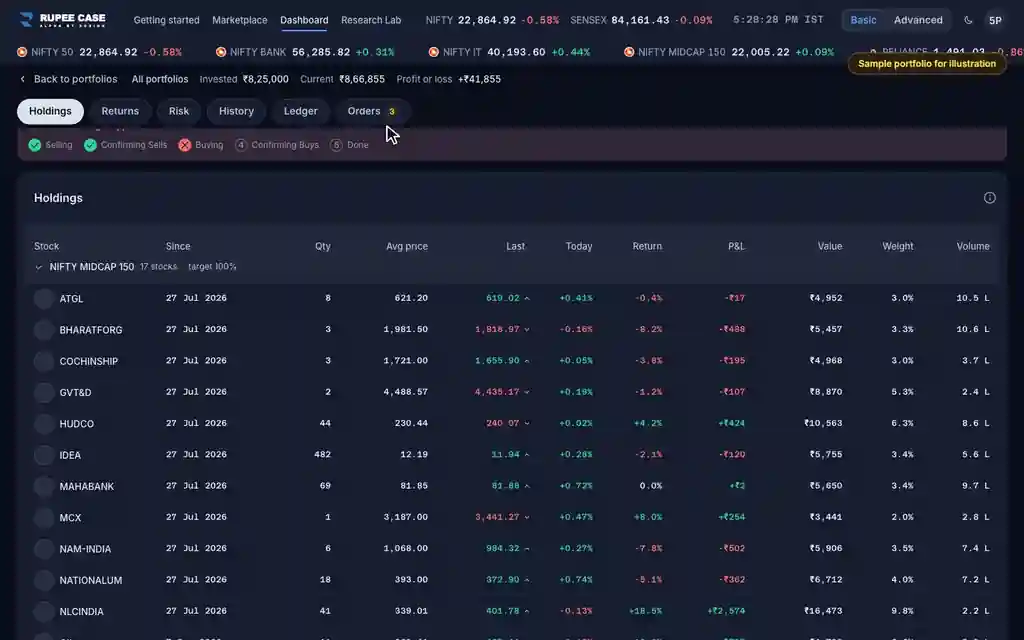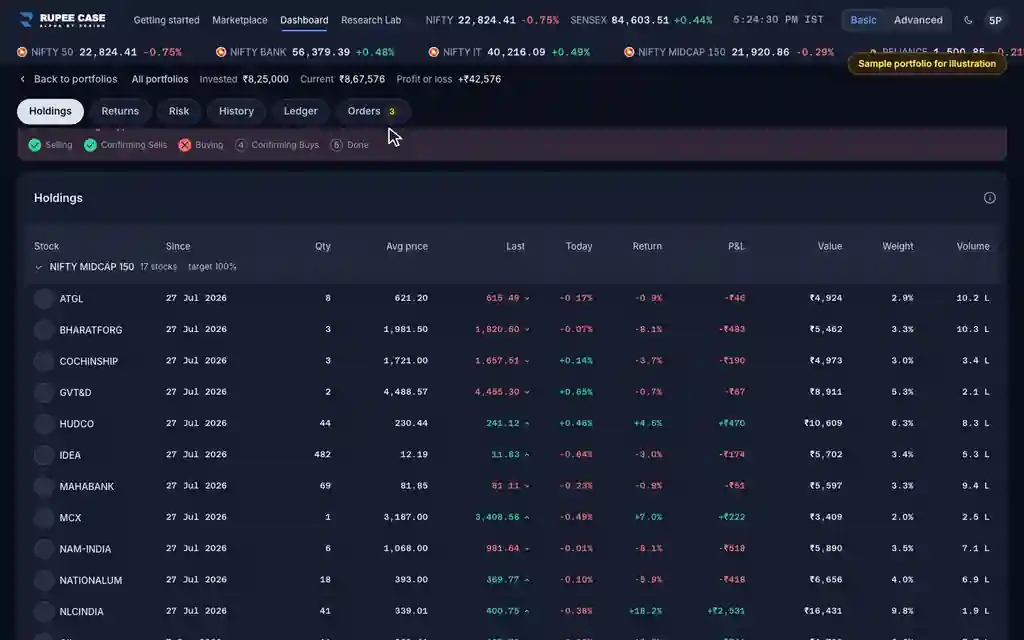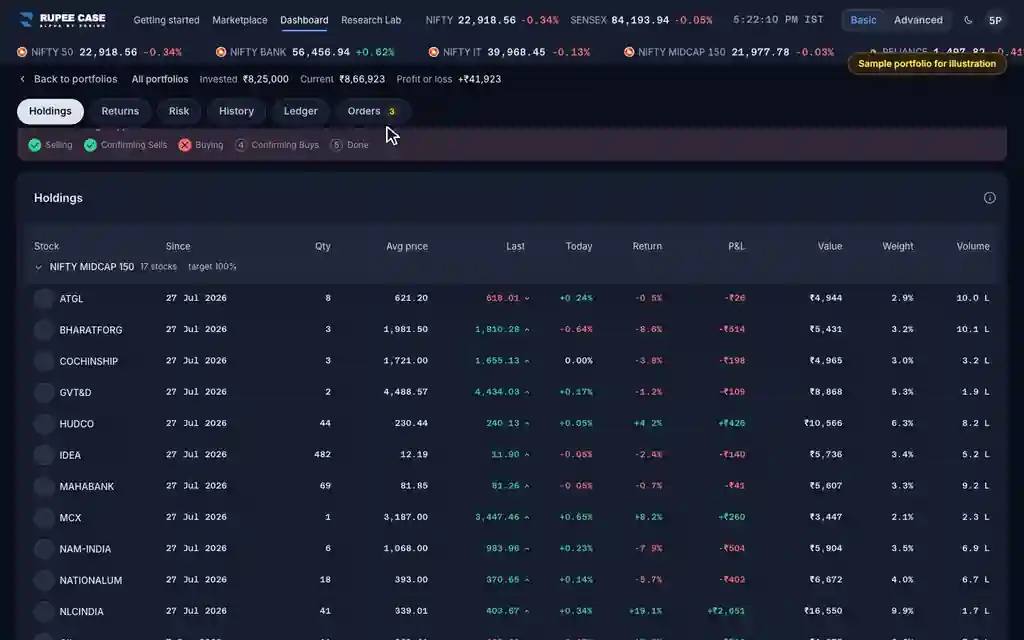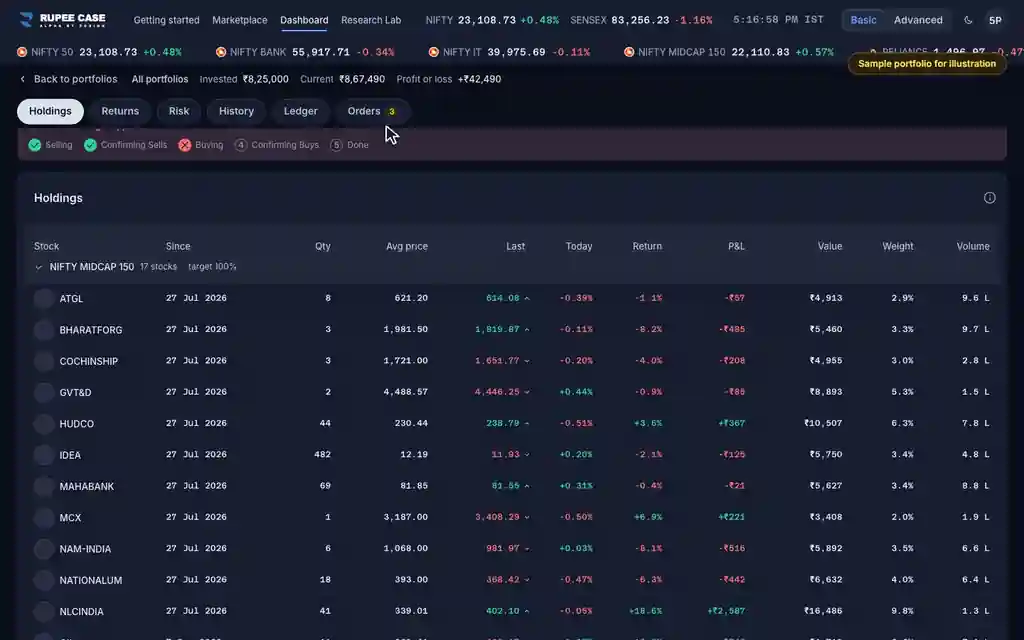



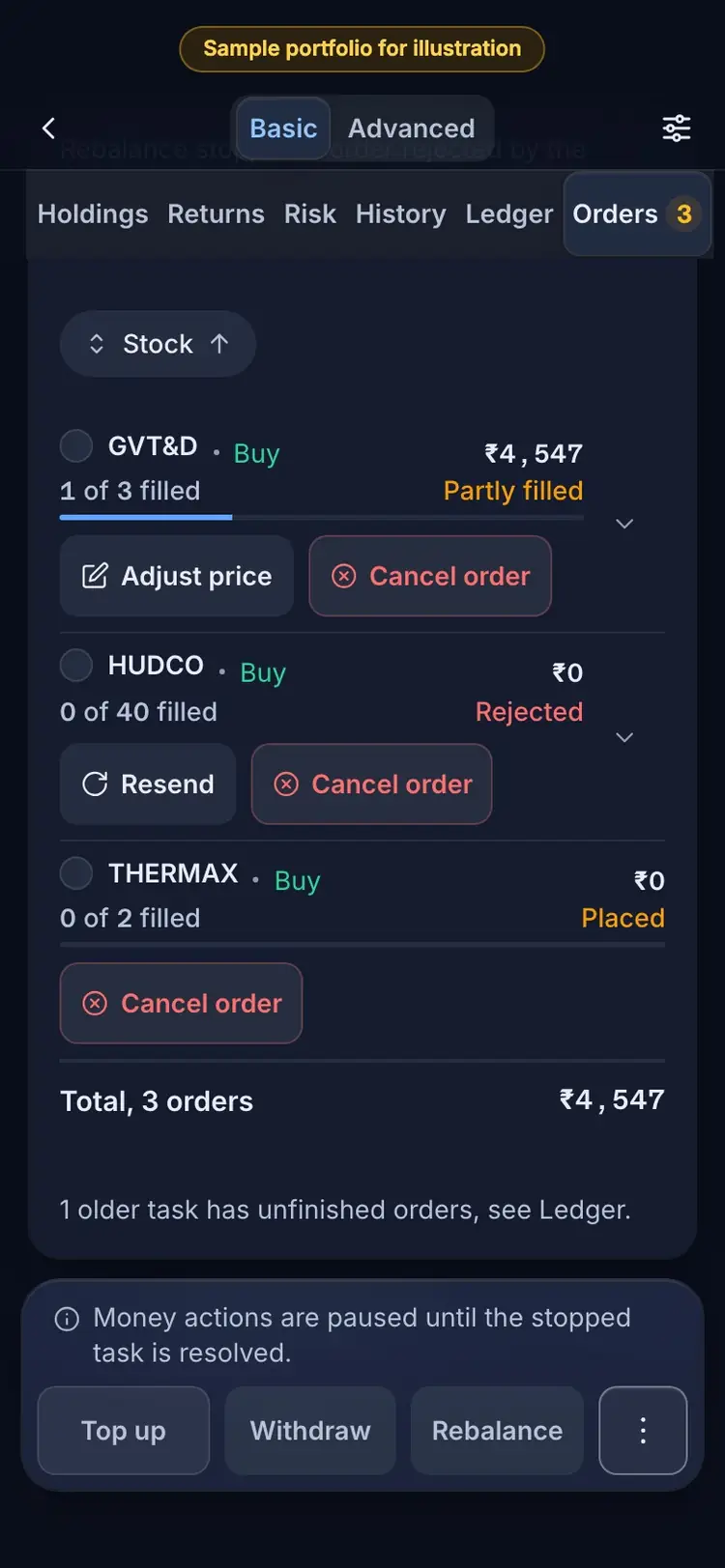
Where it is
ScreenPortfolio, Orders tabBasic
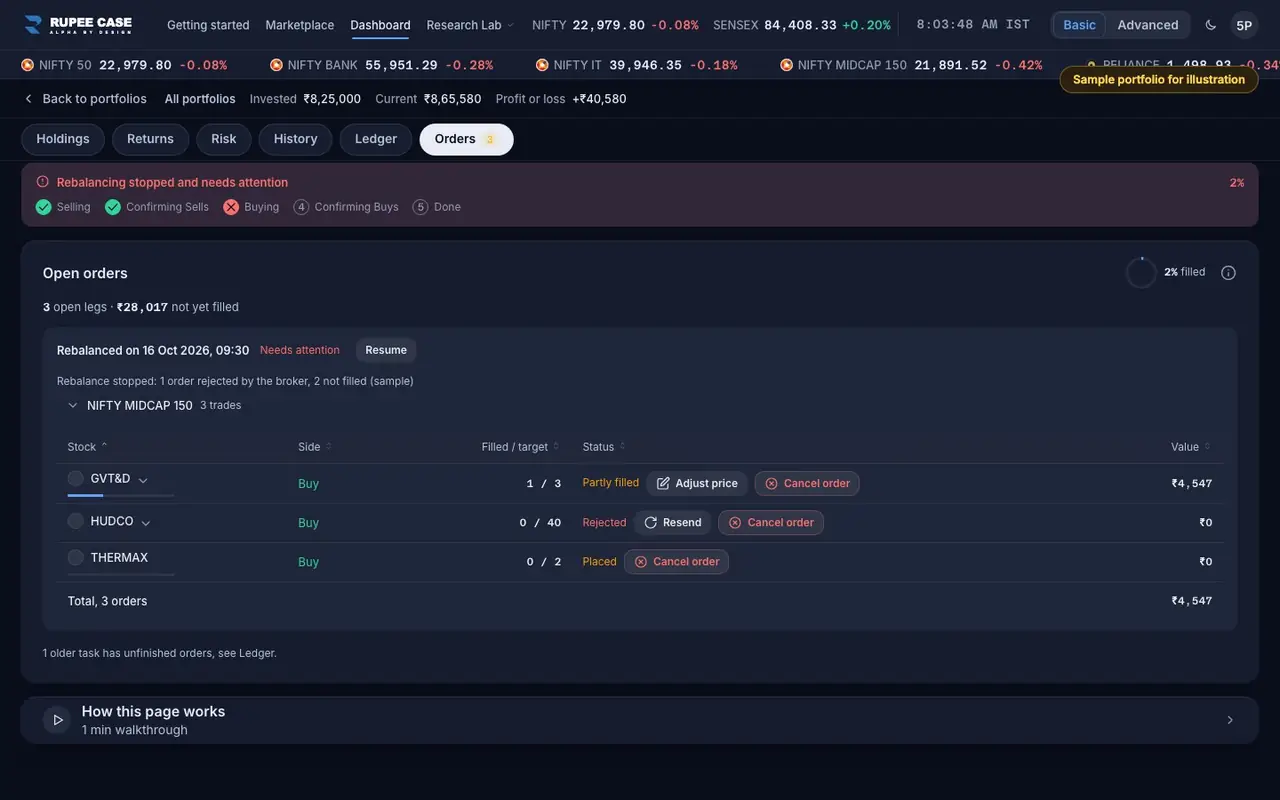
The Resend button beside a Rejected order in the Orders tab, on a portfolio whose task stopped. It shows only when no part of that order is still open at the broker.
Index in this video: Midcap (strategy page).
What it means
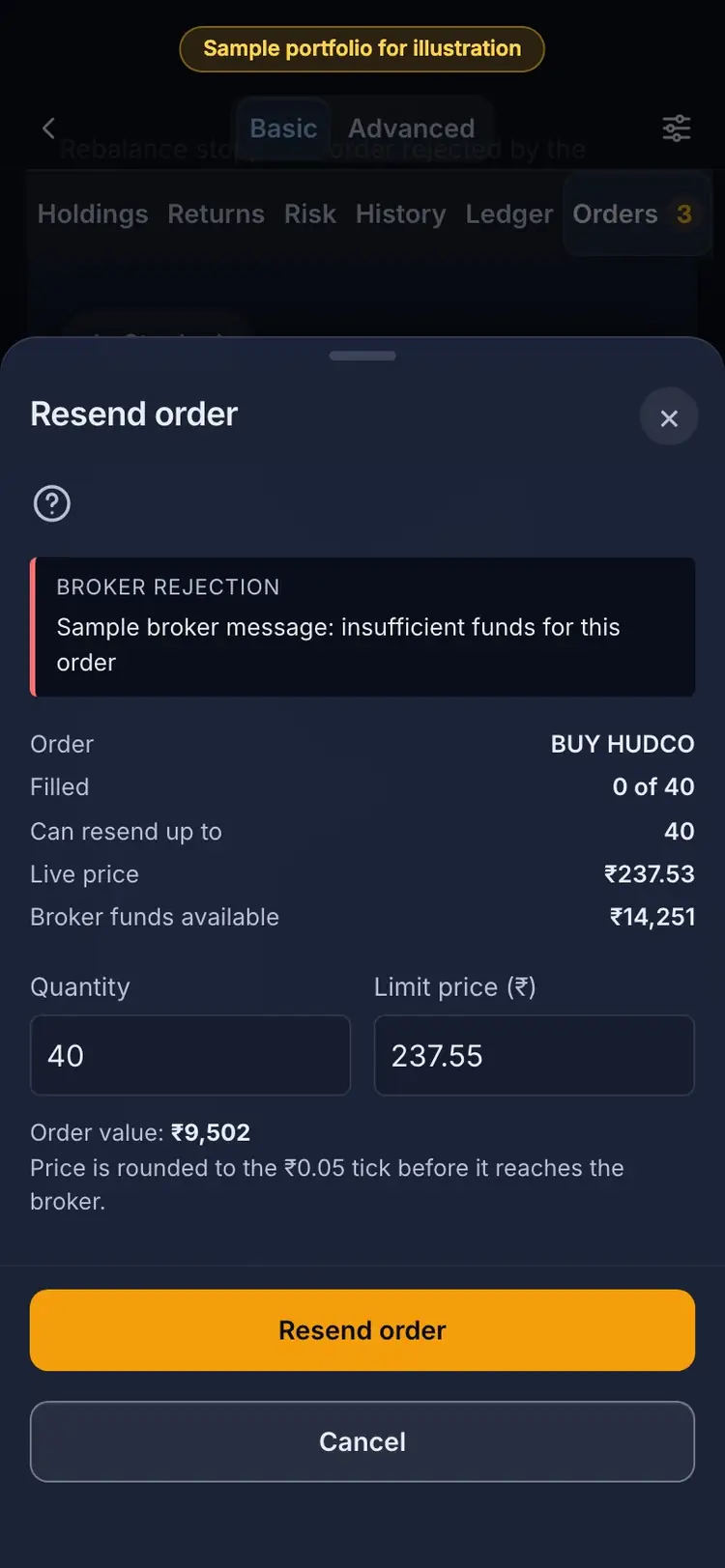
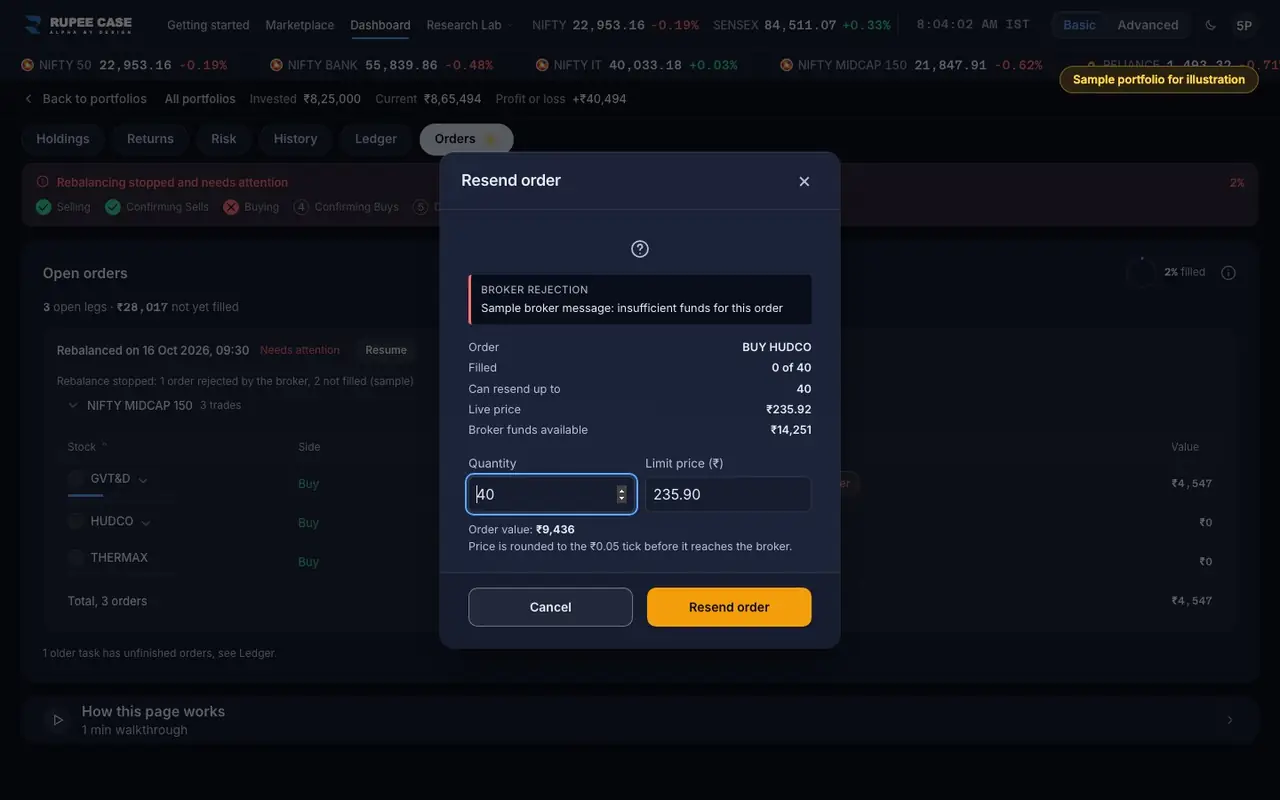
Resend opens "Resend order". It shows the broker's rejection, the order (side and stock), Filled, "Can resend up to", the live price and "Broker funds available". You choose the quantity (up to the shares not filled) and a limit price, which starts at the live price. The sheet shows the order value; if you send fewer shares, "The remaining N share(s) will not be re-ordered, the next rebalance restores the target weight." Resend order sends only that order and the app watches for the fill; no Resume is needed.
The formula
Order value = quantity x limit price. The price is rounded to the stock's tick (Rs 0.05 for most) before it goes to the broker.
Can resend up to = target shares - filled shares (a sell: no more than the portfolio holds)
Limit price: starts at the live price, rounded to the tick
Order value = quantity x limit price
Shares not resent: left for the next rebalance
Worked example
Example only
- Rejected: buy 40, filled 0; live price Rs 238.35
- Broker funds available Rs 14,250: 40 x Rs 238.35 = Rs 9,534
- Or resend 30: Rs 7,150; 10 shares wait for the next rebalance
How to read it
- "Broker funds available" is read from your broker as the sheet opens; it does not block the order.
- The quantity box cannot go above "Can resend up to".
- A success message ends "Watching for the fill"; the row updates by itself.
Watch out
- Resend works only during the trading window, 09:20 to 15:10 IST on weekdays.
- On a Live portfolio Resend order places a real order at your broker.
- If any part of the order is still open, use Adjust price or Cancel order instead.
Transcript
Tap Sound on for voice and music. These are the captions of the video, chapter by chapter.
- 0:00Where it is. Resend sits beside a rejected order.
- 0:07What it means. The broker's reason comes first.
- 0:45Worked example. Worked example, example only: Rejected: buy 40, filled 0; live price Rs 238.35. Broker funds available Rs 14,250: 40 x Rs 238.35 = Rs 9,534. Or resend 30: Rs 7,150; 10 shares wait for the next rebalance.
- 0:51How to read it. How to read it: "Broker funds available" is read from your broker as the sheet opens; it does not block the order. The quantity box cannot go above "Can resend up to". A success message ends "Watching for the fill"; the row updates by itself.
- 0:57Watch out. Watch out: Resend works only during the trading window, 09:20 to 15:10 IST on weekdays. On a Live portfolio Resend order places a real order at your broker. If any part of the order is still open, use Adjust price or Cancel order instead.
Terms in this tutorial
- OrdersThe buy and sell instructions sent to your broker while a top up, withdrawal or rebalance runs.
- Broker cashThe cash you can spend in your own broker account right now.
- Market hoursThe hours when NSE and BSE trade shares, 9:15 am to 3:30 pm on weekdays that are not holidays.