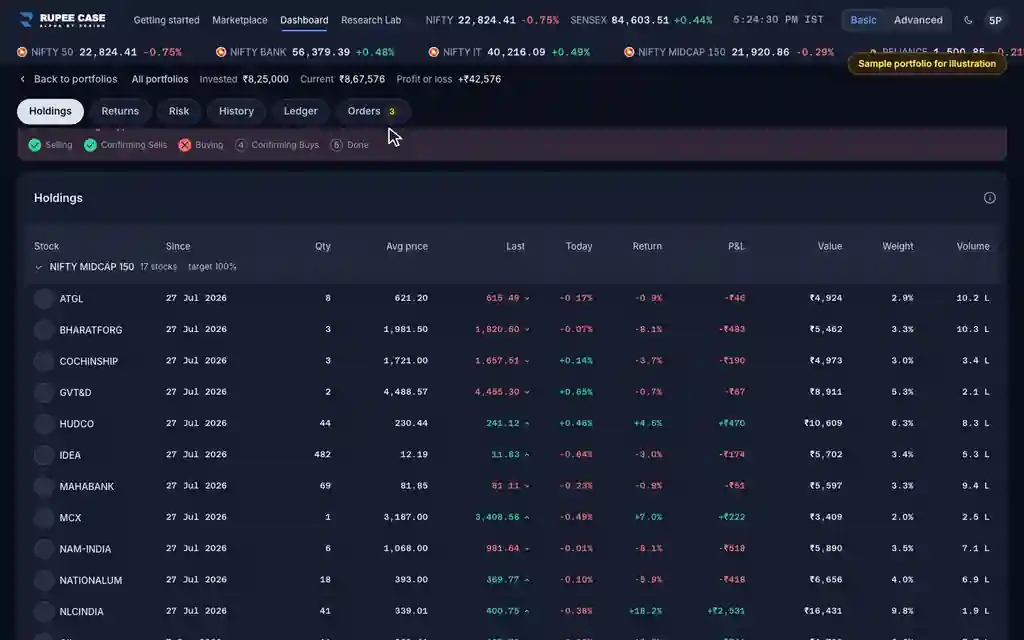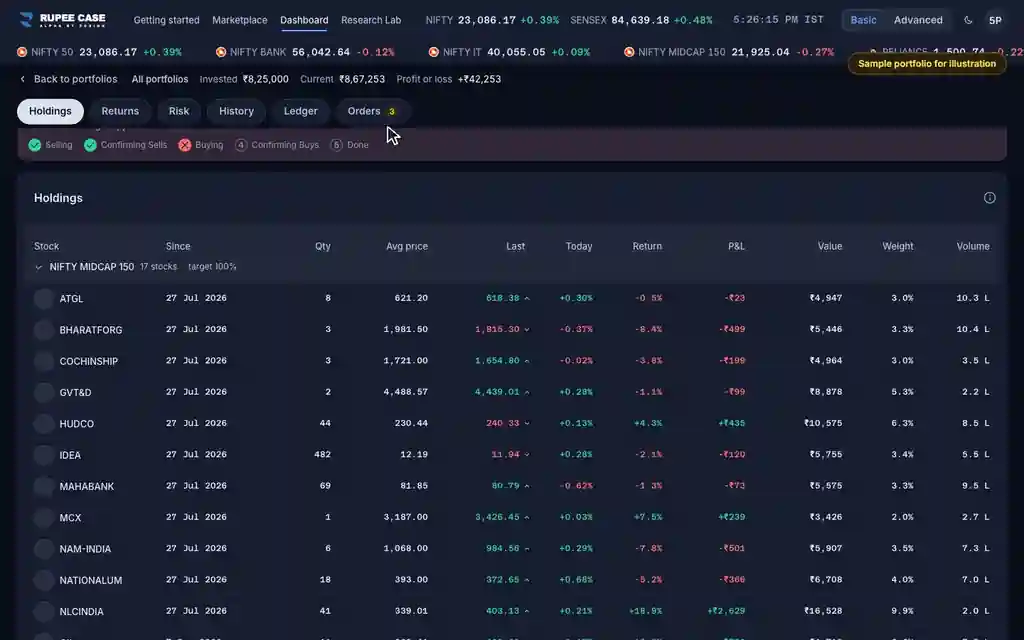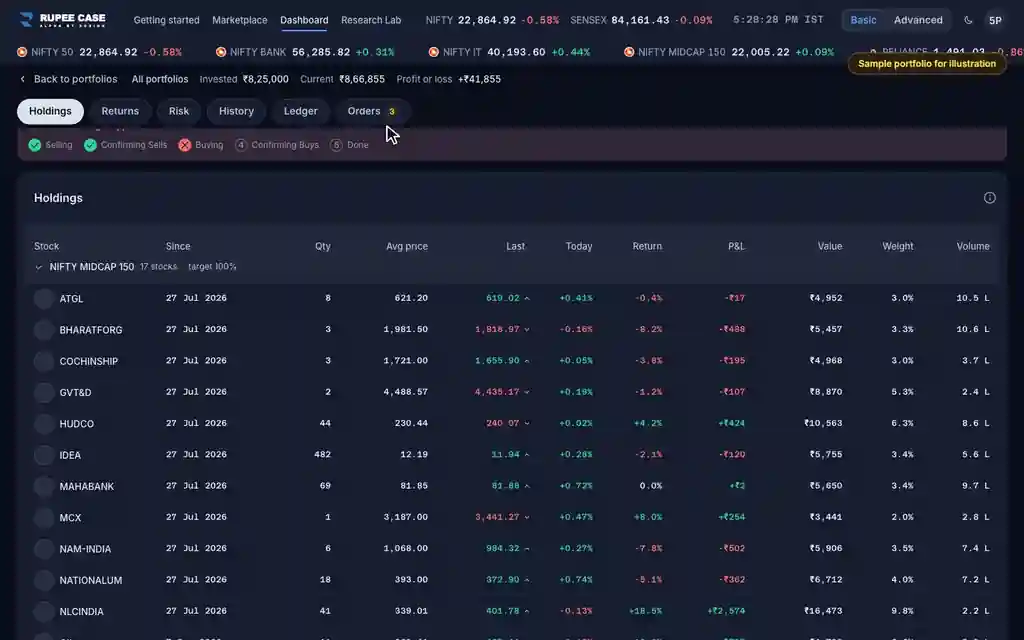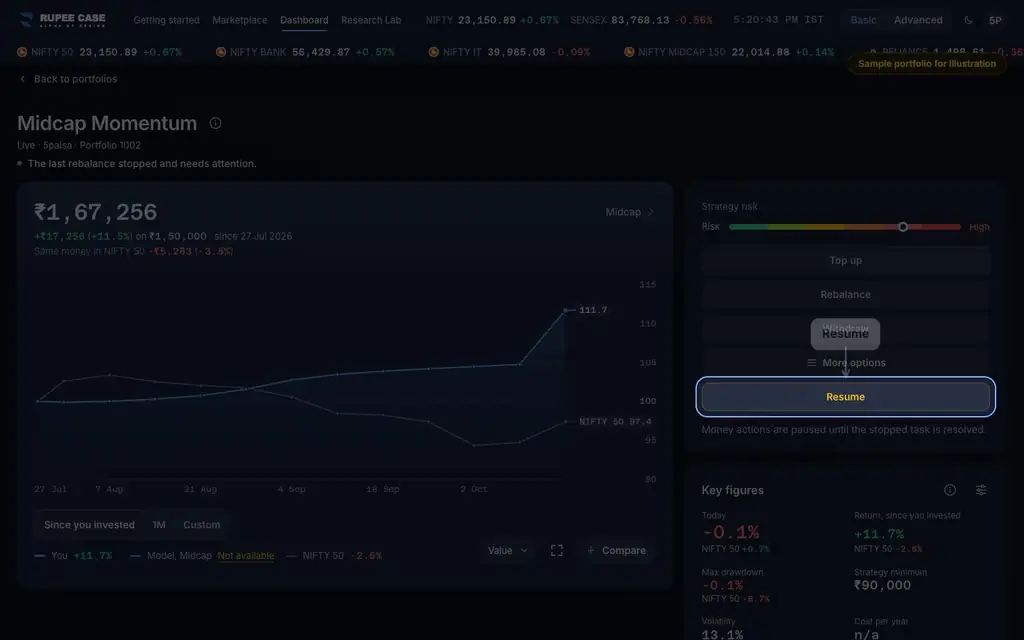



Where it is
ScreenPortfolio, Orders tabBasic
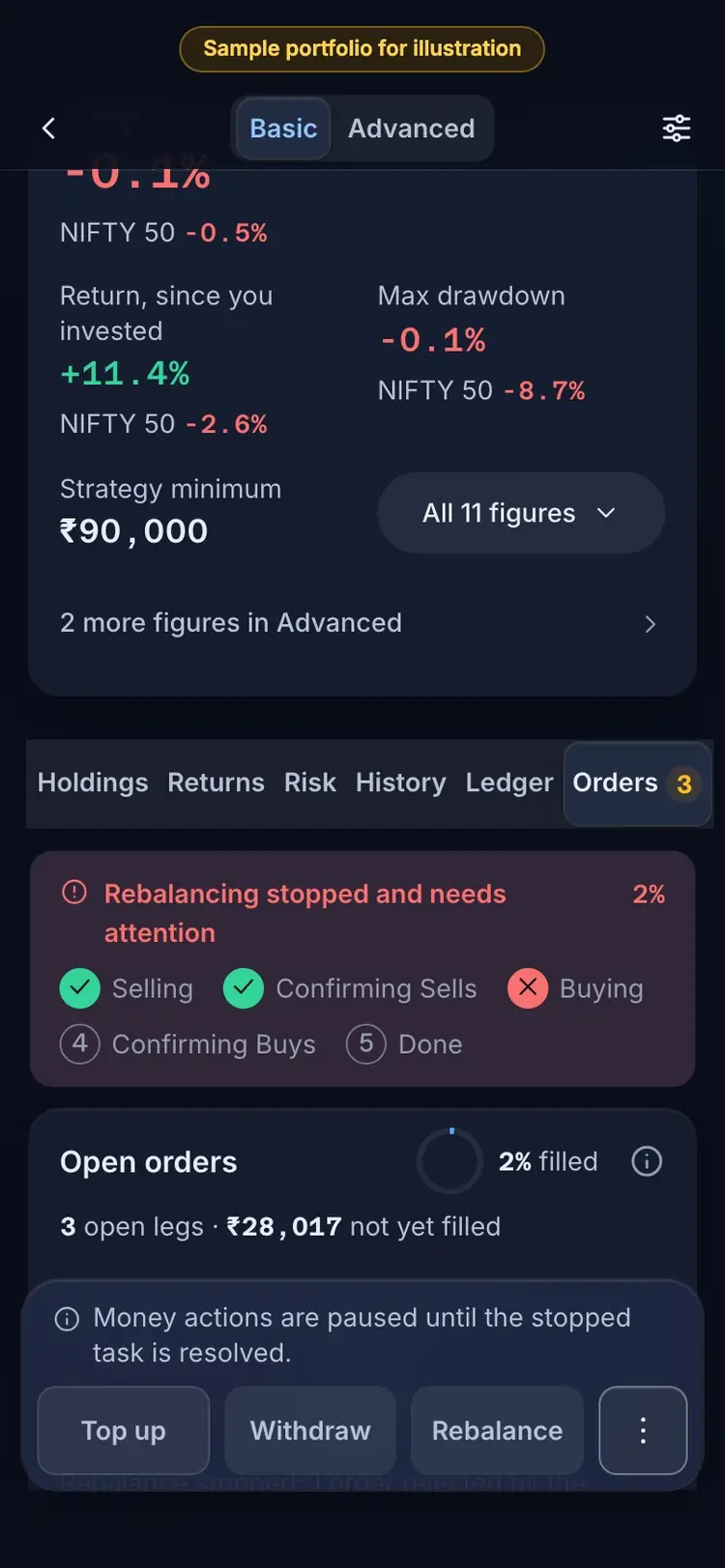
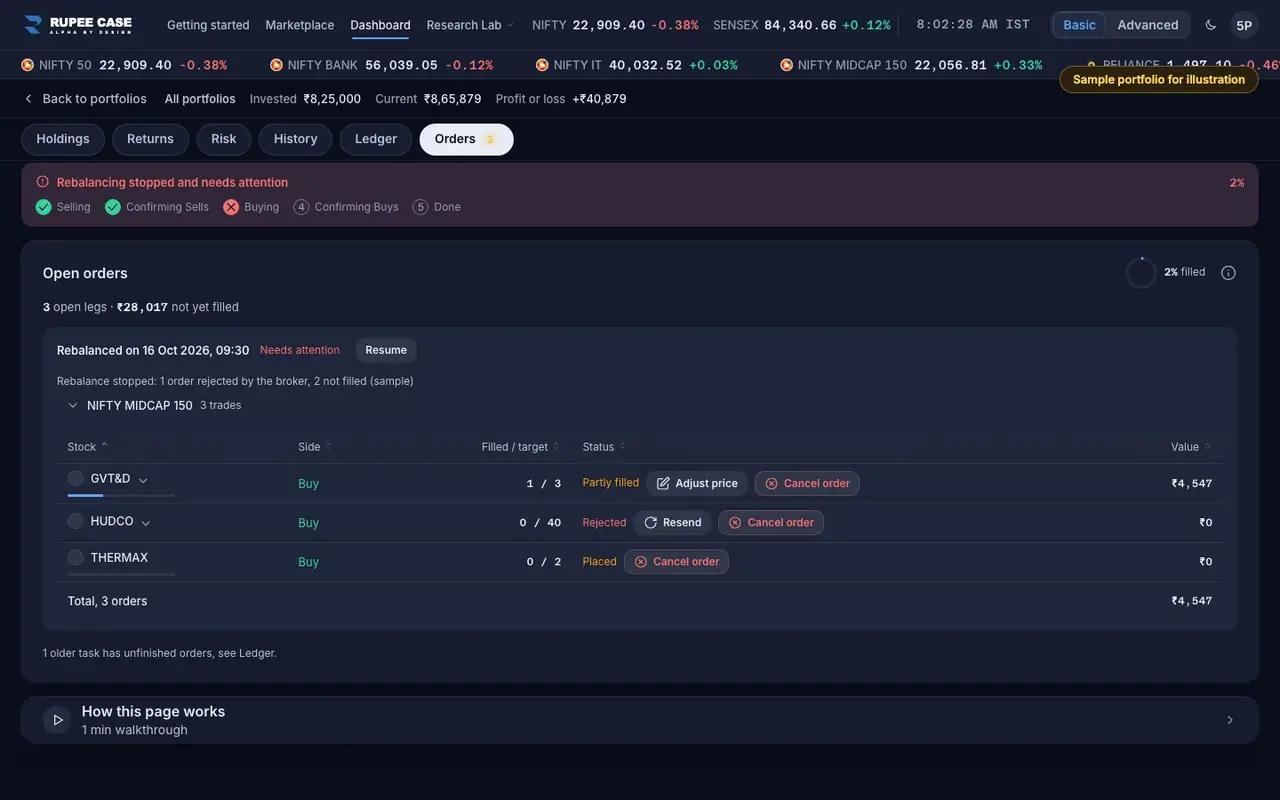
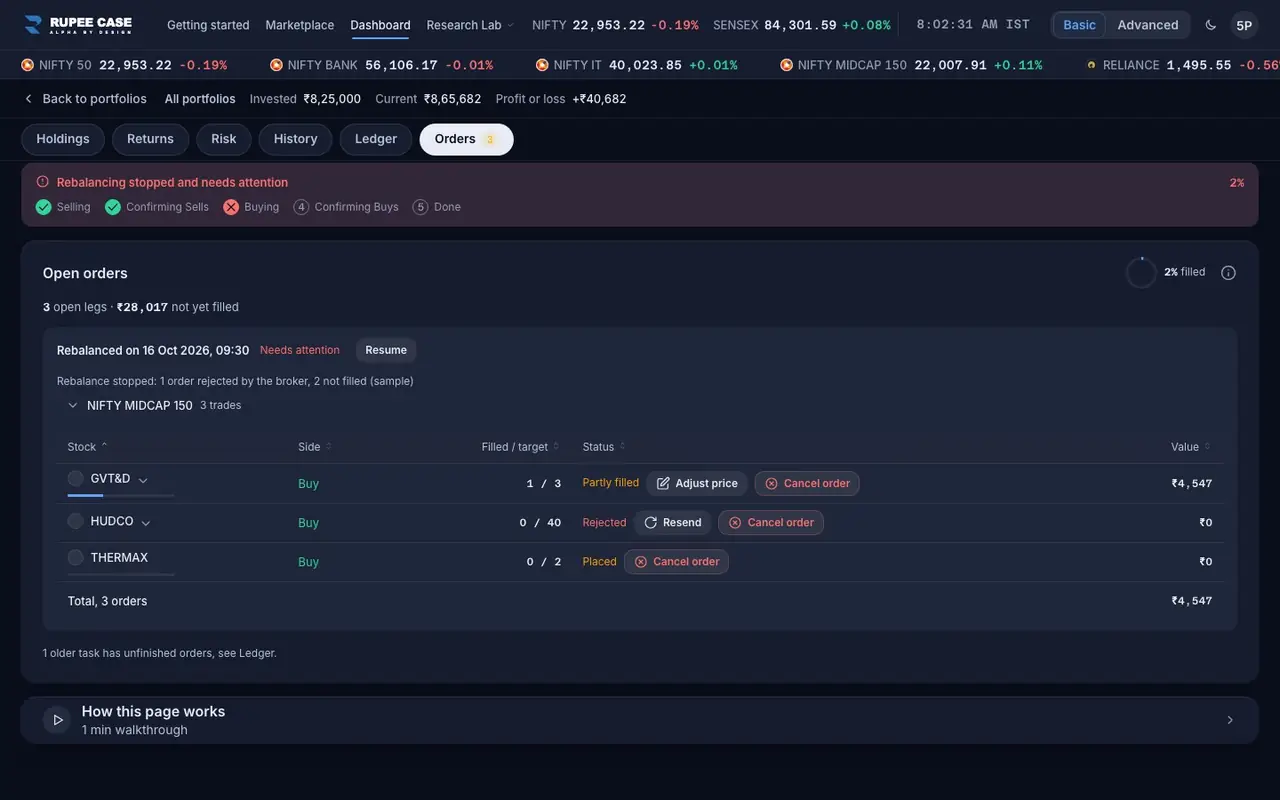
The portfolio's Orders tab: the heading counts the open legs and the rupees not yet filled; each open order has its own buttons (Adjust price, Resend, Cancel order) in the Status column.
Index in this video: Midcap (strategy page).
What it means
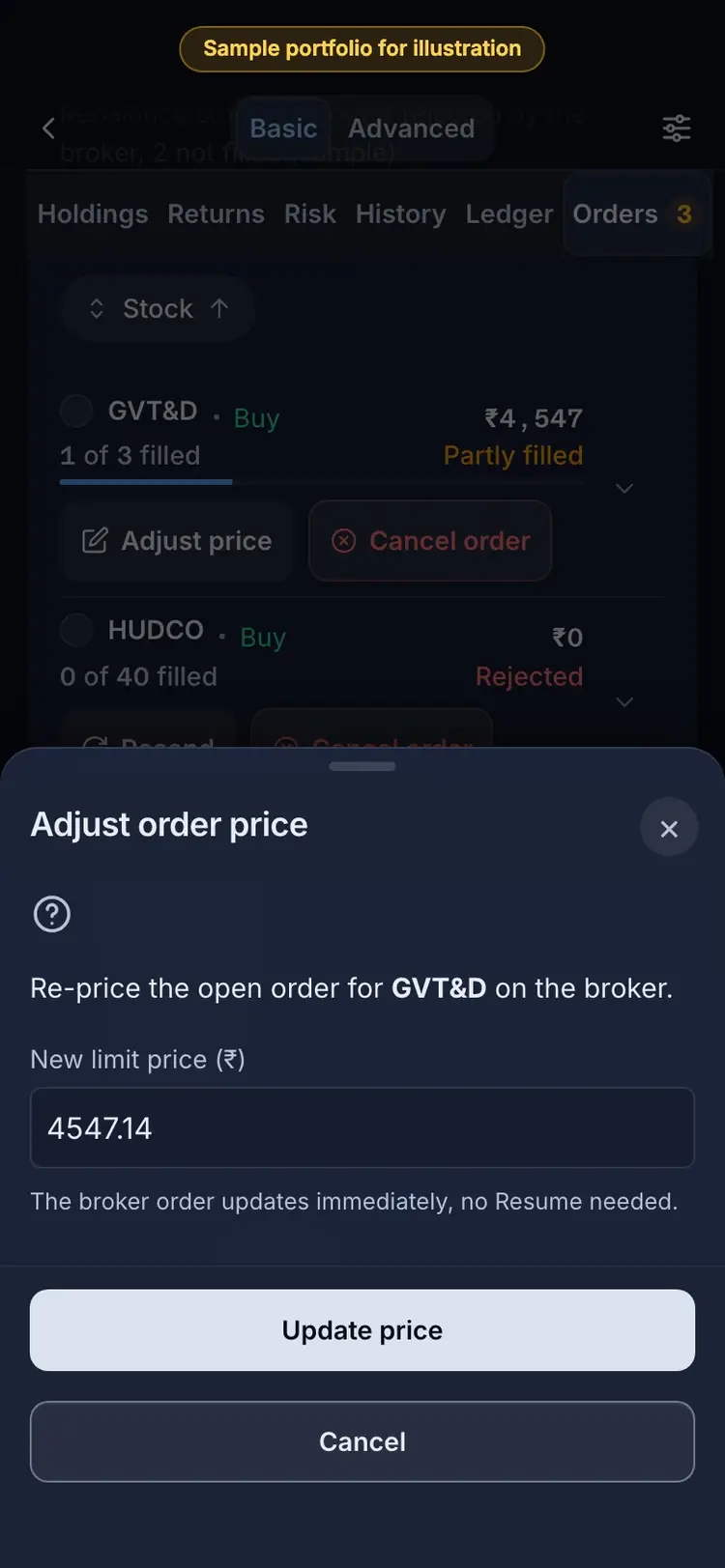
A rebalance sells first, then buys. If it stops part way, the Orders tab lists each order still open with Filled over target. Each open leg has a way forward: an order still working at the broker can be re-priced (Adjust price: "The broker order updates immediately, no Resume needed."); a rejected order can be sent again (Resend); any of them can be dropped (Cancel order: the leg is skipped). Then Resume closes the task. A leg you drop or resend for fewer shares is not bought now; the next rebalance brings the weight back to target.
The formula
Not yet filled = for each open leg, the shares still missing times the price. A rebalance closes as Done when every leg filled, Partly filled when some did.
Open legs = orders of the latest action with fewer shares filled than the target
Adjust price: an order still open at the broker; no Resume needed
Resend: a rejected order with nothing open; Cancel order: skip the leg
Then Resume: the task closes (Done, or Partly filled)
Worked example
Example only
- Buy 3 shares: 1 of 3 filled, the rest open at Rs 4,540
- Adjust price to the live price: the broker order updates
- Cancel order instead: 2 shares skipped; the next rebalance restores the weight
How to read it
- A fill bar under the stock shows how much of the order filled.
- Adjust price shows only while the broker order is still open.
- After the last leg settles, Resume finalises; the Ledger row reads Done or Partly filled.
Watch out
- Mark complete is for the RupeeCase team; if a task cannot be resumed, contact support.
- A partly filled portfolio is off its target weights until the next rebalance.
- Re-pricing changes a real order at your broker on a Live portfolio.
Transcript
Tap Sound on for voice and music. These are the captions of the video, chapter by chapter.
- 0:00Where it is. The heading counts the open legs and what is not yet filled.
- 0:12What it means. Adjust price: re-price an order still open at the broker.
- 0:52Worked example. Worked example, example only: Buy 3 shares: 1 of 3 filled, the rest open at Rs 4,540. Adjust price to the live price: the broker order updates. Cancel order instead: 2 shares skipped; the next rebalance restores the weight.
- 0:58How to read it. How to read it: A fill bar under the stock shows how much of the order filled. Adjust price shows only while the broker order is still open. After the last leg settles, Resume finalises; the Ledger row reads Done or Partly filled.
- 1:04Watch out. Watch out: Mark complete is for the RupeeCase team; if a task cannot be resumed, contact support. A partly filled portfolio is off its target weights until the next rebalance. Re-pricing changes a real order at your broker on a Live portfolio.
Terms in this tutorial
- OrdersThe buy and sell instructions sent to your broker while a top up, withdrawal or rebalance runs.
- rebalancingPeriodic reset of portfolio holdings back to target weights or a new selection.
- Needs attentionA flag that the last action on a portfolio, an investment, rebalance or withdrawal, stopped before it finished, for example because an order did not go through.