


Where it is
ScreenDashboard and PortfolioBasic
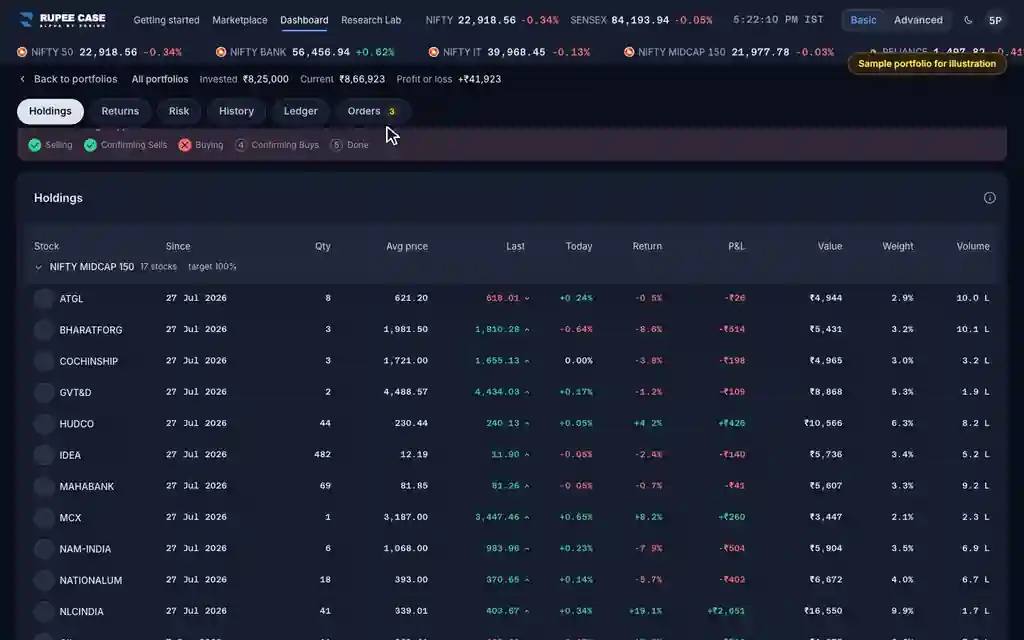
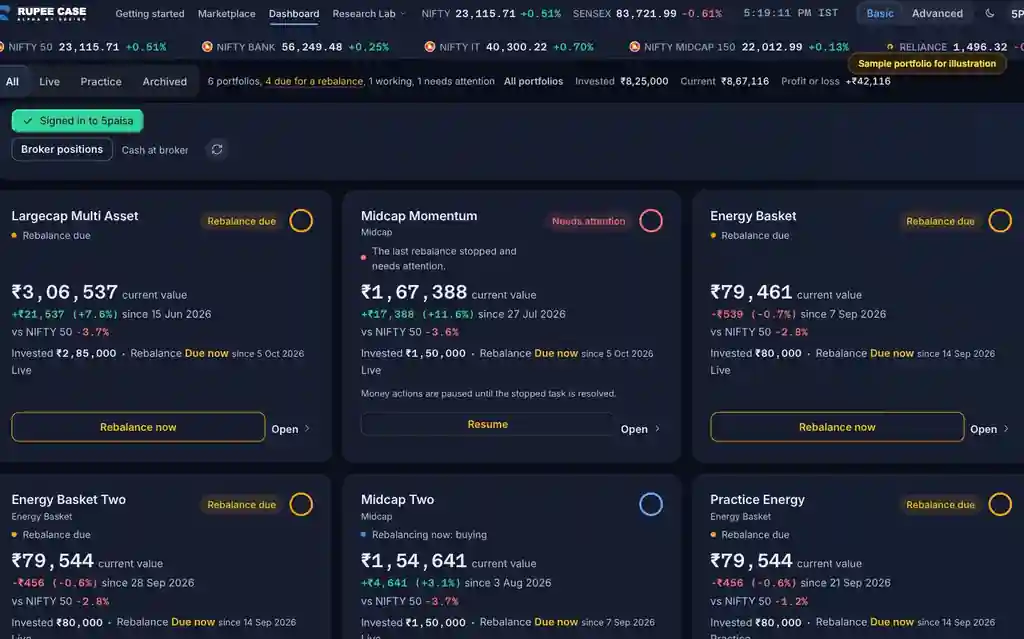
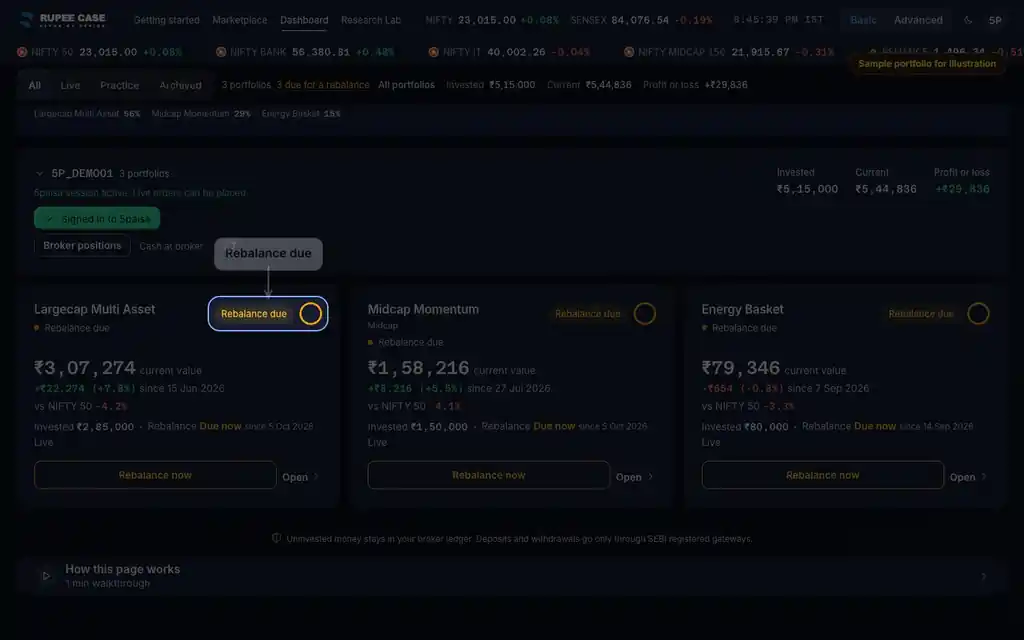
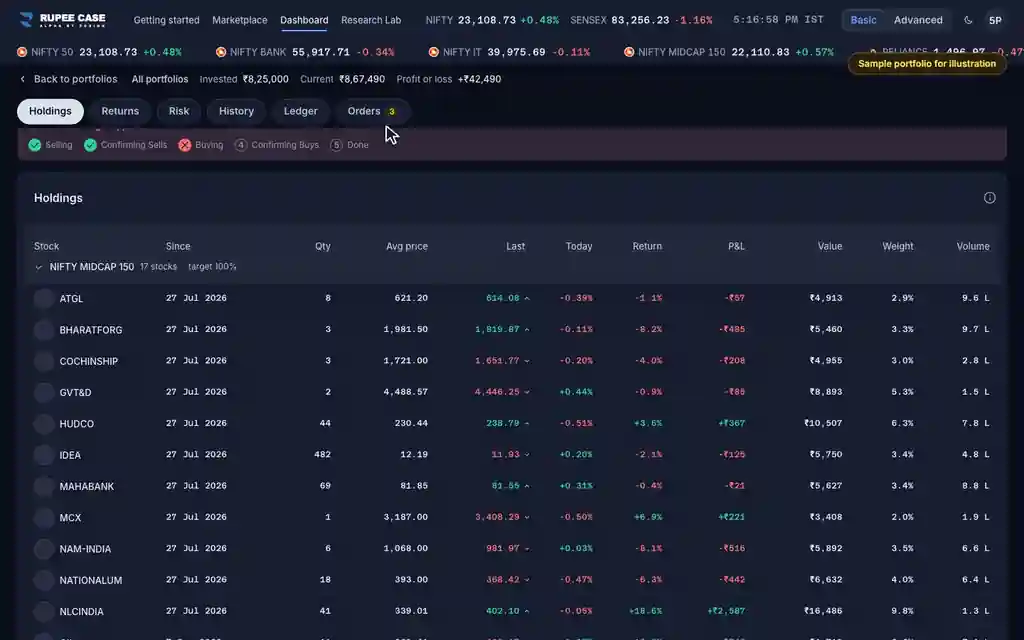
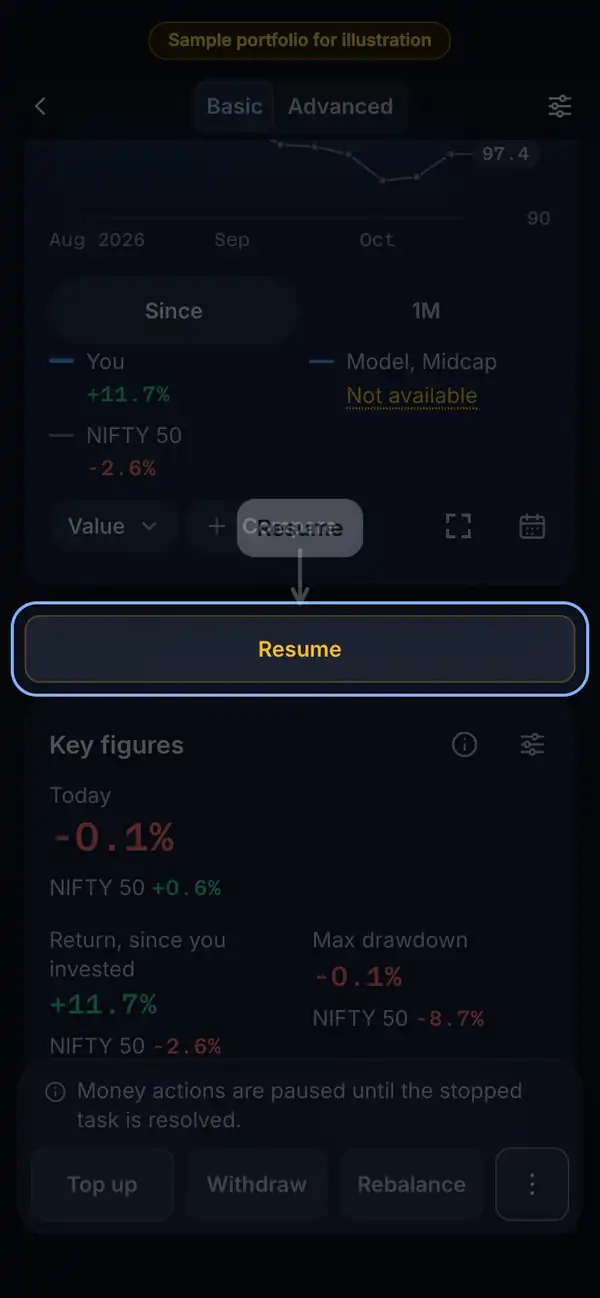
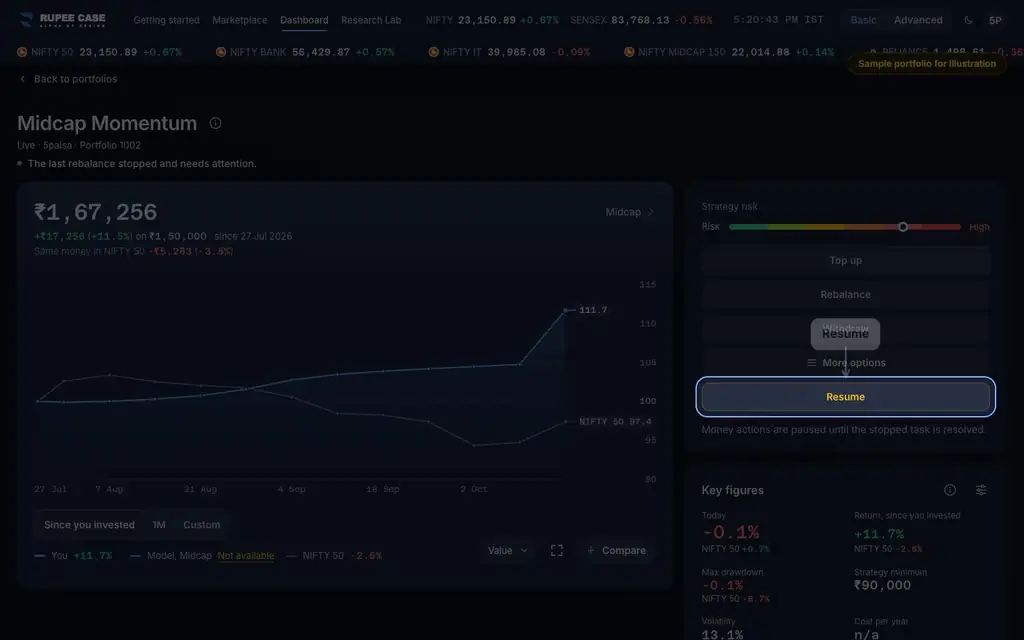
Resume is on the Dashboard card of a portfolio that needs attention, under the portfolio's progress panel, on the stopped row of the Ledger and beside the action on the Orders tab.
Index in this video: Midcap (strategy page).
What it means
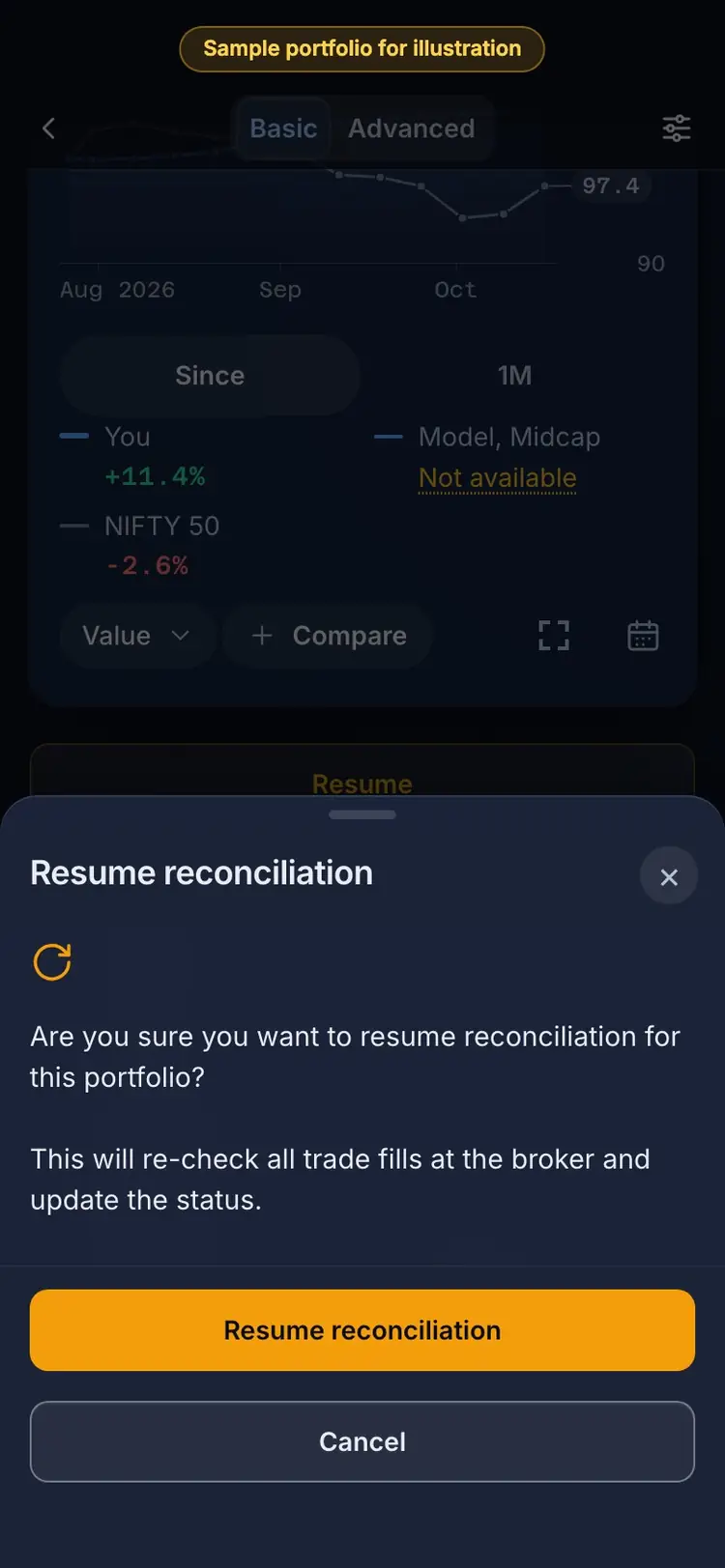
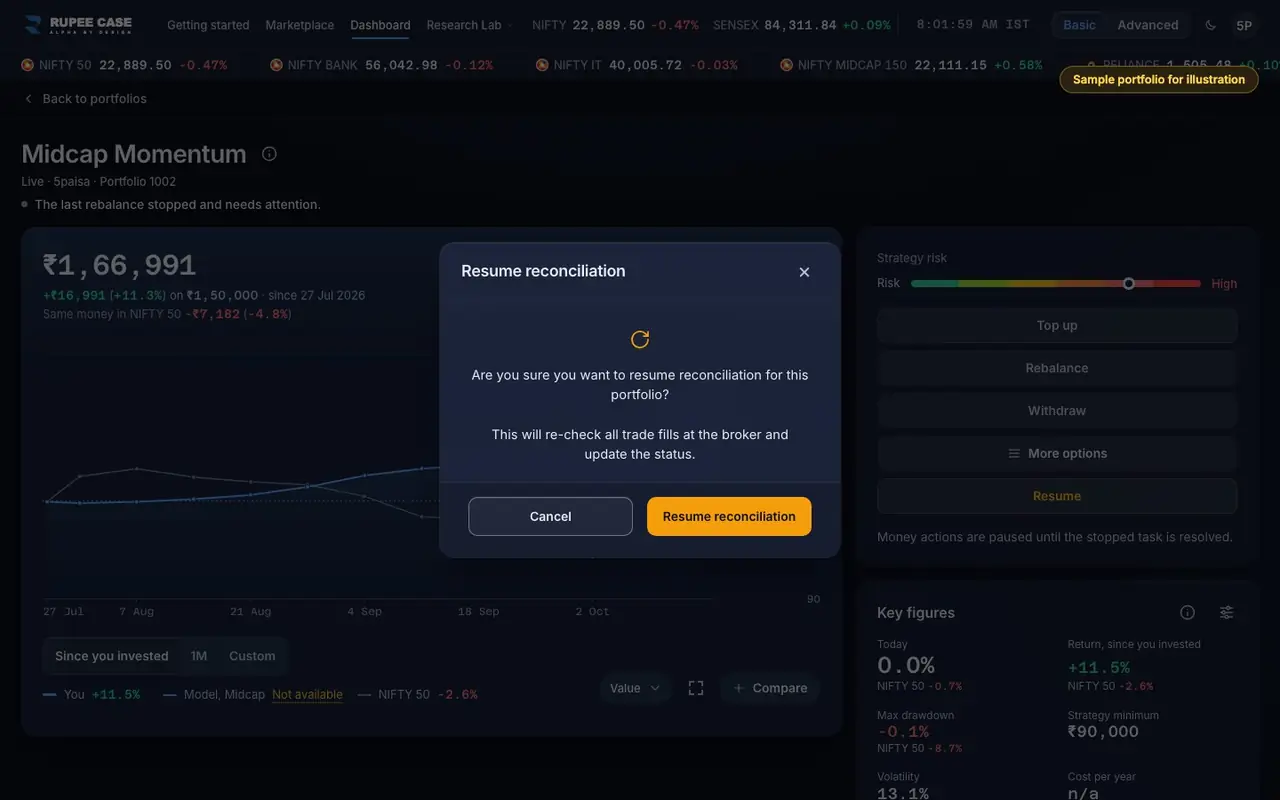
Resume opens "Resume reconciliation": it re-checks all trade fills at the broker and updates the status. On Resume confirm, the server rebuilds the portfolio from the fills, then sends fresh orders at the live price for the shares that did not fill (rejected, cancelled, partly filled or never sent). An order still working at the broker today is left to fill. An order left open from an earlier trading day must first be checked against your broker in a "Resolve stale order" sheet. When nothing is left to do, the task closes and the portfolio is Up to date again.
The formula
Resume books what filled, then orders only the shares still missing, at the live price. Orders already filled are never sent again.
Resume = re-read the fills at the broker
then, for each order with shares not filled: rejected, cancelled, partly filled or never sent: a fresh order for the shares left, at the live price
an order still open today: left to fill
an open order from an earlier day: verify it at the broker first (Resolve stale order)
Worked example
Example only
- A rebalance: 3 sells filled, then 1 buy of 40 rejected
- Resume: the 3 sells stay booked; 1 fresh buy order for 40
- It fills: the task closes and the portfolio is Up to date
How to read it
- "Portfolio reconciliation resumed." means the server took it; the panel then shows the steps again.
- A "Resolve stale order" sheet means an order from an earlier day needs checking first.
- If Resume says the portfolio is busy, a task is still running; wait for it.
Watch out
- Resume can send real orders on a Live portfolio; check your broker cash and session first.
- If an order was rejected for funds, add cash at your broker before you Resume, or it may be rejected again.
- Cancel the orders you do not want sent again before you Resume.
Transcript
Tap Sound on for voice and music. These are the captions of the video, chapter by chapter.
- 0:00Where it is. Resume sits on a portfolio that needs attention.
- 0:16What it means. It re-checks every fill at your broker.
- 0:40Worked example. Worked example, example only: A rebalance: 3 sells filled, then 1 buy of 40 rejected. Resume: the 3 sells stay booked; 1 fresh buy order for 40. It fills: the task closes and the portfolio is Up to date.
- 0:46How to read it. How to read it: "Portfolio reconciliation resumed." means the server took it; the panel then shows the steps again. A "Resolve stale order" sheet means an order from an earlier day needs checking first. If Resume says the portfolio is busy, a task is still running; wait for it.
- 0:52Watch out. Watch out: Resume can send real orders on a Live portfolio; check your broker cash and session first. If an order was rejected for funds, add cash at your broker before you Resume, or it may be rejected again. Cancel the orders you do not want sent again before you Resume.
Terms in this tutorial
- Needs attentionA flag that the last action on a portfolio, an investment, rebalance or withdrawal, stopped before it finished, for example because an order did not go through.
- rebalancingPeriodic reset of portfolio holdings back to target weights or a new selection.
- Broker sessionThe live link between the app and your broker account after you sign in to the broker.
- OrdersThe buy and sell instructions sent to your broker while a top up, withdrawal or rebalance runs.