


Where it is
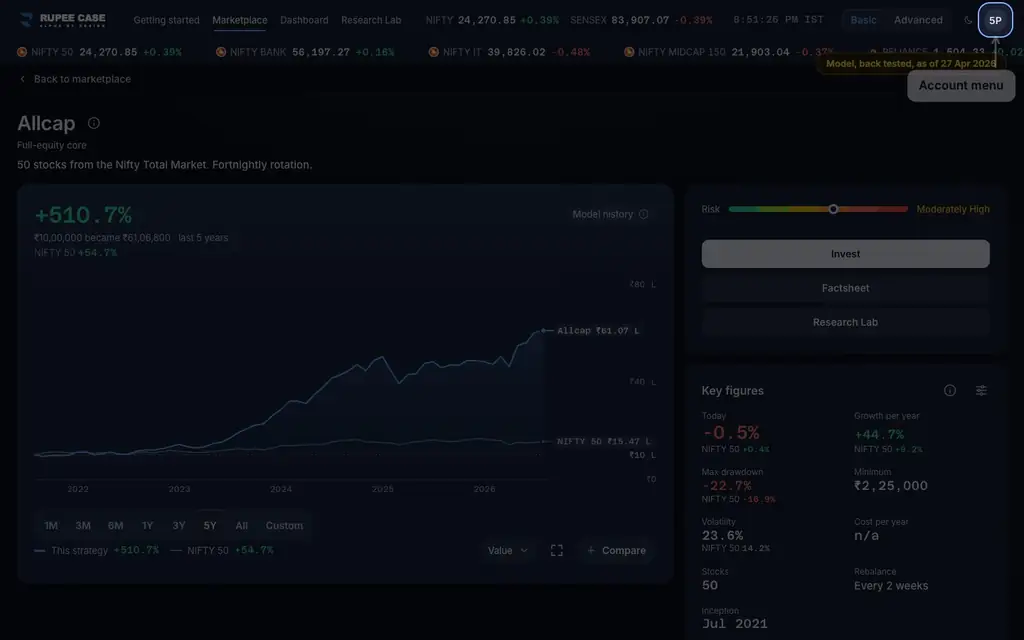
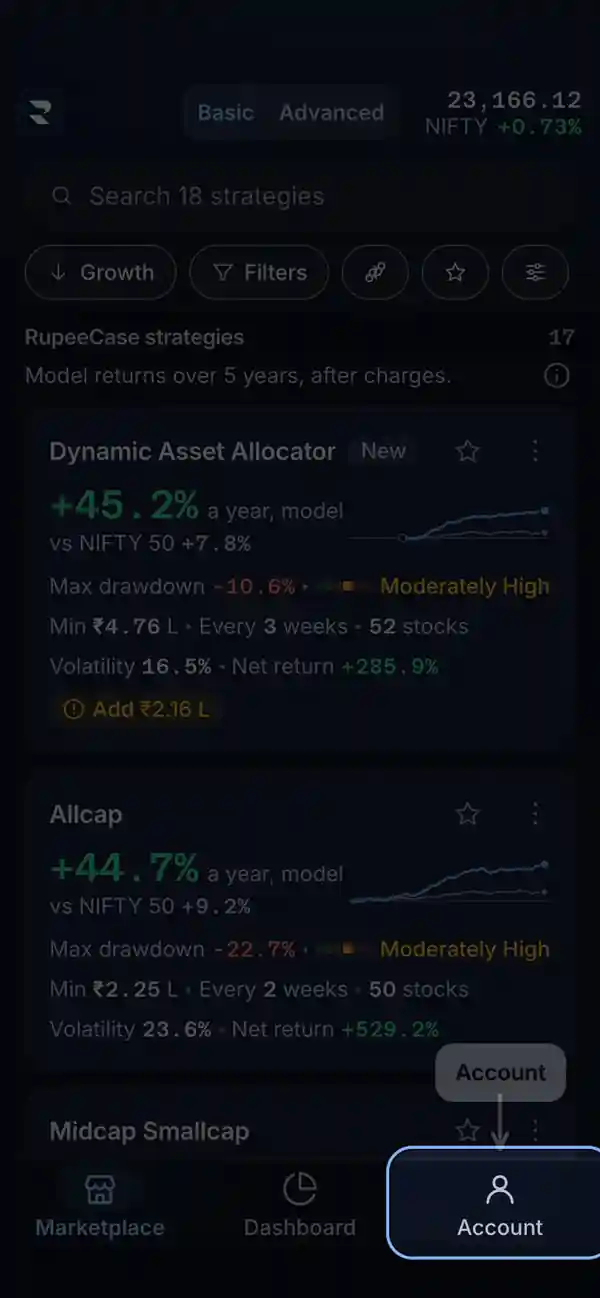
ScreenAccount menuBasic
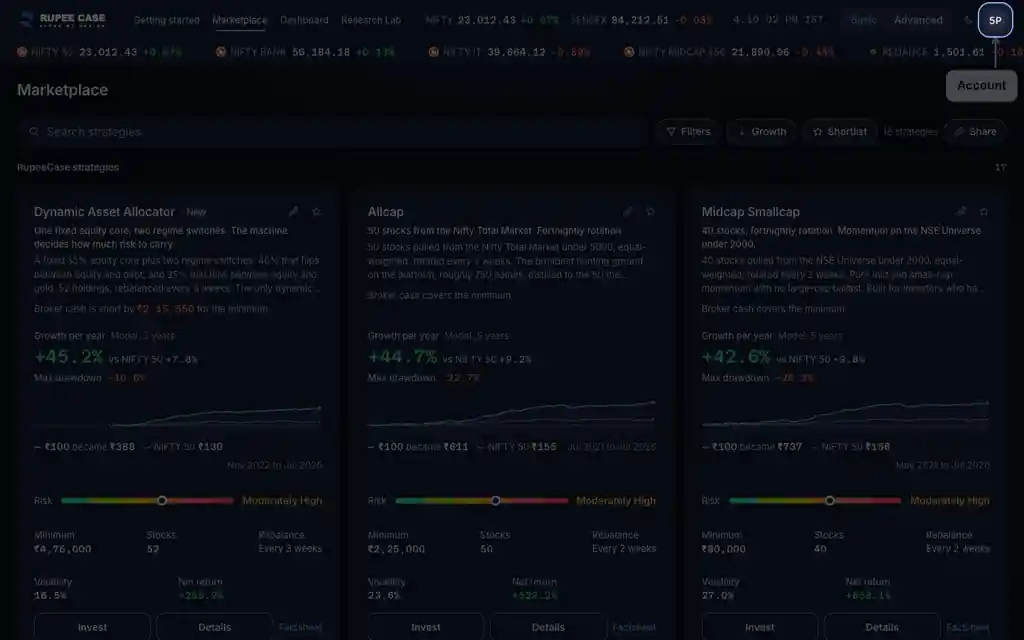
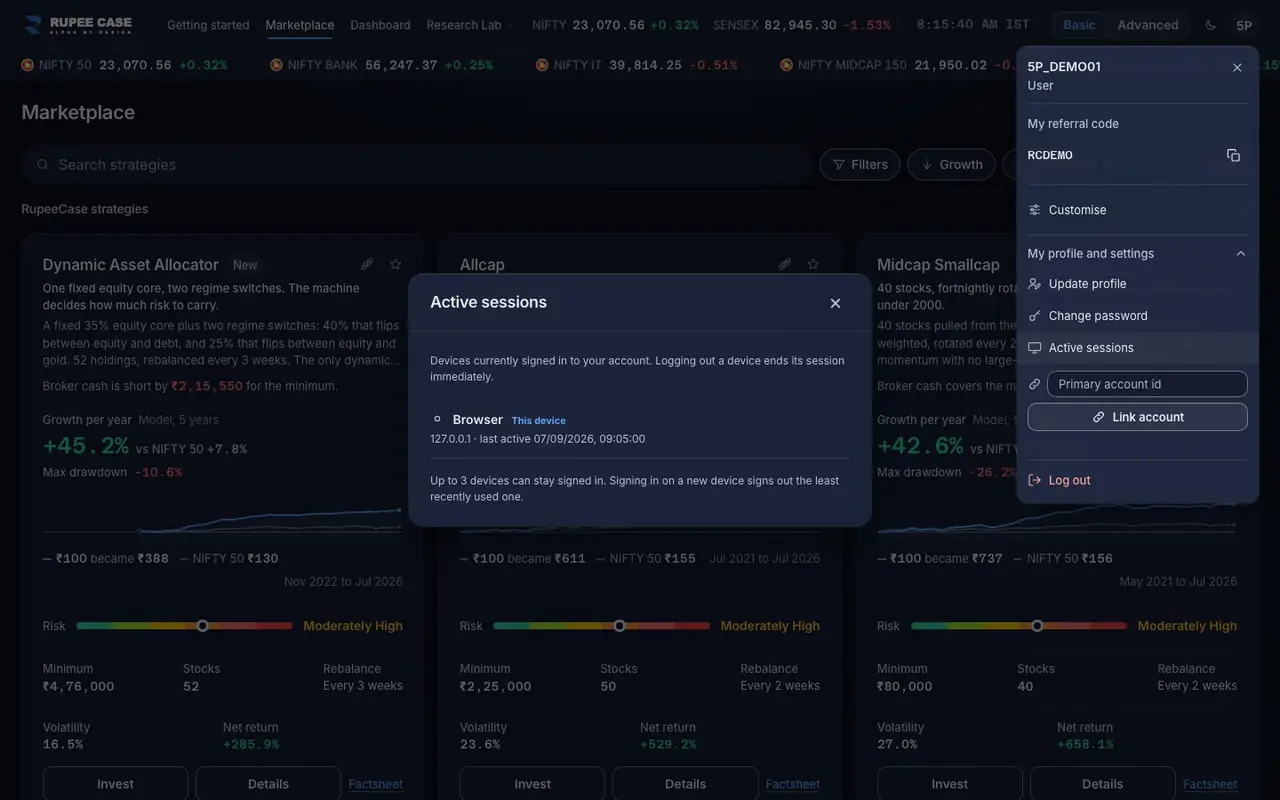
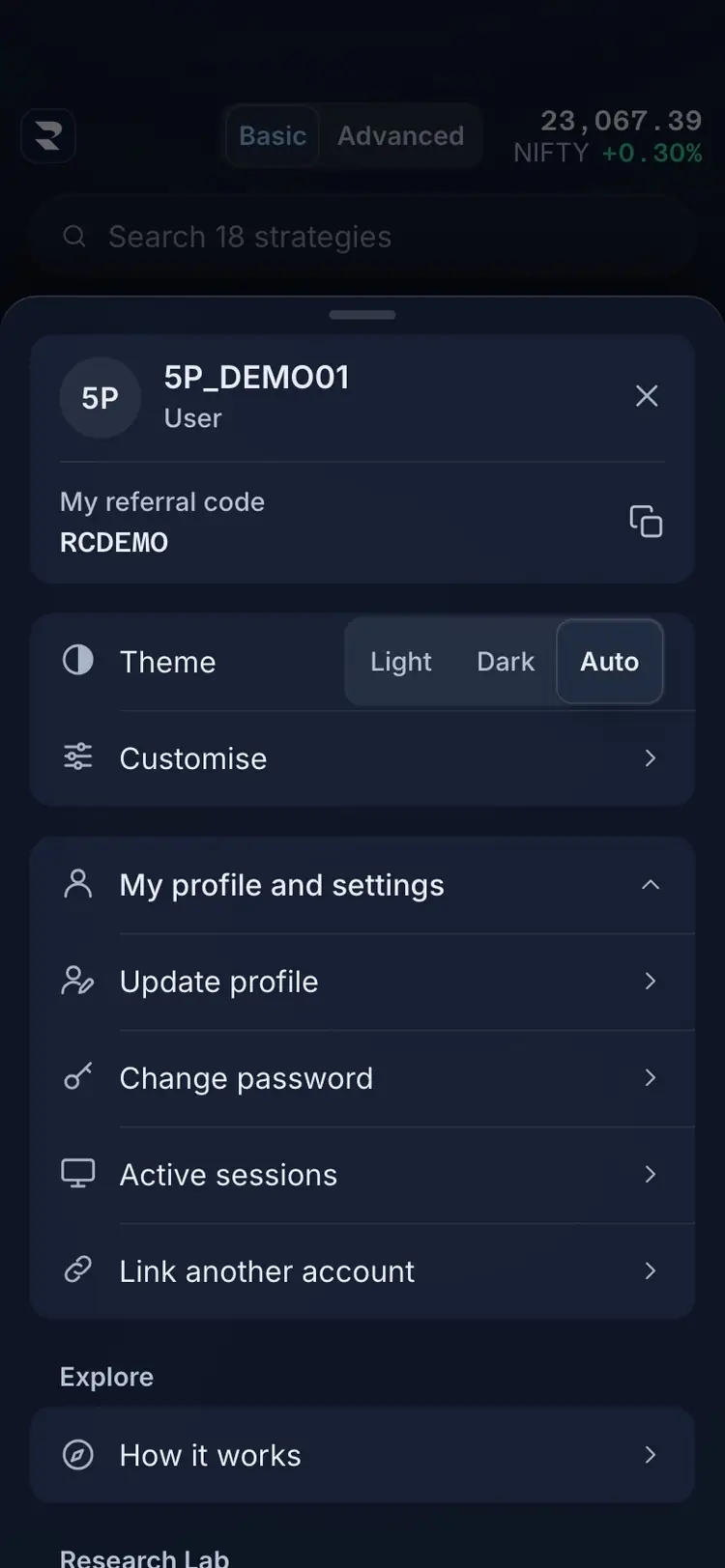
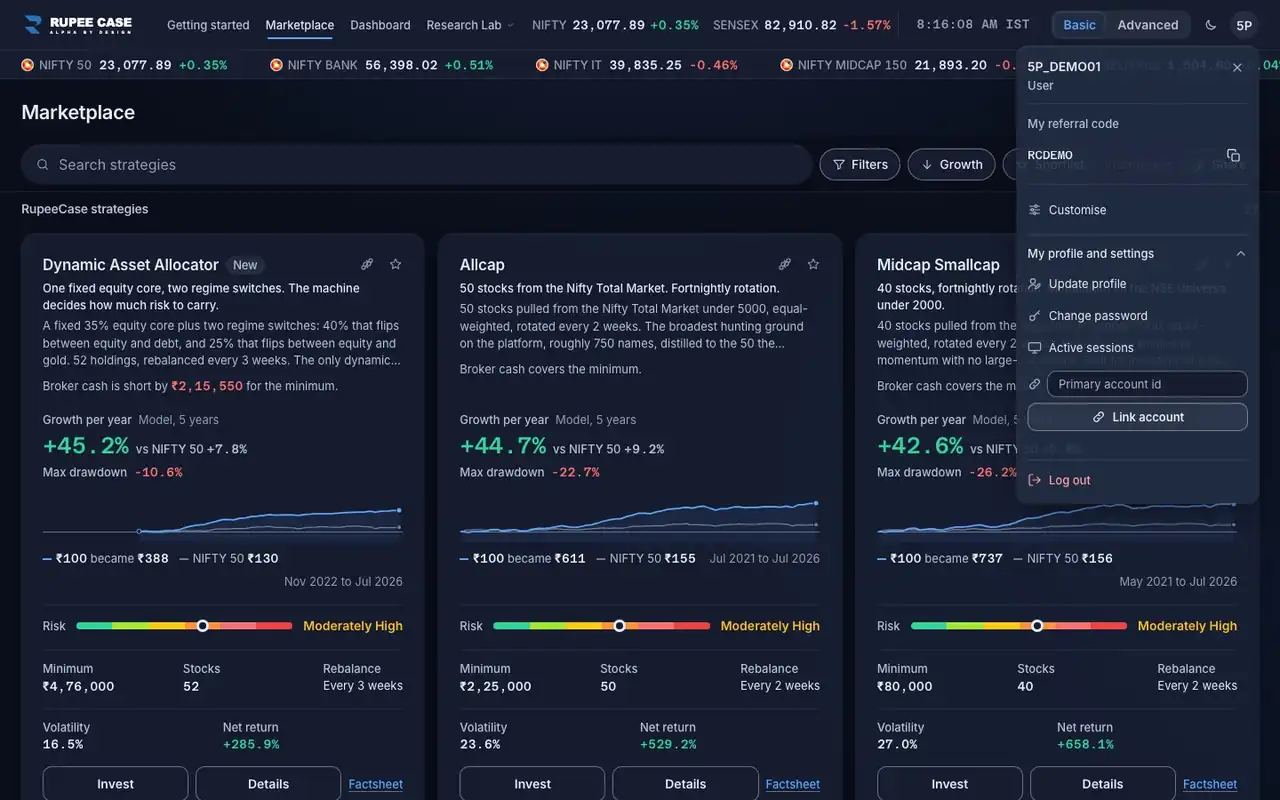
The account button in the app bar opens the account menu (a sheet on a phone). My profile and settings holds Update profile, Change password, Active sessions and Link another account. Basic and Advanced.
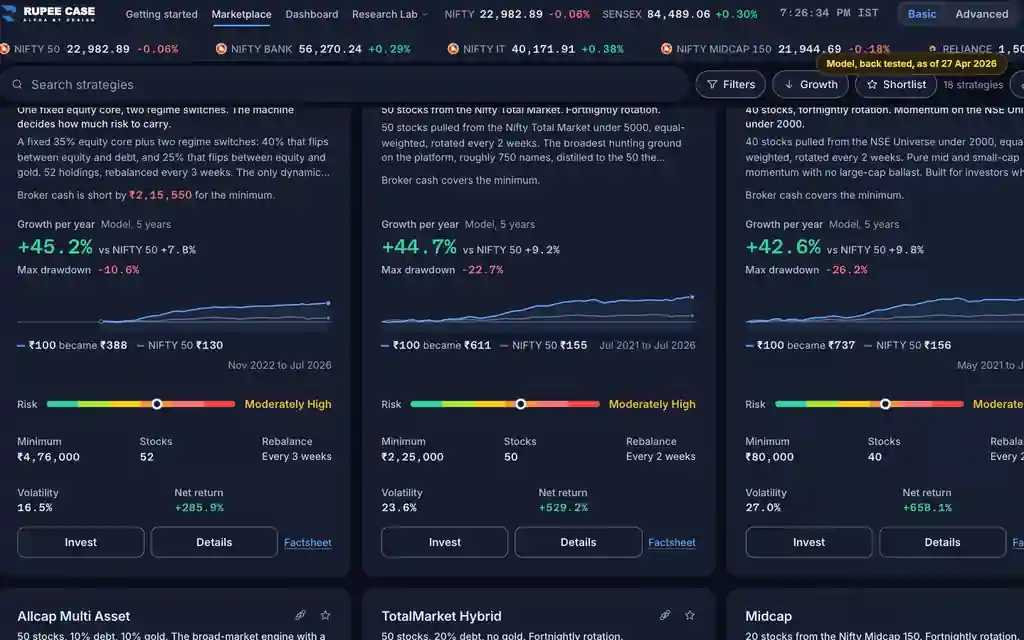
The app lists every RupeeCase index; each has its own page. See all 18 in one table.
What it means
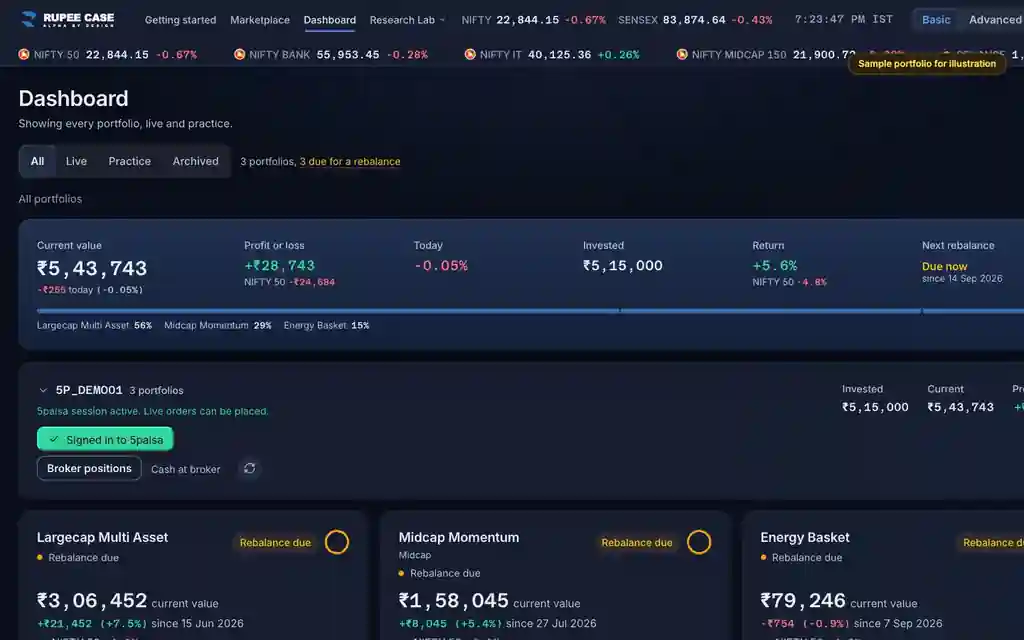
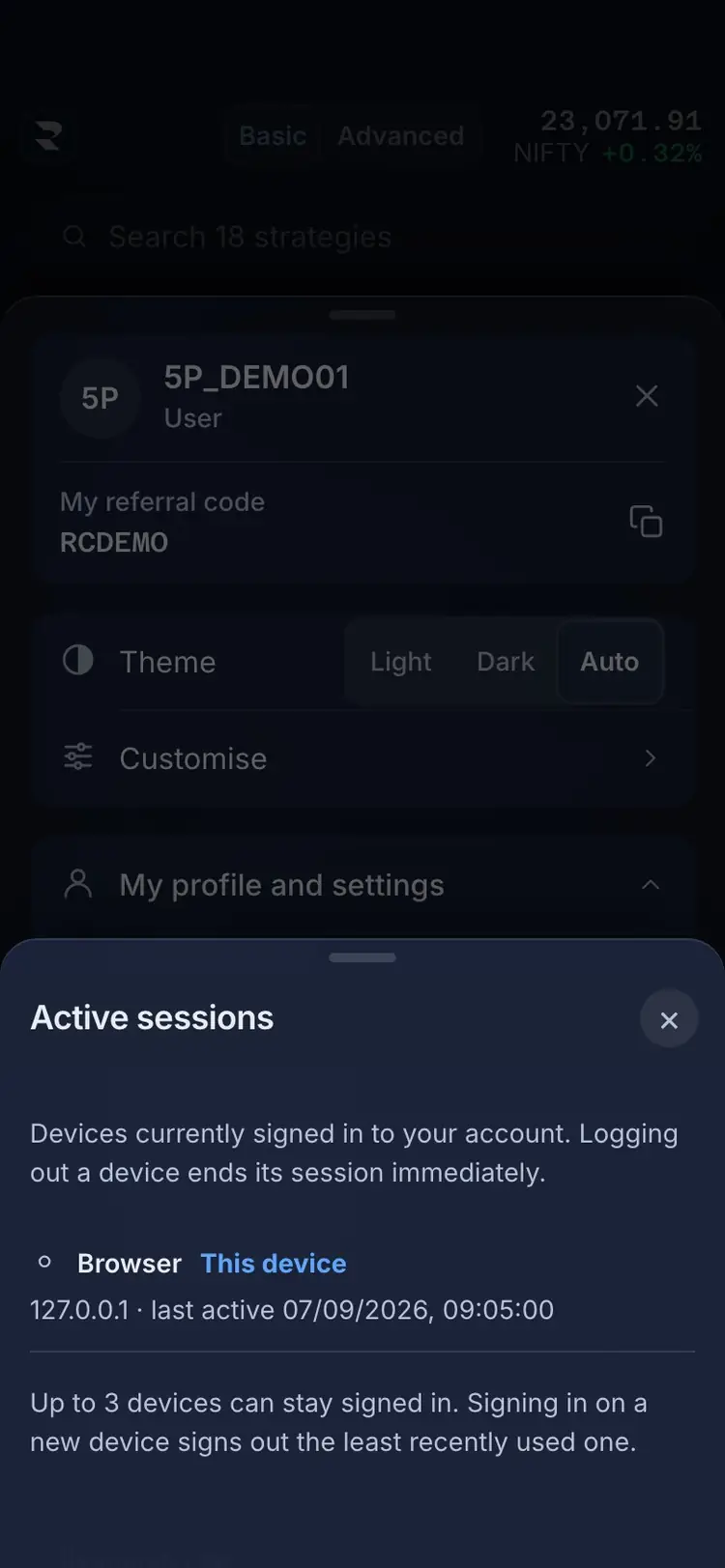
The menu starts with your user id and My referral code: its copy button copies a sign up link with the code in it. Active sessions lists every device signed in to your account, with Log out on each other device; a note gives the device limit, and signing in on one more device signs out the one used least recently. Link another account puts this login under a primary account by that account's user id, so its portfolios group with the primary account's on the Dashboard. The codes sent at sign up or for a password reset are six digit one time codes.
The formula
Nothing here is a figure. Sessions are capped by the server; the least recently used one is signed out first. Codes are six digits, sent at most three times per channel at sign up, 30 seconds apart.
Active sessions: each signed in device and when it was last active; Log out ends that session at once
Limit: Up to N devices; a new sign in signs out the least recently used
Link another account: a primary account id (a RupeeCase user id)
One time code: 6 digits; 3 sends per channel at sign up, a 30 s wait between
Worked example
Example only
- Limit 3 devices: a phone, a laptop and a tablet are signed in
- You sign in on a fourth device
- The device used least recently is signed out
How to read it
- This device marks the session you are using; it has no Log out button.
- "Linked to" names the primary account; Unlink account undoes the link.
- The referral link opens sign up with your code filled in.
Watch out
- Link another account asks for a RupeeCase user id, not a broker login.
- Logging out a device ends its session at once.
- After three sends a code button reads Limit reached.
Transcript
Tap Sound on for voice and music. These are the captions of the video, chapter by chapter.
- 0:00Where it is. The account button opens the account menu.
- 0:15What it means. Active sessions lists every device signed in.
- 0:42Worked example. Worked example, example only: Limit 3 devices: a phone, a laptop and a tablet are signed in. You sign in on a fourth device. The device used least recently is signed out.
- 0:48How to read it. Link another account puts this login under a primary account.
- 1:03Watch out. Watch out: Link another account asks for a RupeeCase user id, not a broker login. Logging out a device ends its session at once. After three sends a code button reads Limit reached.
Terms in this tutorial
- Active sessionsThe phones and browsers where your RupeeCase login is open right now.
- Linked accountsJoining one RupeeCase login to another, the primary account, by its account id.
- OTPA one time password: a short code sent to your phone or email that proves you are the person signing in or changing a detail.
- Referral codeA code of your own that you can share; a person who signs up with it is linked to you.
- Install the appAdding RupeeCase to your phone's home screen from the browser, so it opens full screen like an app, with a tab bar and pull to refresh.