


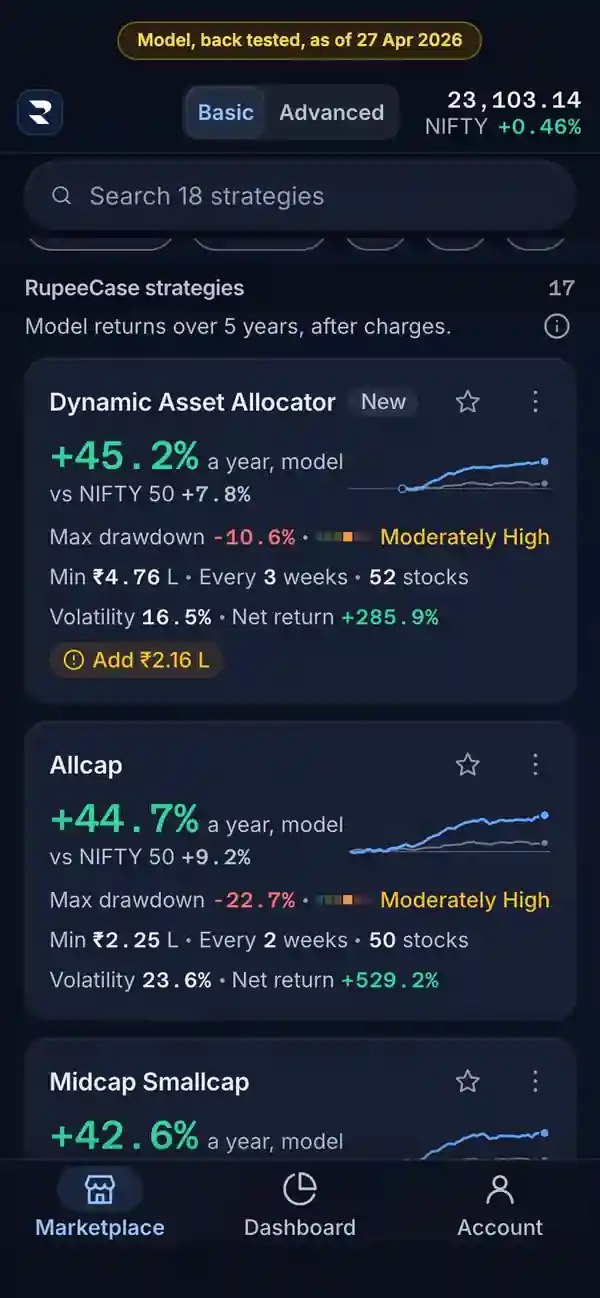
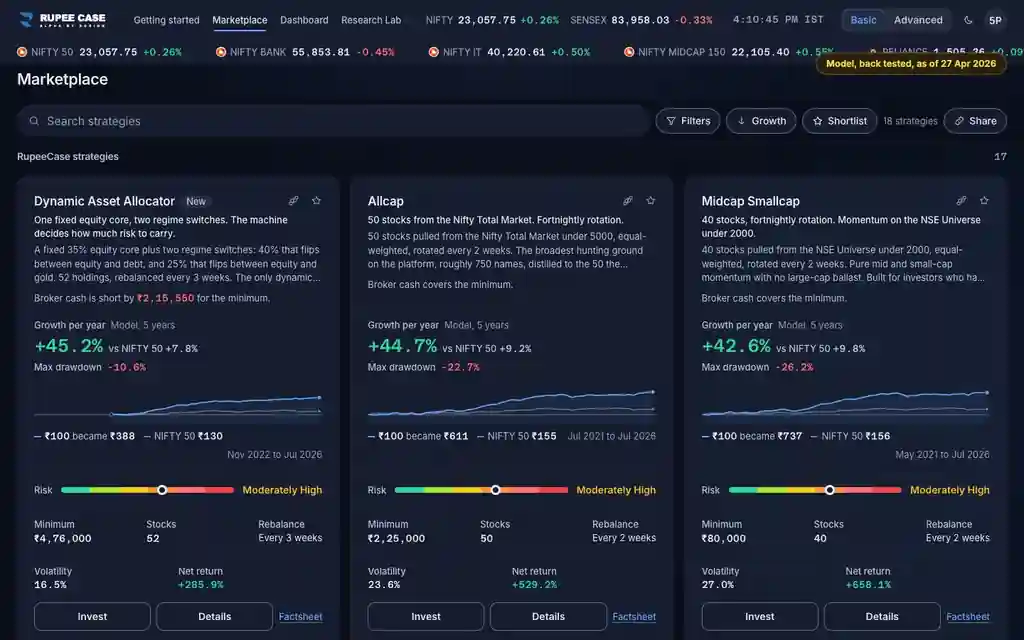
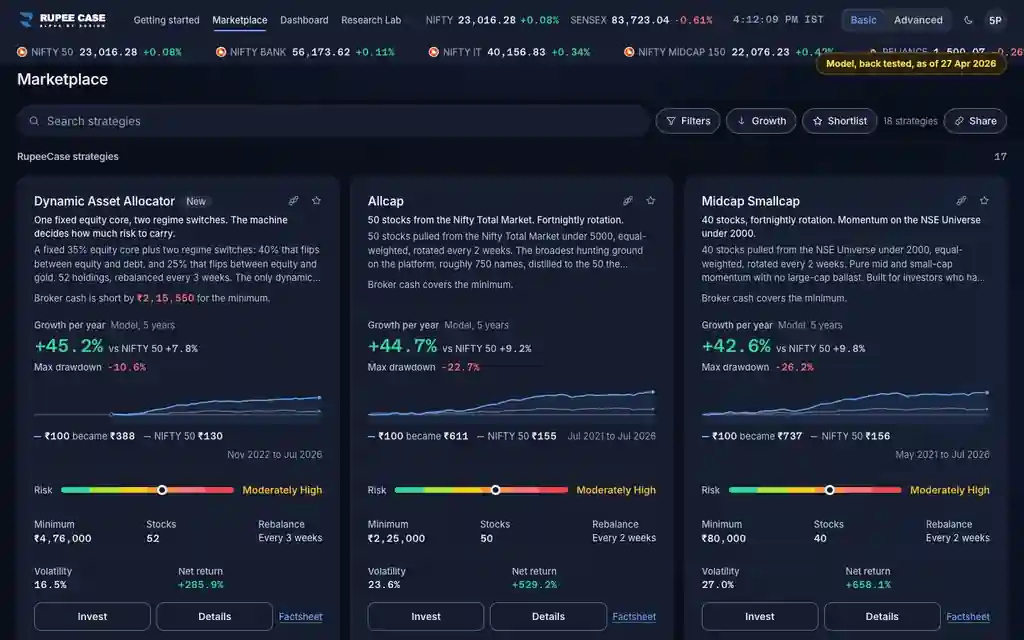
Where it is
ScreenMarketplaceBasic
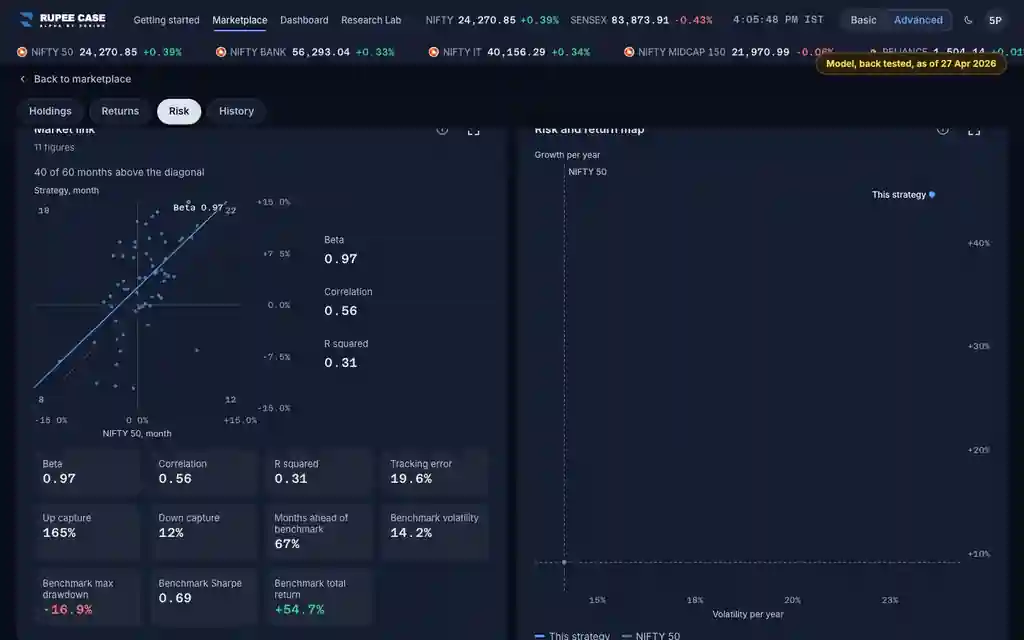
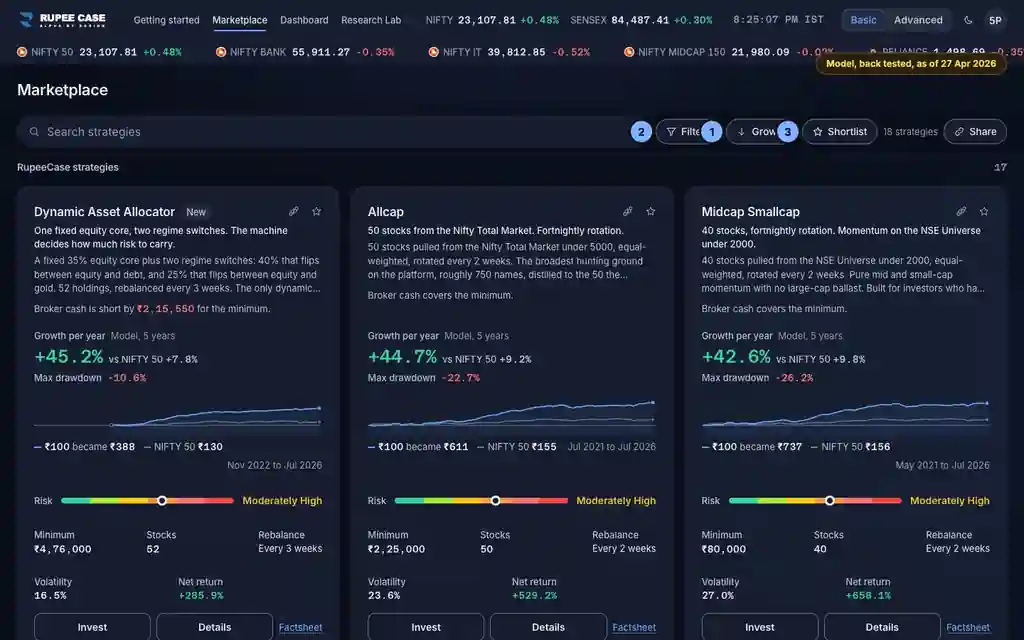
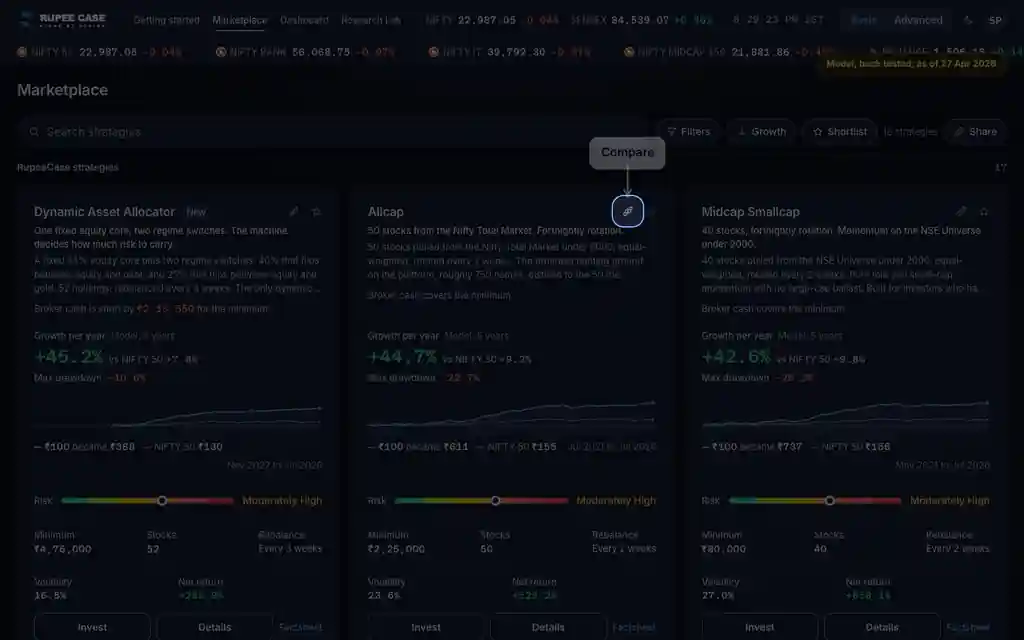
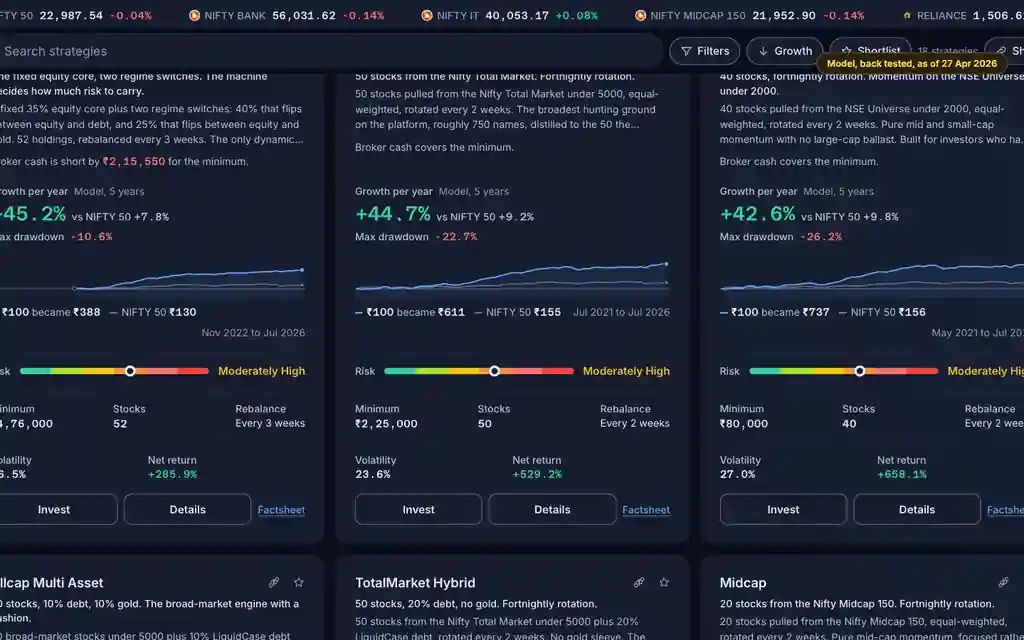
Marketplace cards, and on a phone their More sheet; the Theme and Source groups in Filters; the strategy page head and About this strategy. Basic and Advanced.
The app lists every RupeeCase index; each has its own page. See all 18 in one table.
What it means
New marks a strategy listed in the last 90 days: the listing is new, while its model history can run for years. Partner marks a strategy published by a partner account; the Marketplace lists RupeeCase strategies first, then Partner strategies, and on a card the Partner chip shows during a search. Themes are worked out from the strategy, not picked by hand: Momentum unless the name says equal weight, plus Multi asset, Hybrid, Dynamic allocation, Focused, Sector or Margin (MTF) where they apply. Factsheet opens the document the strategy links, in a new tab.
The formula
New: listed within 90 days. Partner: the strategy belongs to a partner account. Themes: read from the name and the design.
New = listed less than 90 days ago (Sort, Recently added, uses the same date)
Partner = published by a partner account; listed under Partner strategies
Equal weight: the name says EQUAL WEIGHT or EQW; otherwise Momentum
Also: Multi asset, Hybrid, Dynamic allocation, Focused, Sector, Margin (MTF)
Factsheet: the strategy's linked document, in a new tab
Worked example
Example only
- Listed 60 days ago: New shows
- At 90 days the New chip goes
- The model history behind it can start years earlier
How to read it
- Filters, Theme, keeps strategies by these tags; Source can hide partner strategies.
- Momentum is the default tag, not a statement about the method.
- New says the listing is recent, not that the history is short.
Watch out
- Theme tags come from names and settings: read the description too.
- A factsheet is the strategy owner's document; the card figures are model history after estimated charges.
- The Partner chip on a card shows only while you search; table rows always carry it.
Transcript
Tap Sound on for voice and music. These are the captions of the video, chapter by chapter.
- 0:00Where it is. New marks a strategy listed in the last 90 days.
- 0:15What it means. Momentum is the tag unless the name says equal weight.
- 0:37Worked example. Worked example, example only: Listed 60 days ago: New shows. At 90 days the New chip goes. The model history behind it can start years earlier.
- 0:42How to read it. Factsheet opens the strategy's own document in a new tab.
- 0:59Watch out. Watch out: Theme tags come from names and settings: read the description too. A factsheet is the strategy owner's document; the card figures are model history after estimated charges. The Partner chip on a card shows only while you search; table rows always carry it.
Terms in this tutorial
- New strategyA strategy added to the Marketplace in the last 90 days.
- Partner strategyA strategy built and run by a RupeeCase partner rather than by RupeeCase itself.
- Equal weightPutting the same amount of money into every stock held.
- FactsheetA short document that sums up a strategy: its rules, its figures, its holdings and its risks, on one or two pages.
- momentum factorTendency of stocks that have performed well recently to continue performing well in the near future.