


The Marketplace
Transcript
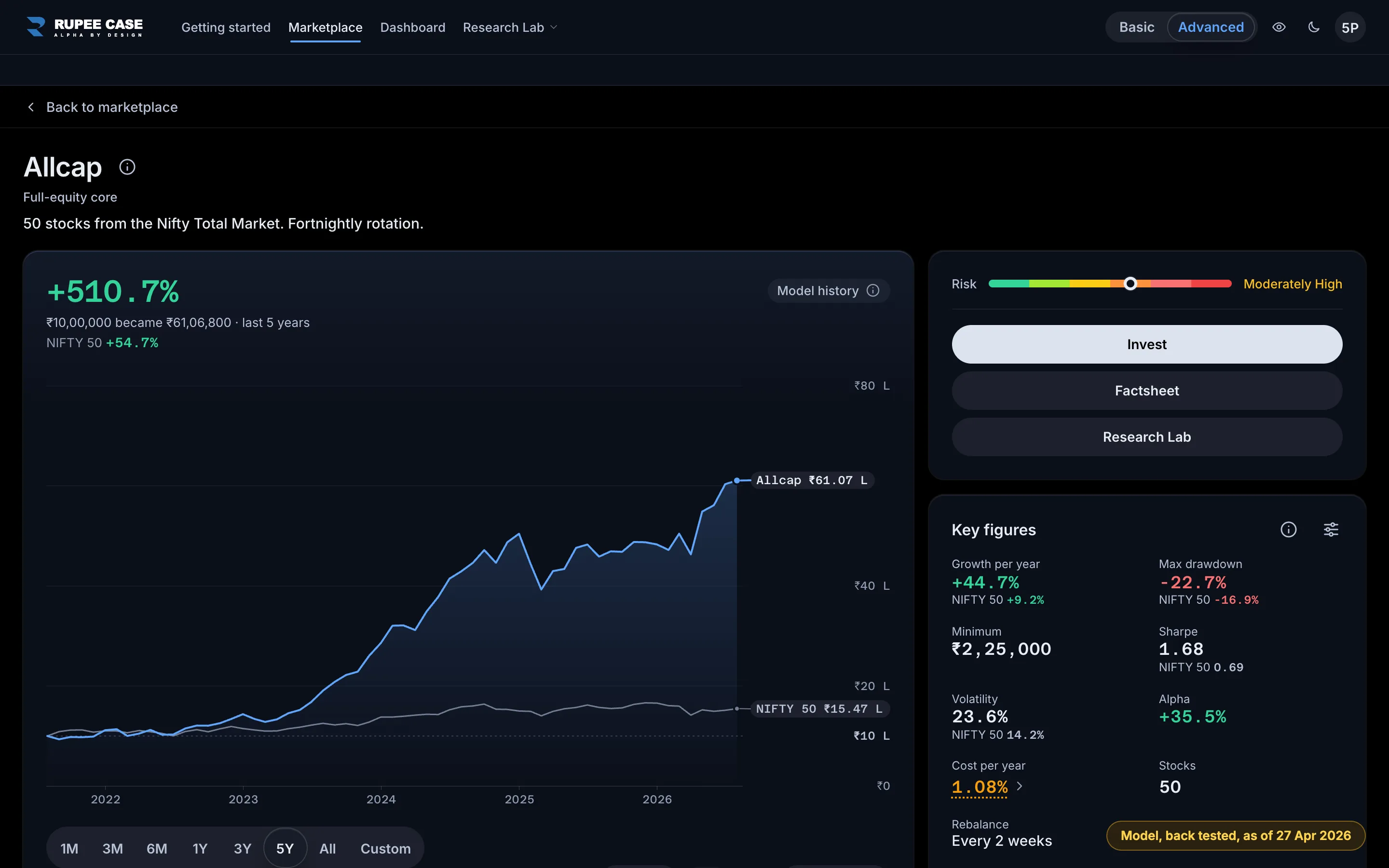
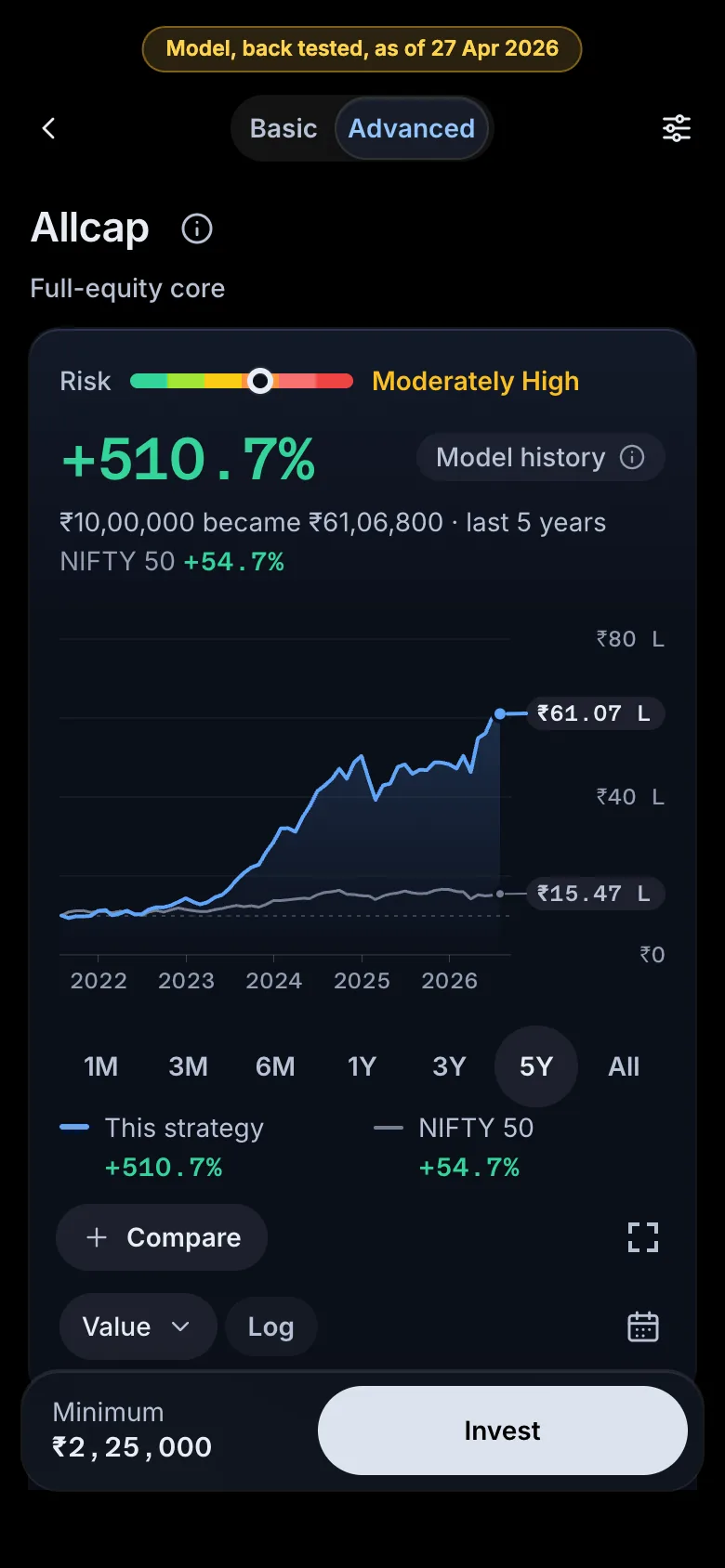
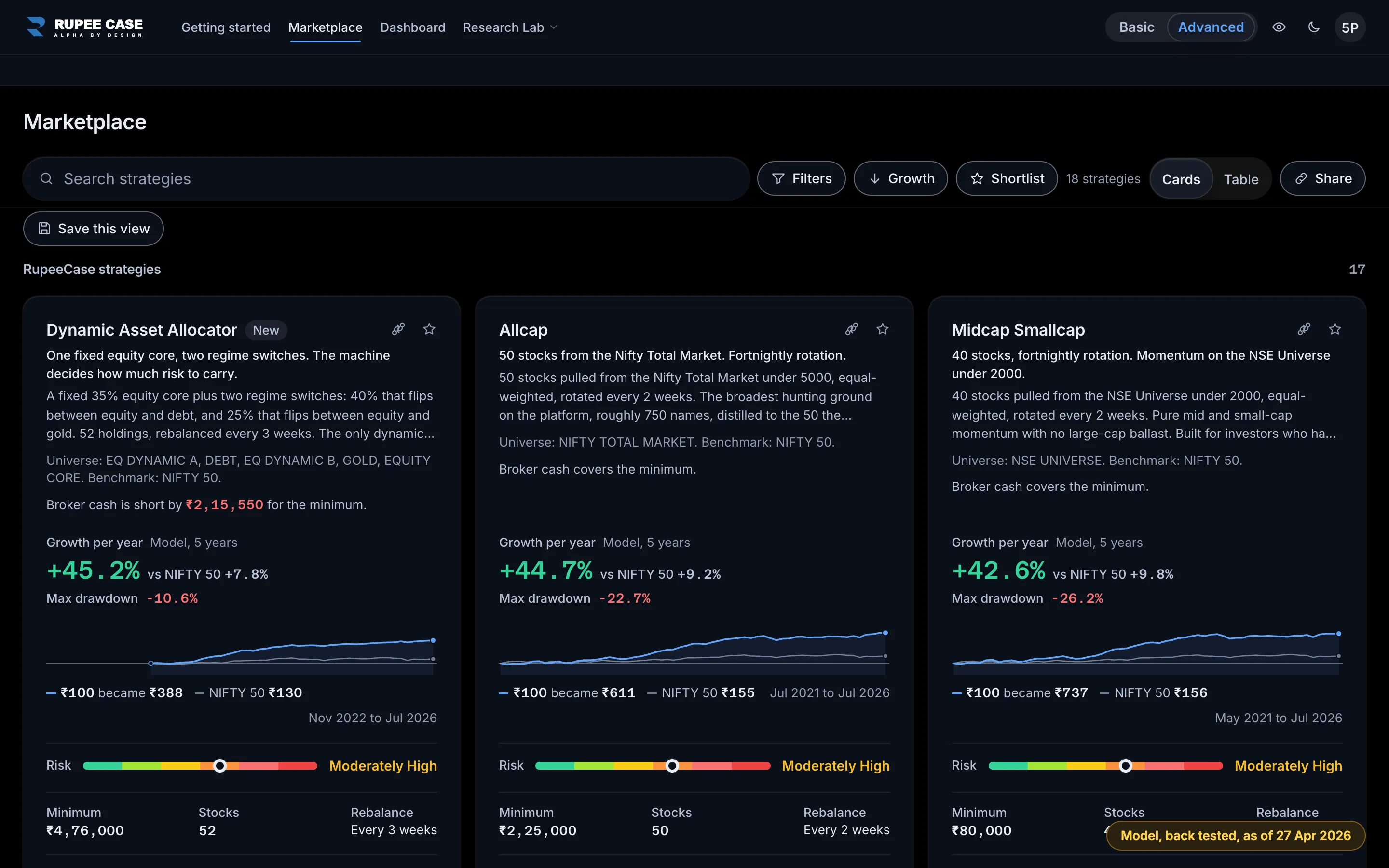
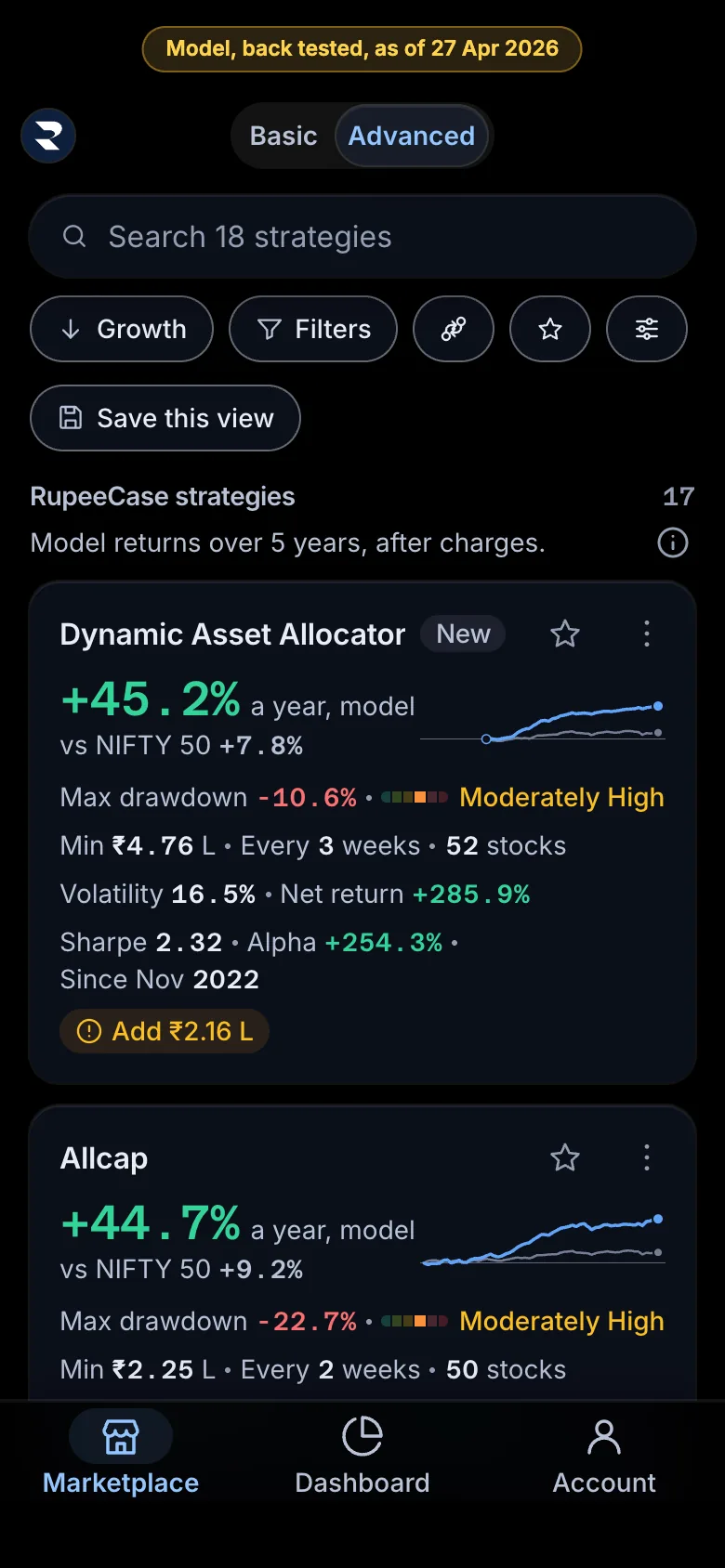
This is the RupeeCase Marketplace, the first screen of the terminal. Every card is one strategy. The large figure is growth per year, with the NIFTY 50 figure beside it for the same period. Under it sit max drawdown, the risk band, the minimum investment and the rebalance cadence, with a small model curve. All of these are model figures: back tested, after estimated charges, as of 27 April 2026, and not a promise of future returns. Read growth and drawdown together, then filter, sort and shortlist a few strategies to compare.
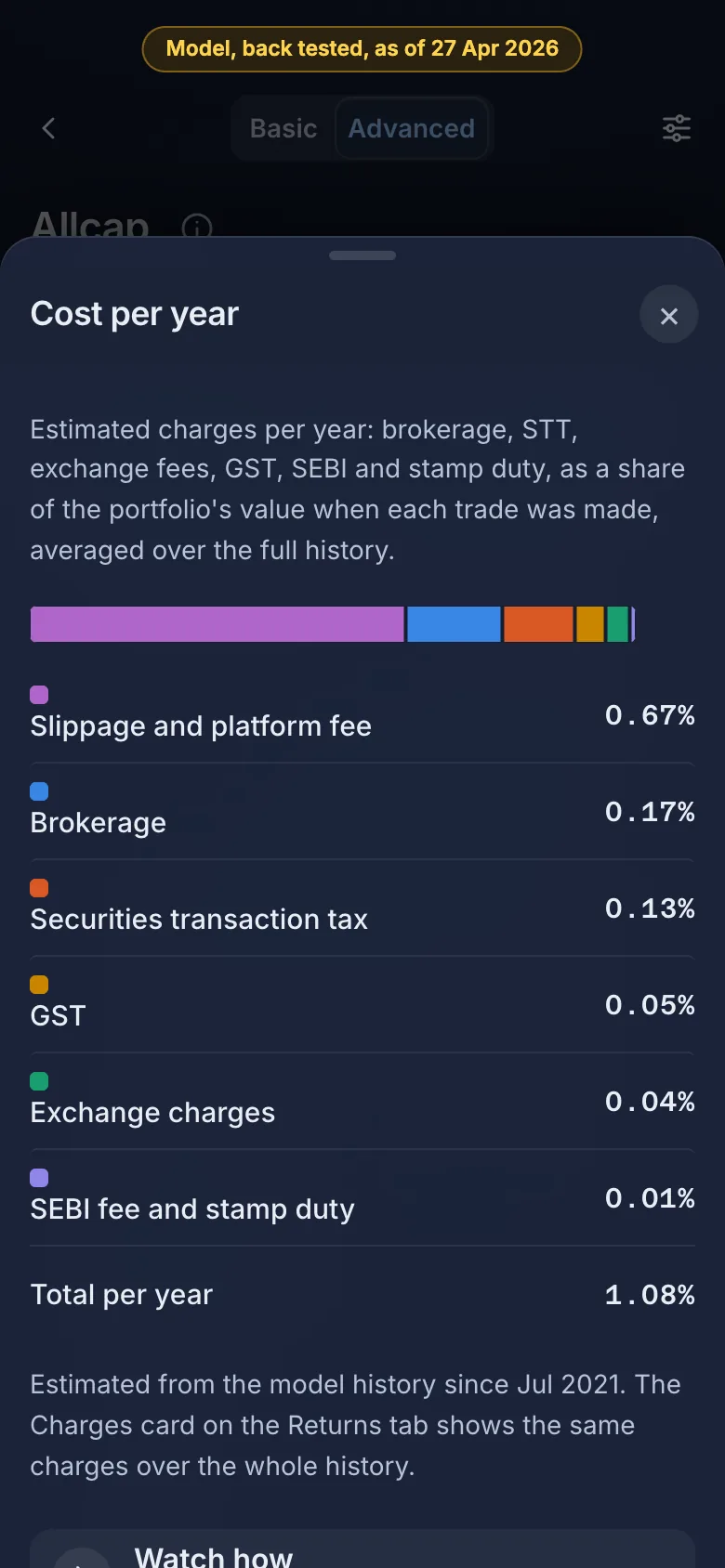
What it shows. The Marketplace is the first screen of the terminal. Each card is one strategy: growth per year beside the NIFTY 50 figure, max drawdown, the risk band, the minimum, the rebalance cadence and a small model curve.
Why it matters. It answers the first question an investor has: which of the 18 strategies fits my money, my risk and my patience? The cards put the figures that matter side by side, in the same order on every card.
How to read it. Read growth per year and max drawdown together: a higher growth figure with a deeper fall is a rougher ride. Every card figure is model, back tested, after estimated charges, as of 27 Apr 2026, and not a promise of future returns. Filter by minimum or risk band, sort by the figure you care about, and shortlist a few to compare.
In the tutorial
-
Tutorial, 5 chapters, voice
Filters, sort and shortlist: how do I narrow the list?
Narrow the Marketplace with filters, order it with sort, keep a shortlist and, in Advanced, read it as a table with computed columns.
What the voice says, chapter by chapter
- Where it is Here is the Marketplace toolbar, just above the strategy cards. It has three tools: Sort, Filters and the shortlist star. Together they help you narrow a long list down to the few strategies that suit your needs. That matters because the Marketplace lists many strategies, and reading every card is slow. Start with the toolbar before you open any card. Everything you set here changes only what you see. Nothing is bought or changed in any portfolio. The star on a card adds that strategy to your shortlist. Then the shortlist switch shows only the starred ones, so you can come back to them later.
- What it means Filters keep a strategy only if it matches every group you set. Pick one value in a group, for example Risk, Moderately High. The groups are tier, risk, minimum and rebalance, with cap segment, theme, stocks and source behind More filters. A strategy stays only if it matches all of them. Sort orders the cards by one figure, high to low or low to high. It uses each figure exactly as the card shows it. Those figures are model, back tested, as of 27 April 2026, after estimated charges. Computed columns, like Calmar, load each strategy's history first.
- Worked example Worked example, example only. Start from every strategy. Set Risk to High and that leaves 6. Now add Minimum up to Rs 1 lakh. Of those 6, 4 remain. Each filter you add can only shrink the list, never grow it. Now Calmar, a computed column. If a strategy grew 30% a year with a max drawdown of 20%, divide 30 by 20 and you get 1.5. A higher Calmar means more growth for each unit of fall. Try the same steps on your own filters and watch the count change.
- How to read it In Advanced, the layout can be a list. On a wider screen it shows a table. Each row sets out the same model figures in columns. Read the Show N strategies button first, because it counts what your filters leave. Every card figure is model history after charges, over the full history, so a sort compares like with like. Your filters, sort and layout stay on this device. Share this view puts them into a link. Open Customise to add columns such as Calmar, then press a column heading to sort by it.
- Watch out Watch out for a few limits. A sort orders past model figures, and it is not a recommendation. Computed columns load each strategy's history, so they can take a moment. The table lives in Advanced. In Basic, a saved table waits and the cards show instead. Clear your filters if the list ever looks too short. Next, compare strategies: how do I set up to four side by side?